



Number Counting Animation Template
Introducing the first-ever fully customizable Number Counting Animation template for Adobe Premiere Pro. Bring your numbers to life with dynamic animations, offering full control over duration, decimals, easing, style and more!

Works with Premiere Pro 2021-2026
Instant Download
Lifetime Access + Free updates
Commercial license
Number Counting Animation Template
Highlights
Fully customizable
Animate numbers without a single keyframe.
No plugins
Runs natively in Premiere Pro.
Easy to use
Simple for beginners. Fast for pros.


Count anything
Controls
Separators
Build it and change it in Premiere Pro.
Everything in Essential Graphics
Prices, percentages and follower counts
Made for every edit.

Premiere Pro 2021–2026
No plugins needed.
Try it yourself
Adjust the settings below, then press Play to see it in action.
Text Design
Custom fonts work in Premiere Pro. This preview uses a limited font list.
Gradient
Wiggle
Shadow
Glow
Animation
Motion Blur
Transform
Made for every edit
One template. Every number.
Prices, follower counts, percentages, statistics and financial data. Set your values, decimals and separators, and it counts on its own.
-
Prices
Decimals -
Follower counts
Thousands separators -
Financial data
Text before and after -
Statistics
Any start and end value
Fully customizable
Change anything. In Premiere Pro.
All in the Essential Graphics panel. No keyframes, no After Effects.
35+
controls in one template
-
Start and end values
Count from any number to any number.
-
Timing
Set how long it counts, so it lands on the beat.
-
Formatting
Separators, decimals, a prefix or a suffix.
-
Typography
Pick any font to match the rest of your edit.
-
Alignment
Left, center or right, so it grows your way.
-
Transform
Position, scale and rotate it anywhere in frame.
-
Glow
A soft glow makes every number pop.
-
Motion blur
Fast numbers stay smooth, like real camera motion.
Edit faster. Deliver sooner.
Build number animations right inside Premiere Pro, with no trips to After Effects or other software. Save hours on every project.
Every detail, your call.
More than 35 controls put every detail in your hands—fonts and colors, start and end values, separators and more.
Pay once. Keep it forever.
One payment gets you lifetime access, with every future update included free. No subscription. No hidden fees.
Easy to use
Ready in three steps. No keyframes.
-
1
Import the template
Open Graphics Templates (Essential Graphics in older versions) and import the .mogrt file.
-
2
Drag it onto your timeline
Drop it above your footage like any other clip.
- 3
Type your numbers
Set the start and end values, style and timing in the Essential Graphics panel. It counts on its own.
- Premiere Pro 2021–2026
- Windows and macOS
- No plugins needed
- Instant download
Simple from the start
From checkout to timeline. No installer needed.
Install the template in Premiere Pro once. No plugins or extra setup.

Premiere Pro 2021–2026 · Windows & macOS · No plugins needed
See the difference
Stop rebuilding counters.
Get flexible, reusable number animation without switching apps or manually animating every value.


See how it works.
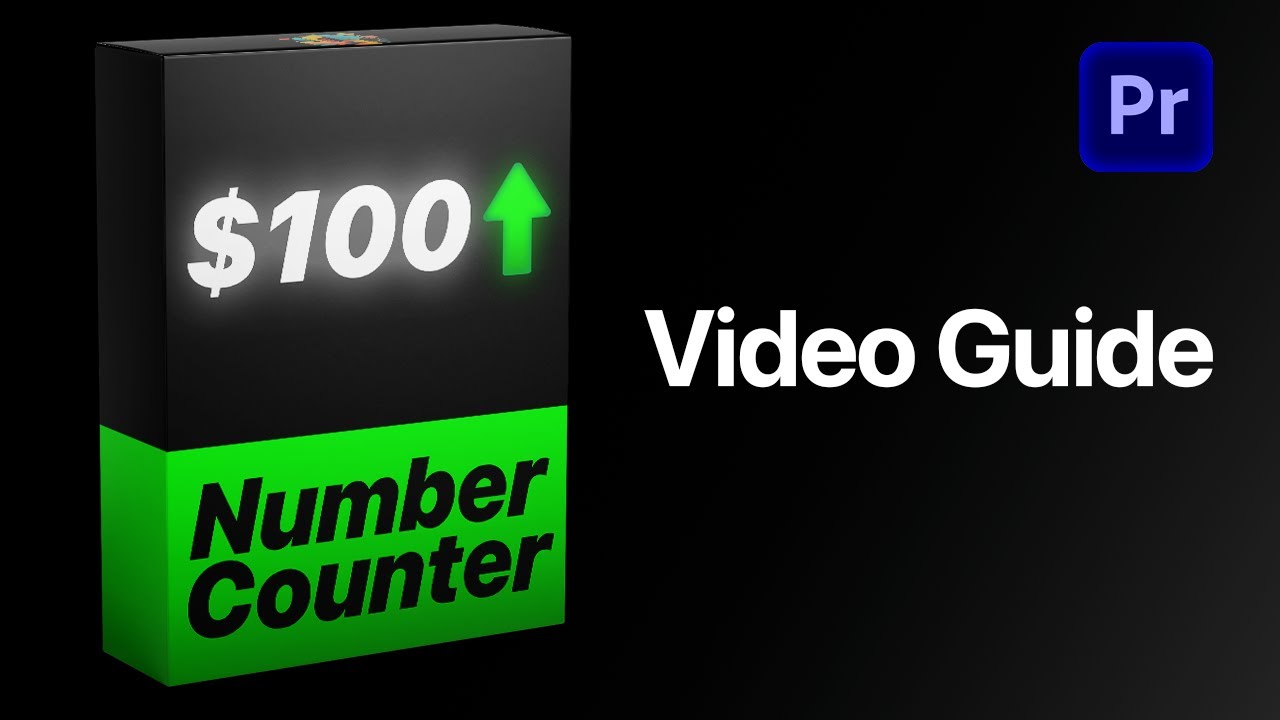

Bring your numbers to life. Starting today.
One template for every counter, price and stat you will ever need, right inside Premiere Pro.
- Instant download
- Lifetime access and free updates
- Premiere Pro 2021–2026
- Commercial license