

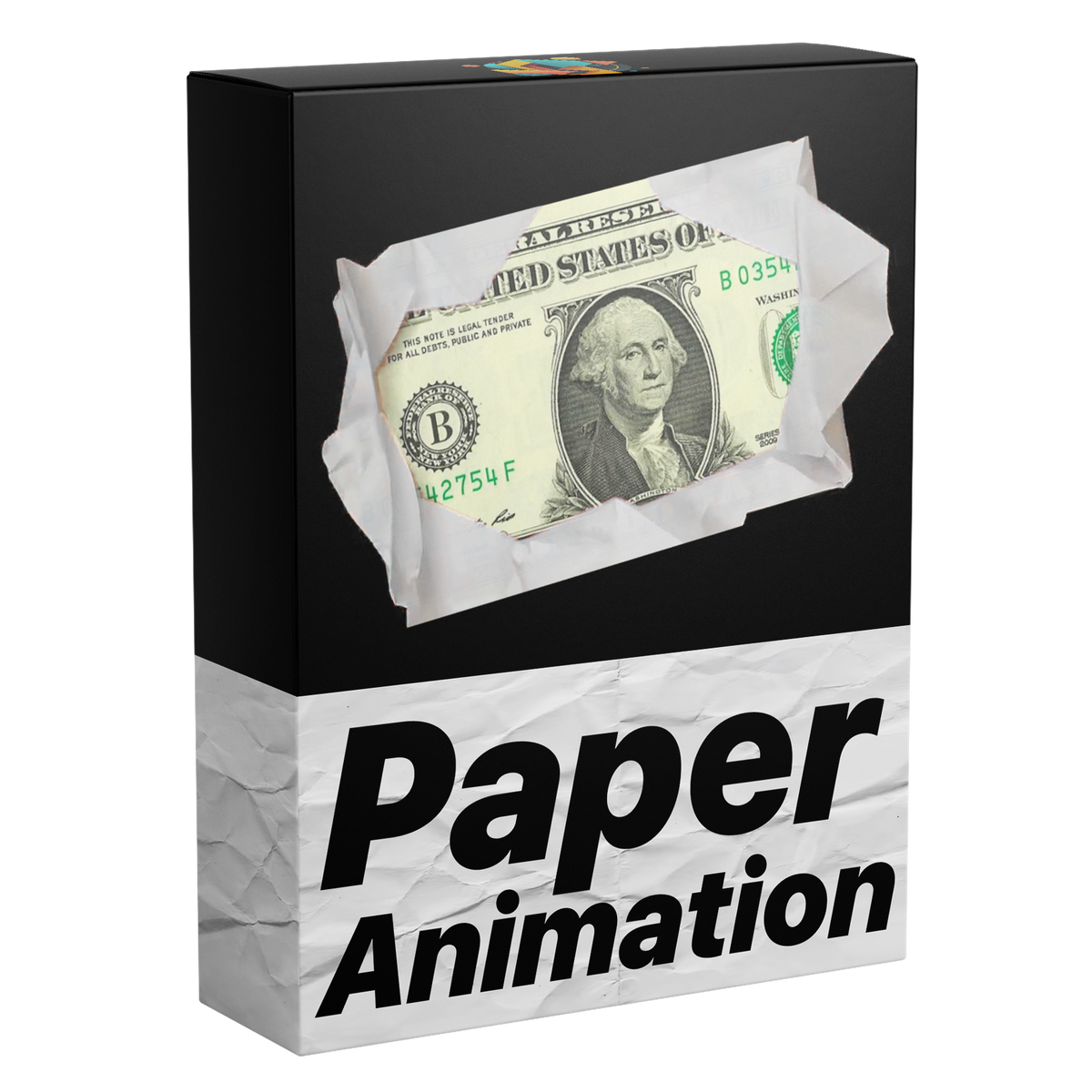

Paper Fold Animation Template
Introducing the ultimate Paper Fold Animation template for Premiere Pro. Just drag and drop your images to create smooth, stylish paper-style animations. Clean, modern, and easy to use. No plugins needed.
Works with Premiere Pro 2021-2026
Instant Download
Lifetime Access + Free updates
Commercial license
Paper Fold Animation Template
Highlights
Fully customizable
Fold images and video without a single keyframe.
No plugins
Runs natively in Premiere Pro.
Easy to use
Simple for beginners. Fast for pros.


Fold in. Fold out.
On any image or video.
Build it and change it in Premiere Pro.
Sound built in
Sound effects synced to every fold.
Everything in Essential Graphics
Made for every edit.

Premiere Pro 2021–2026
No plugins needed.
Paper fold animations. In seconds.
Smooth paper fold effects for your images and videos—clean, eye-catching and ready in seconds. No keyframes required, all directly inside Premiere Pro.
Made for every edit
Drop it in. Watch it fold.
Photo and video reveals, playful transitions and scrapbook-style motion. Drag in your media and it folds in and out on its own, sound included.
-
Drop in any image
Drag and drop -
Photo reveals
Fold in and fold out -
PNG cutouts
Follows the shape -
Sound on every fold
Synced sound effects
Fully customizable
Change anything. In Premiere Pro.
All in the Essential Graphics panel. No keyframes, no After Effects.
-
Images and videos
Works with any photo or video clip you drop in.
-
Fold in and fold out
It unfolds into view, then folds away again.
-
Synced sound
Sound effects, synced to every fold.
-
Transform
Position, scale and rotate it anywhere in frame.

Edit faster. Deliver sooner.
Build smooth paper folds for images and video right inside Premiere Pro, with no trips to After Effects. Save time on every project.
Sound, built right in.
Sound effects are built into the template and synced to every fold in and fold out, so each fold lands with a polished, immersive sound.
Pay once. Keep it forever.
One payment gets you lifetime access, with every future update included free. No subscription. No hidden fees.
Easy to use
Ready in three steps. No keyframes.
-
1
Import the template
Open Graphics Templates (Essential Graphics in older versions) and import the .mogrt file.
-
2
Drag it onto your timeline
Drop it above your footage like any other clip.
- 3
Drop in your media
Drag your image or video into the template. It folds in and out on its own, sound included.
- Premiere Pro 2021–2026
- Windows and macOS
- No plugins needed
- Instant download
Simple from the start
From checkout to timeline. No installer needed.
Install the template in Premiere Pro once. No plugins or extra setup.

Premiere Pro 2021–2026 · Windows & macOS · No plugins needed
See the difference
The complete effect, already synchronized.
Get the fold motion and sound together instead of rebuilding masks, keyframes, and audio for every edit.


See how it works.


Make it fold. Starting today.
Smooth, stylish paper animations for your images and video, sound included.
- Instant download
- Lifetime access and free updates
- Premiere Pro 2021–2026
- Commercial license