Premiere Pro-tutorials

Stapsgewijze Premiere Pro-tutorials met screenshots, van teksteffecten tot overgangen en audio.
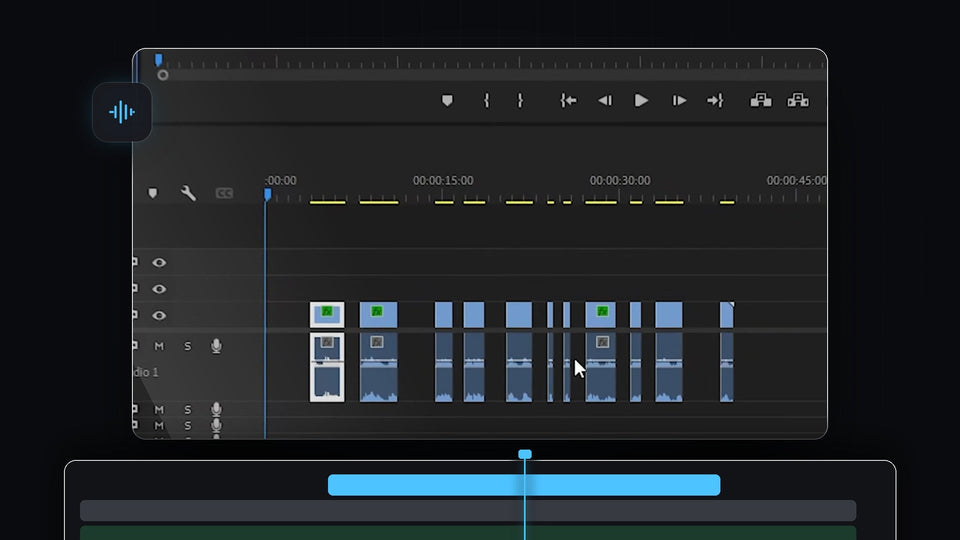
Premiere Pro timeline with a talking-head clip cut into sections after the silences were lifted out

Zo verwijder je automatisch stiltes in Premiere Pro
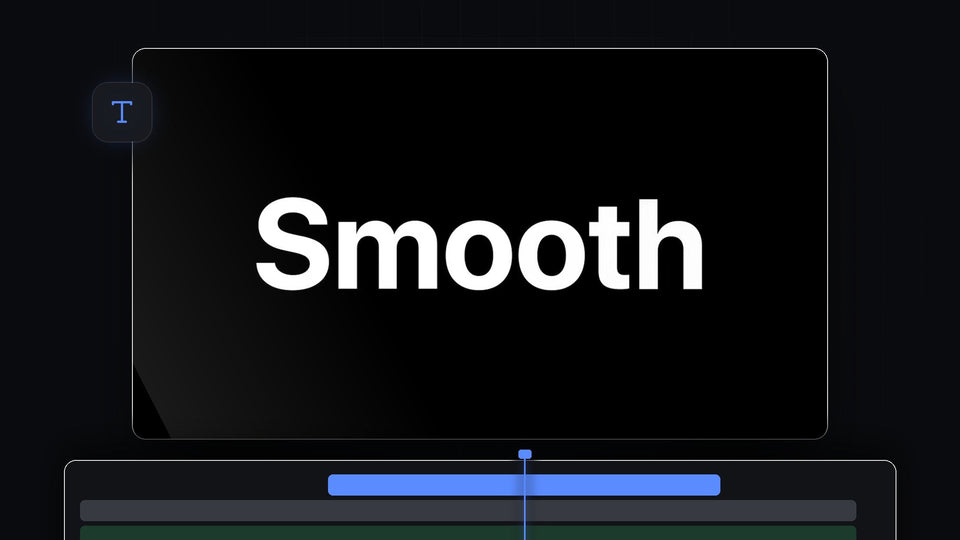
Large white Smooth title text on a black background, a smooth text animation in Premiere Pro

Een vloeiende tekstanimatie maken in Premiere Pro
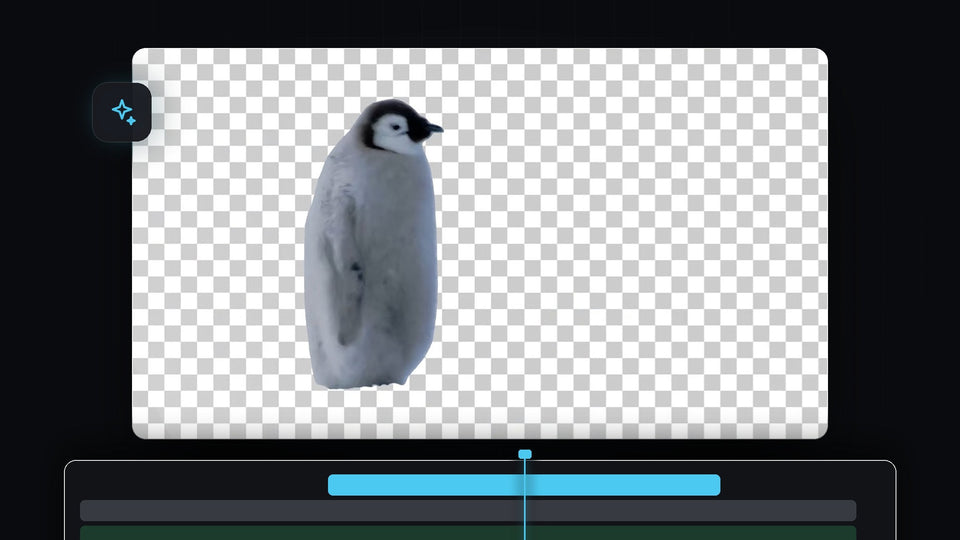
Penguin cut out from its background on a transparent checkerboard in Premiere Pro

Zo verwijder je automatisch de achtergrond van een video in Premiere Pro
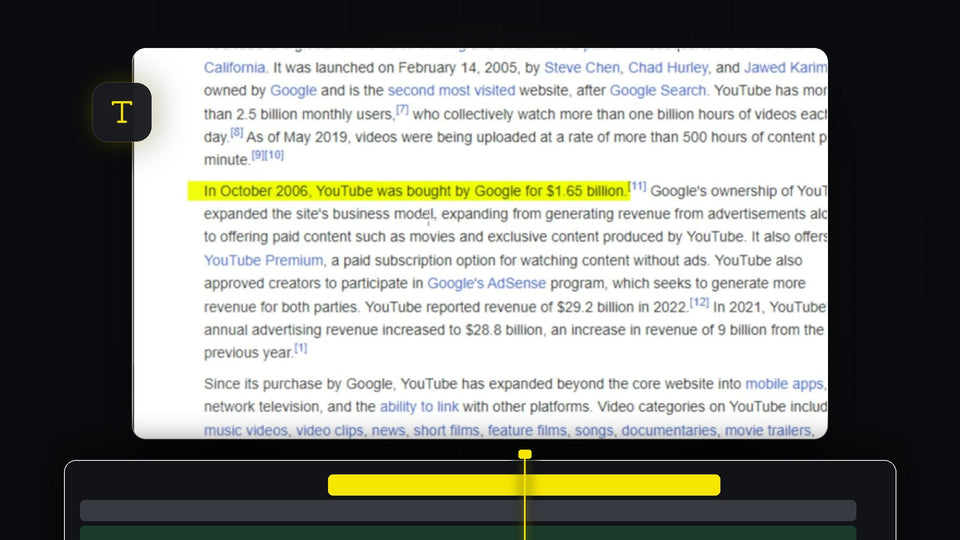
Yellow highlight effect over a sentence of text in the Premiere Pro Program Monitor

Tekst markeren in Premiere Pro

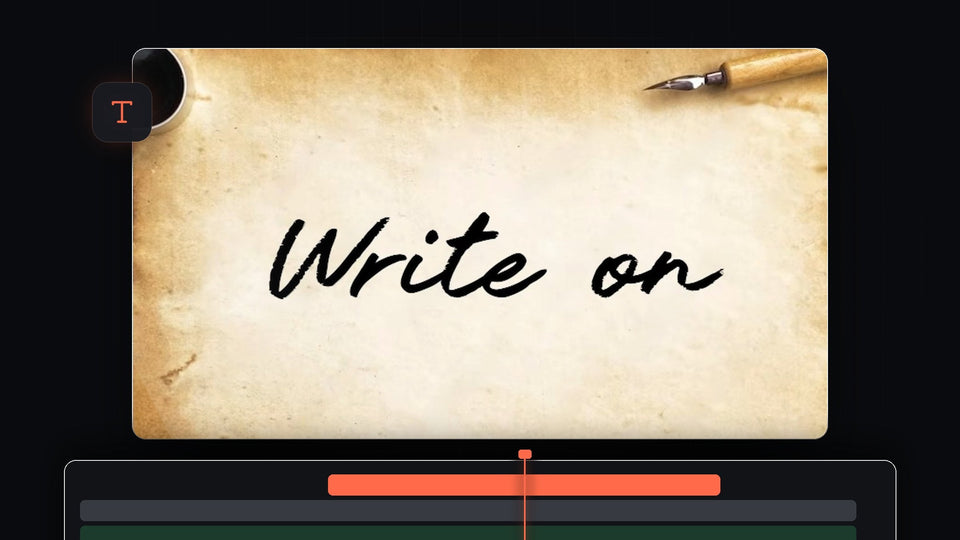
Black cursive handwriting on parchment paper with an ink pot and fountain pen in the Premiere Pro Program Monitor

Zo maak je een handschrift Write On-effect in Premiere Pro
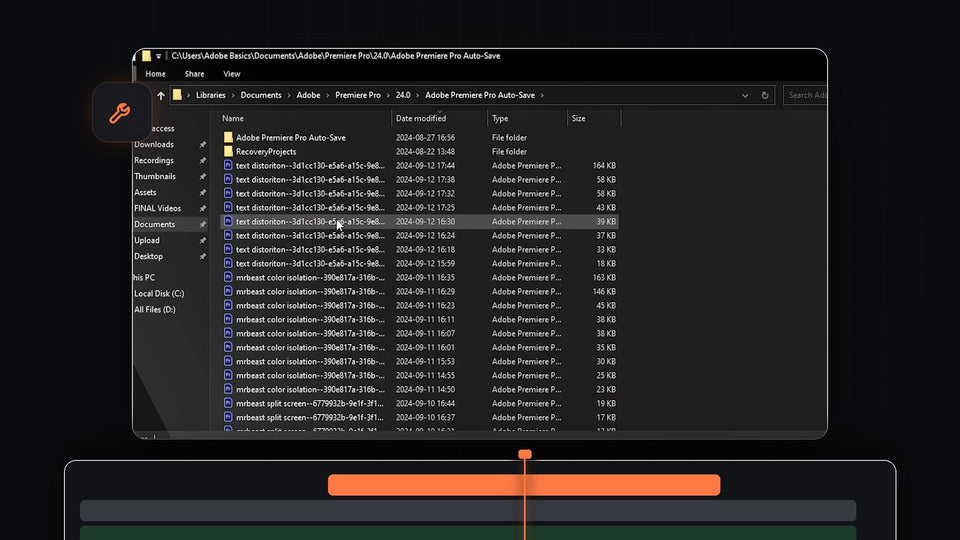
File Explorer showing the Adobe Premiere Pro Auto-Save folder with backup project files used to recover a project

Een project herstellen in Premiere Pro

Ink splash spreading over a forest river shot while a drone view of a green island appears inside it

Zo maak je een inktovergang in Premiere Pro

Before and after comparison of a dancer in a handstand showing smooth slow motion in Premiere Pro

Vloeiende slow motion maken in Premiere Pro

Anime character surrounded by an orange flickering aura glow effect made in Premiere Pro

Een aura glow-effect maken in Premiere Pro

Premiere Pro Program Monitor showing a clip with softly darkened vignette edges

Een vignet maken in Premiere Pro

Wide cinematic 21:9 drone shot of a castle surrounded by green forest, framed in Premiere Pro

21:9-beeldverhouding instellen in Premiere Pro

A red sports car driving through a city at night, used to show the Morph Cut transition in Premiere Pro

Een Morph Cut-overgang maken in Premiere Pro

Two sheep standing on a green meadow, a still image animated in VOX style in Premiere Pro

Afbeeldingen animeren zoals VOX in Premiere Pro

Premiere Pro Sequence Settings window with the Timebase dropdown open showing frame rates from 10 to 60 frames per second

De framerate wijzigen in Premiere Pro

Premiere Pro workspace with a dance clip, an adjustment layer with Directional Blur and short shake blocks on the timeline

Een camera shake-effect maken in Premiere Pro

Six styled countdown timers in different fonts and colors on a dark blue background

Een aftelklok maken in Premiere Pro

A smaller overlay video of a van and hot air balloons placed over a palm tree sunset beach in the Premiere Pro Program Monitor

Video in video leggen in Premiere Pro

A woman in a red sweater and hat in color against black and white green plants, showing the isolated color effect in Premiere Pro

Een kleur isoleren in Premiere Pro

Premiere Pro workspace with Effect Controls, Program Monitor, Project panel and Timeline after resetting the layout

De layout resetten in Premiere Pro

Mountain landscape smeared by horizontal motion blur in the middle of a whip pan transition

Een whip pan-overgang toevoegen in Premiere Pro

Premiere Pro Program Monitor showing a logo on a transparency grid, ready to export as a transparent video

Transparante video exporteren in Premiere Pro

Red Media Offline screen in the Premiere Pro Program Monitor with the message in several languages

De fout Media Offline oplossen in Premiere Pro

Rocky coastline with a pointed mountain in the background, a clip filling the whole frame in Premiere Pro

Een video schermvullend maken in Premiere Pro

Premiere Pro Export tab with H.264 settings and a preview of a forest stream ready to export

Een video exporteren in Premiere Pro

A video wall of thumbnails with a pixel grid overlay, a 3D screen effect made in Premiere Pro

Een 3D-videoeffect maken in Premiere Pro