

Tutos Premiere Pro

Des tutoriels Premiere Pro pas à pas avec captures d’écran, des effets de texte aux transitions et à l’audio.

EaseFlow easing preset library for Premiere Pro with Default, Essentials, Apple and Creator curves

La meilleure alternative à Ease and Wizz pour Premiere Pro : EaseFlow

A red padlock over the Premiere Pro timeline with a video clip and its linked audio clip

Comment dissocier la vidéo de l'audio dans Premiere Pro
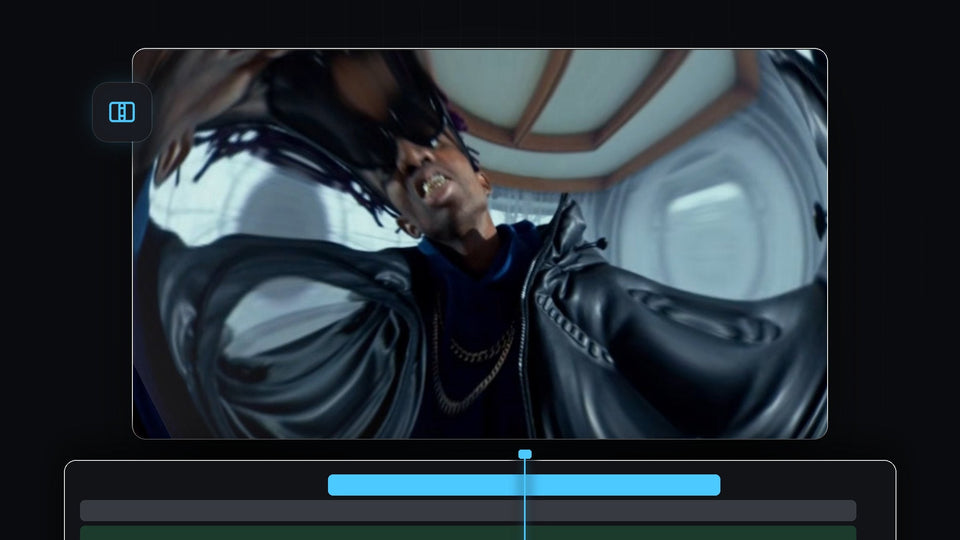
Fisheye lens distortion transition in Premiere Pro with the picture warped around a man in sunglasses and a leather jacket

Comment créer une transition de distorsion d'objectif dans Premiere Pro

Skater crouching behind ripped white paper strips in a paper transition made in Premiere Pro

Comment créer une transition de papier déchiré dans Premiere Pro
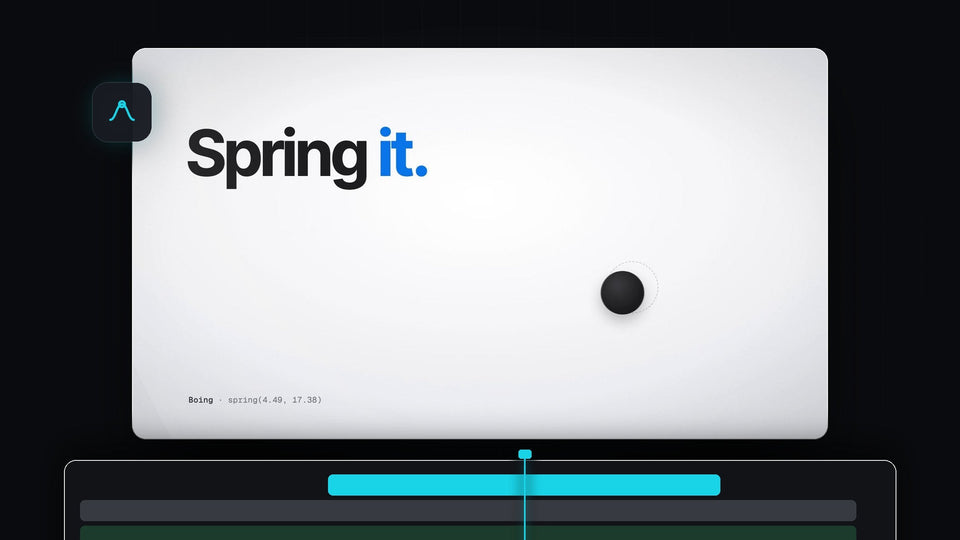
The words Spring it with a black ball settling on a light background, from the EaseFlow launch film

La meilleure alternative à Kease sur Premiere Pro : EaseFlow
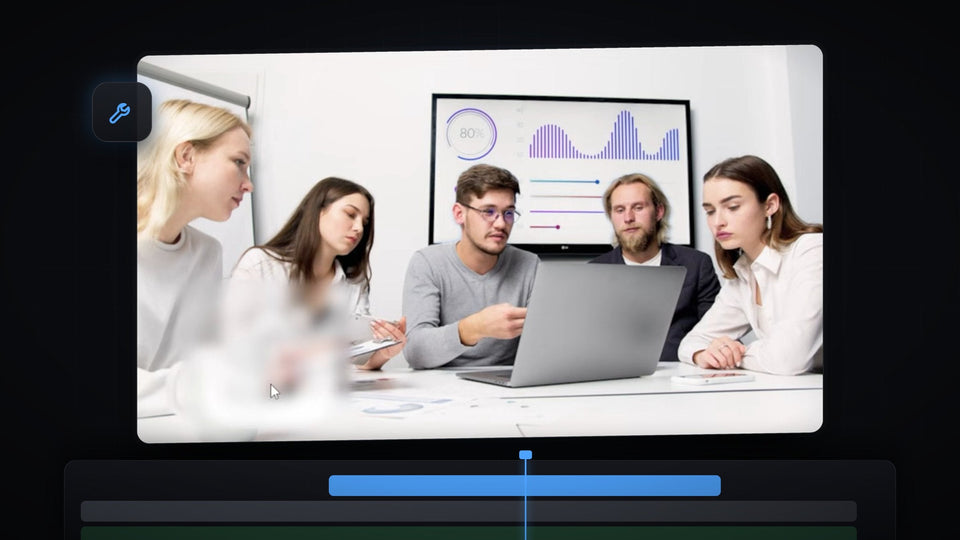
Premiere Pro Program Monitor showing a meeting scene with a watermark blurred into a soft patch

Comment supprimer un filigrane d'une vidéo dans Premiere Pro

Black icon on a blue background in the Premiere Pro Program Monitor, used for the floating icon effect

Créer des icônes flottantes dans Premiere Pro

A colorful logo pinned in perspective onto the wooden floor of a hallway in Premiere Pro

Comment fixer un objet sur une surface dans Premiere Pro
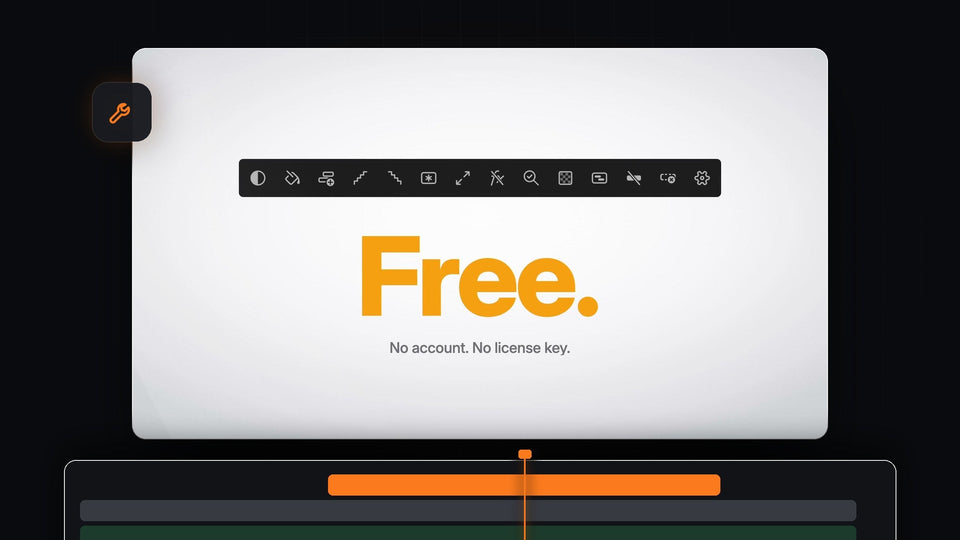
Mako for Premiere Pro is free, with no account and no license key

Meilleur panneau gratuit pour Premiere Pro : Mako, 13 outils en un clic

Yellow brush highlight swiped across a line of text in Premiere Pro

Comment créer une animation de surlignage au pinceau dans Premiere Pro
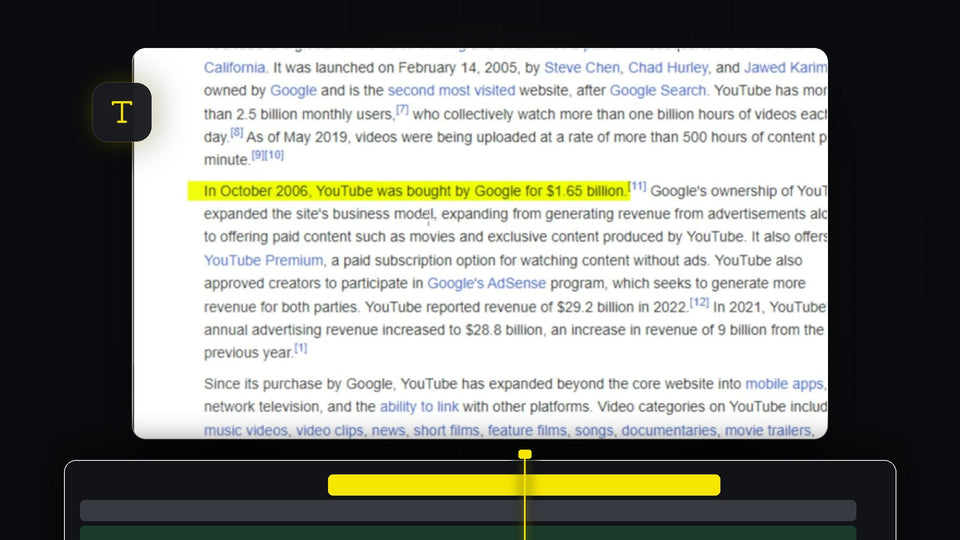
Yellow highlight effect over a sentence of text in the Premiere Pro Program Monitor

Comment surligner du texte dans Premiere Pro
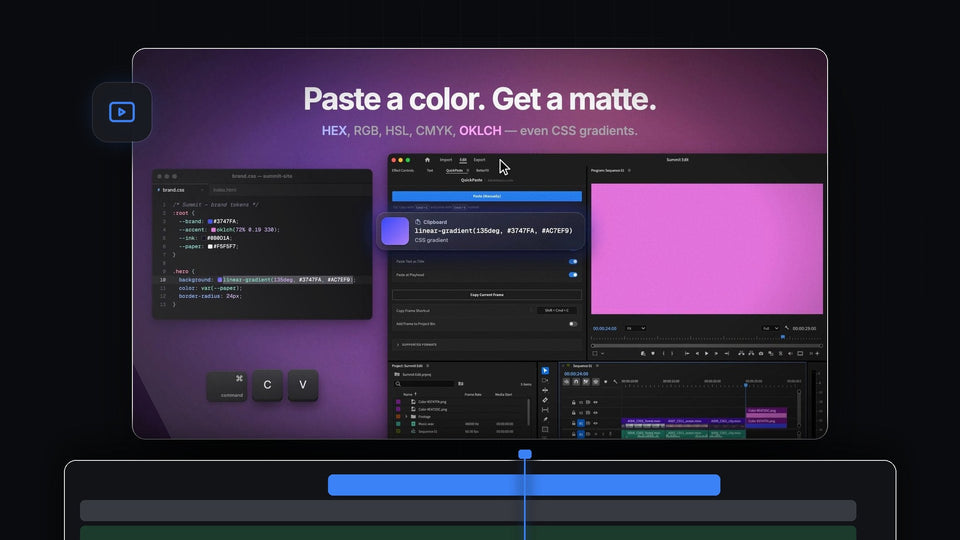
Paste a color, get a matte: a CSS gradient copied from a stylesheet and pasted into Premiere Pro with QuickPaste as a pink color

La meilleure alternative à ToothPaste pour Premiere Pro : QuickPaste

Premiere Pro workspace with an empty Effect Controls panel, program monitor and timeline

Comment récupérer Effect Controls et la barre d'outils manquants dans Premiere Pro

Premiere Pro timeline with a video clip and a green external audio clip synced by waveform

Comment synchroniser l'audio et la vidéo dans Premiere Pro
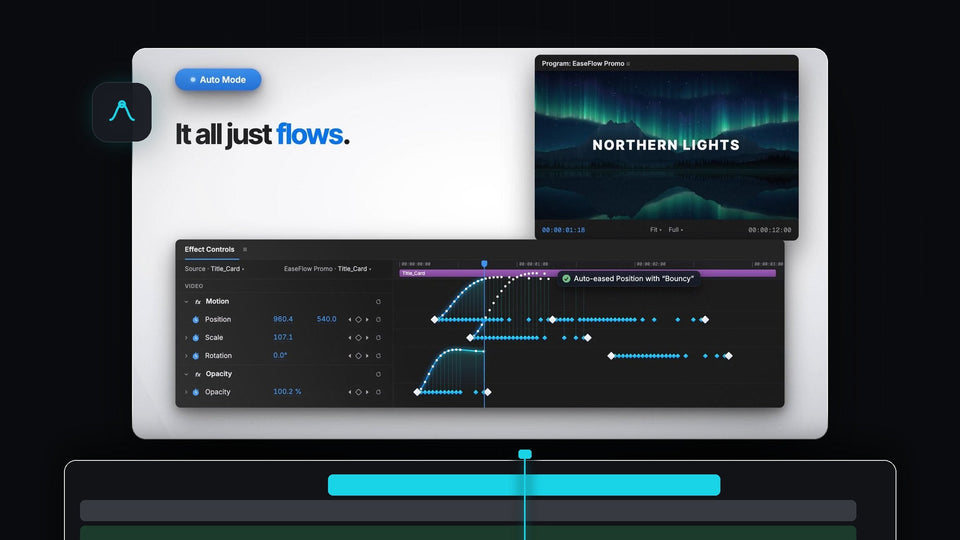
EaseFlow Auto Mode easing Position, Scale and Opacity keyframes in Premiere Pro Effect Controls under a Northern Lights title

La meilleure alternative à Eaze pour Premiere Pro : EaseFlow

White Flicker Animation title text on a dark background for a Premiere Pro text flicker effect

Comment créer un effet de texte qui clignote dans Premiere Pro

A preset file icon on a green background for the free obsolete effects preset pack for Premiere Pro

Comment restaurer les effets obsolètes dans Premiere Pro

Four steps of an iPhone style notification, from rounded shape to app icon, text and animation, built in Premiere Pro

Comment créer une animation de notification iPhone dans Premiere Pro

Premiere Pro 2026 with the QuickPaste panel open and a client message asking for a still of the shot

Le meilleur plugin de collage pour Premiere Pro 2026
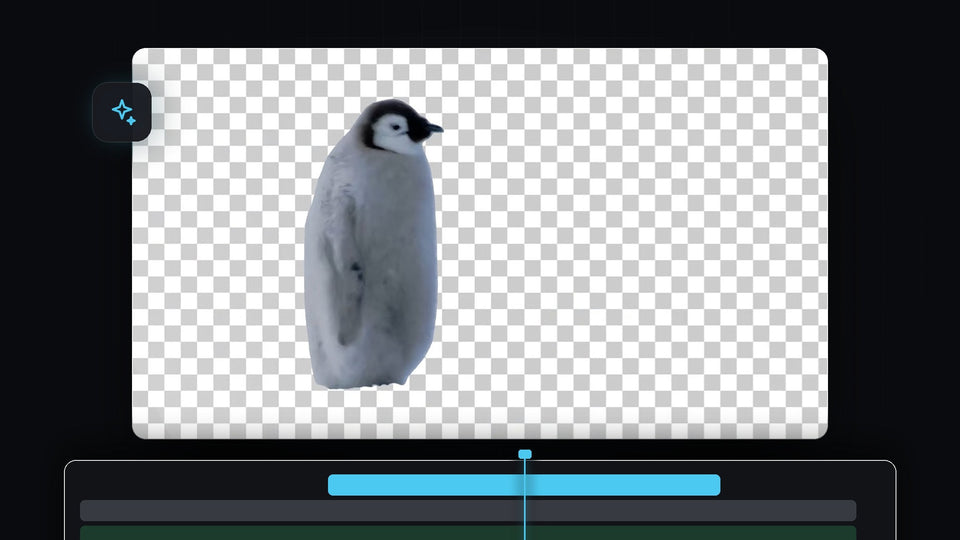
Penguin cut out from its background on a transparent checkerboard in Premiere Pro

Comment supprimer automatiquement l'arrière-plan d'une vidéo dans Premiere Pro

A red rounded rectangle graphic over a talking head clip in the Premiere Pro Program Monitor, edited through After Effects Dynamic Link

Comment utiliser Premiere Pro et After Effects ensemble

Small video clip floating in the middle of a black screen in the Premiere Pro Program Monitor

Comment créer un effet de zoom arrière noir dans Premiere Pro

Premiere Pro Preferences window on the Media Cache page with the Remove Media Cache Files Delete button

Comment vider le cache dans Premiere Pro
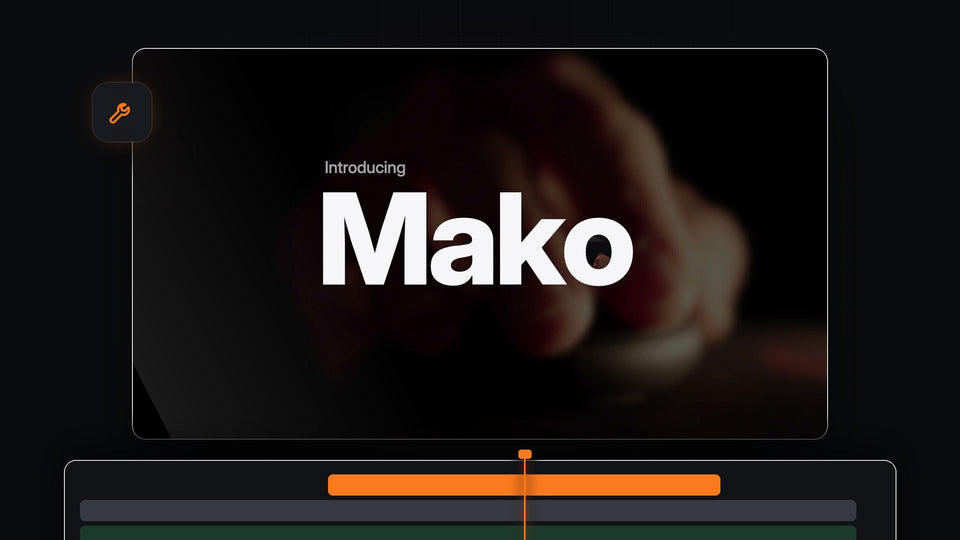
Introducing Mako, a free one-click tools panel for Premiere Pro

La meilleure alternative à Sequence Inspector pour Premiere Pro : Mako

White GLOW text with a soft bright halo on a black background

Comment créer un effet de texte lumineux dans Premiere Pro