

Tutos Premiere Pro

Des tutoriels Premiere Pro pas à pas avec captures d’écran, des effets de texte aux transitions et à l’audio.

Turquoise sea and rocky coast footage used to demonstrate video transitions in Premiere Pro

Comment ajouter des transitions vidéo dans Premiere Pro

Skater crouching behind ripped white paper strips in a paper transition made in Premiere Pro

Comment créer une transition de papier déchiré dans Premiere Pro

Before and after split screen of a woman applying makeup, made in Premiere Pro

Comment faire un effet avant/après dans Premiere Pro

Seaside shot blown out to white by a flash transition in Premiere Pro

Comment créer une transition flash dans Premiere Pro

Concert footage torn into bright vertical glitch streaks by the Wave Warp effect in Premiere Pro

Comment créer une transition glitch dans Premiere Pro

A red door opening in a red wall to reveal a forest river, the finished door transition in Premiere Pro

Comment créer une transition porte dans Premiere Pro

Dollar bills raining down over a person in a bright room, from the falling money transition in Premiere Pro

Comment créer une transition de pluie d’argent dans Premiere Pro

Grey sports car seen through a wheel rim mask at the start of a zoom out transition in Premiere Pro

Comment créer une transition zoom arrière dans Premiere Pro

Aerial view of a winding road on a cliff above a river in Premiere Pro, used for the fade in and out tutorial

Comment faire un fondu d'entrée et de sortie dans Premiere Pro

Blurred portrait of a man beside the words TikTok Edit on a white background

Comment faire un montage TikTok dans Premiere Pro

Aerial view of a waterfall and turquoise water, the first clip used in the Premiere Pro slide transition tutorial

Comment créer une transition de glissement dans Premiere Pro

Person in red trousers walking past the camera on a city street, the start of a walk by transition made in Premiere Pro

Comment créer une transition « walk by » dans Premiere Pro

Rapper in sunglasses in a motion blurred flutter cut frame in Premiere Pro

Comment faire un Flutter Cut dans Premiere Pro

Red sports car at night on a city street with its tail lights glowing, used for a luma fade transition in Premiere Pro

Comment créer une transition luma fade à la Sam Kolder dans Premiere Pro

Blue and red train passing a man sitting by a waterfall, an object mask transition made in Premiere Pro

Comment créer une transition Object Mask dans Premiere Pro

Ink splash spreading over a forest river shot while a drone view of a green island appears inside it

Comment créer une transition d'encre dans Premiere Pro

A red sports car driving through a city at night, used to show the Morph Cut transition in Premiere Pro

Comment créer une transition Morph Cut dans Premiere Pro

Mountain landscape smeared by horizontal motion blur in the middle of a whip pan transition

Comment ajouter une transition whip pan dans Premiere Pro
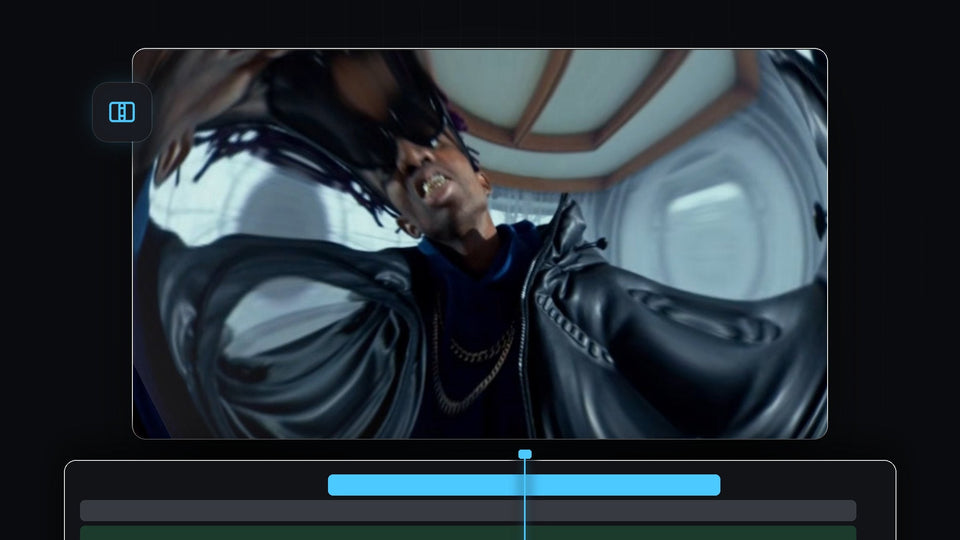
Fisheye lens distortion transition in Premiere Pro with the picture warped around a man in sunglasses and a leather jacket

Comment créer une transition de distorsion d'objectif dans Premiere Pro
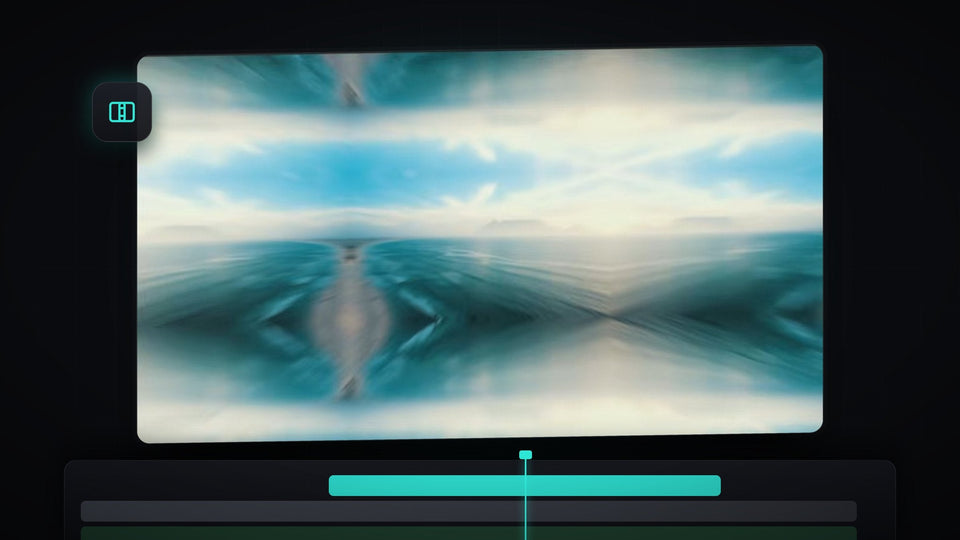
A blurred, mirrored ocean scene at the peak of a zoom transition in Premiere Pro

Comment créer une transition zoom façon MrBeast dans Premiere Pro
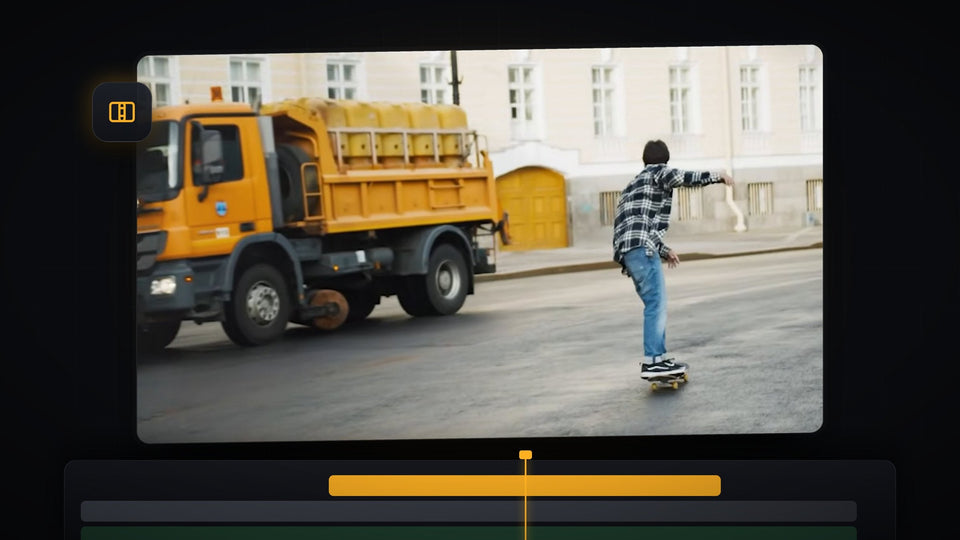
Shake transition in Premiere Pro showing an orange truck and a skateboarder in the Program Monitor mid-transition

Comment ajouter une transition shake dans Premiere Pro

Frozen person with sunglasses and floating dollar bills in a freeze frame transition made in Premiere Pro

Comment créer une transition Freeze Frame dans Premiere Pro

Film burn transition in Premiere Pro with an orange light leak covering a shot of a man leaning on a car

Ajouter une transition film burn dans Premiere Pro
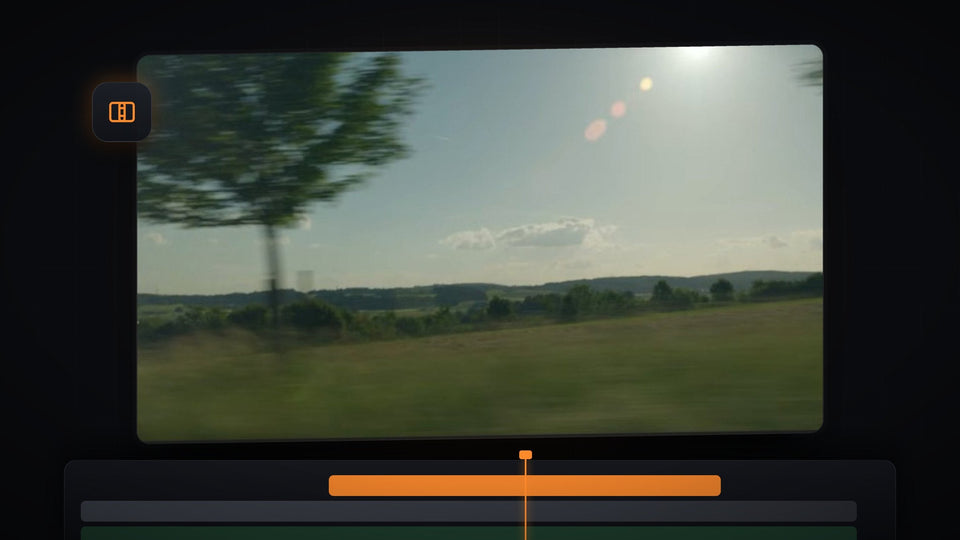
Sunny countryside shot with a bright lens flare in a Premiere Pro Program Monitor, ready for a light leak transition

Comment ajouter une transition light leak dans Premiere Pro

Object flash transition with a white silhouette made in Premiere Pro

Créer une transition flash sur un objet dans Premiere Pro