

Tutos Premiere Pro

Des tutoriels Premiere Pro pas à pas avec captures d’écran, des effets de texte aux transitions et à l’audio.
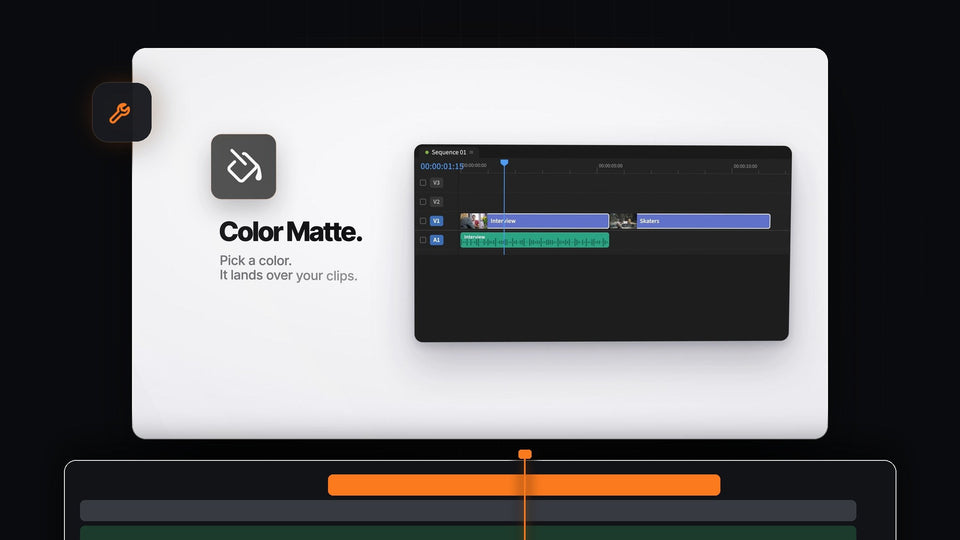
Mako Color Matte button in Premiere Pro next to a timeline with clips, ready to drop a matte over the selection

Meilleure alternative à Ayu QuickLayer Pro pour Premiere Pro : Mako

Premiere Pro Sequence Settings window with the Timebase dropdown open showing frame rates from 10 to 60 frames per second

Comment modifier la fréquence d'images dans Premiere Pro

A cropped video of a woman sitting by the ocean, an example of cropping a video clip in Premiere Pro

Comment recadrer des clips vidéo dans Premiere Pro

BetterFX logo with the line Every effect in Premiere Pro, one keystroke away

La meilleure alternative à FX Search pour Premiere Pro : BetterFX
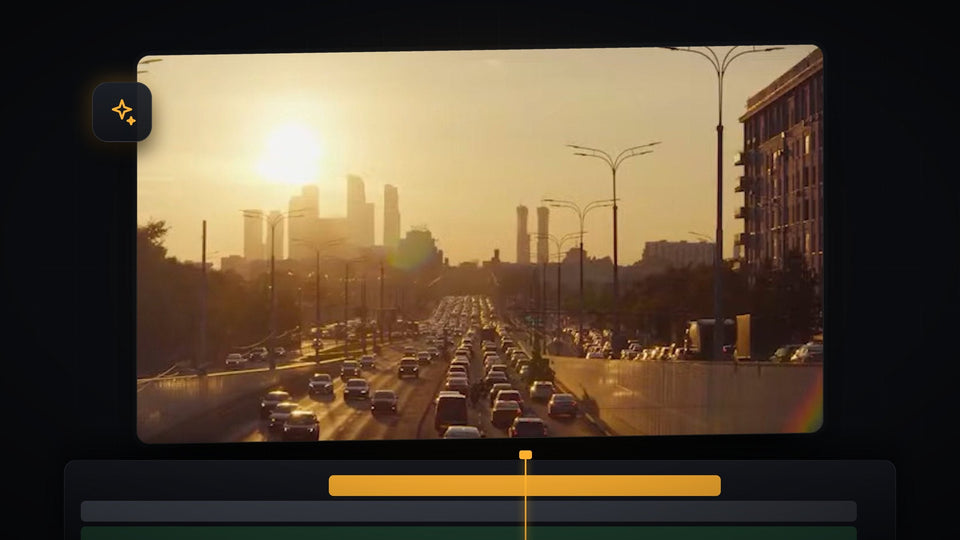
City highway at sunset with heavy traffic, footage used to make a timelapse in Premiere Pro

Comment créer un timelapse dans Premiere Pro

Rainbow text in Premiere Pro with a purple to red color gradient on a black background

Comment créer un texte arc-en-ciel dans Premiere Pro

Sports car driving on a mountain road turned into chunky retro game pixels with the Mosaic effect

Comment créer un effet jeu rétro dans Premiere Pro

BetterFX search bar over the Premiere Pro Program Monitor with lum typed and Lumetri Color as the top result

La meilleure alternative à FX Console pour Premiere Pro : BetterFX

Aerial view of ocean waves crashing on rocks in the Premiere Pro Program Monitor

Comment corriger les lags et la lecture saccadée dans Premiere Pro

White text fading in letter by letter on a black screen in Premiere Pro

Comment créer une animation de caractères dans Premiere Pro

Bold white Wheel of Doom title text on a black background in the Premiere Pro program monitor

Comment créer l'effet de texte Ryan Trahan dans Premiere Pro
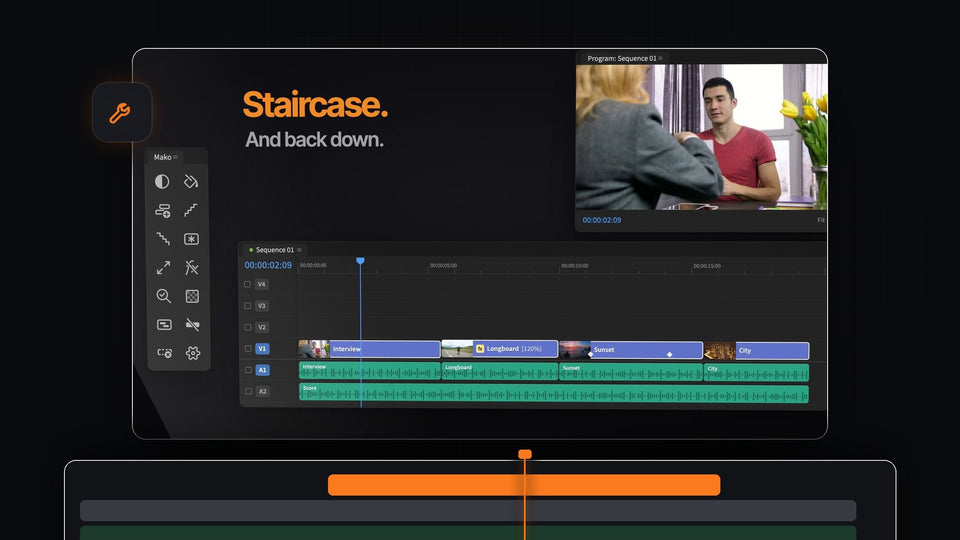
Mako Staircase result in Premiere Pro: clips stepped back down onto one track next to the Mako panel and Program Monitor

La meilleure alternative à pt_ShiftLayers pour Premiere Pro : Mako

Premiere Pro Program Monitor showing a clip placed by Automate to Sequence on the beat

Comment monter sur le rythme dans Premiere Pro

Wide cinematic 21:9 drone shot of a castle surrounded by green forest, framed in Premiere Pro

Comment passer en format 21:9 dans Premiere Pro

Dollar bills raining down over a person in a bright room, from the falling money transition in Premiere Pro

Comment créer une transition de pluie d’argent dans Premiere Pro
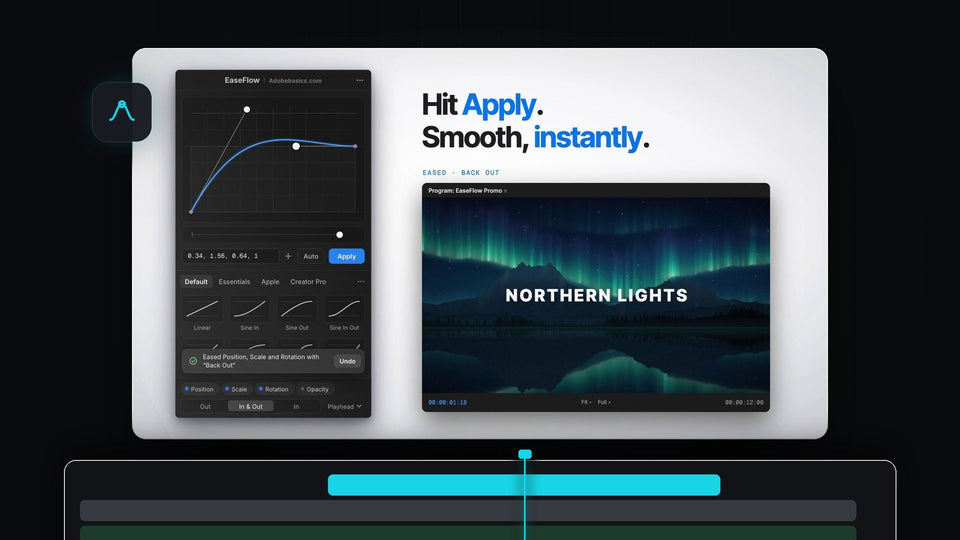
EaseFlow panel in Premiere Pro applying a Back Out easing curve to a Northern Lights title

EaseFlow : de vraies courbes d’accélération pour les images clés de Premiere Pro

The Premiere Pro timeline panel recolored with a magenta highlight color

Comment changer la couleur de l'interface dans Premiere Pro

Black and white overhead shot of a pepperoni pizza and a cola bottle graded in Premiere Pro

Comment faire une vidéo en noir et blanc dans Premiere Pro
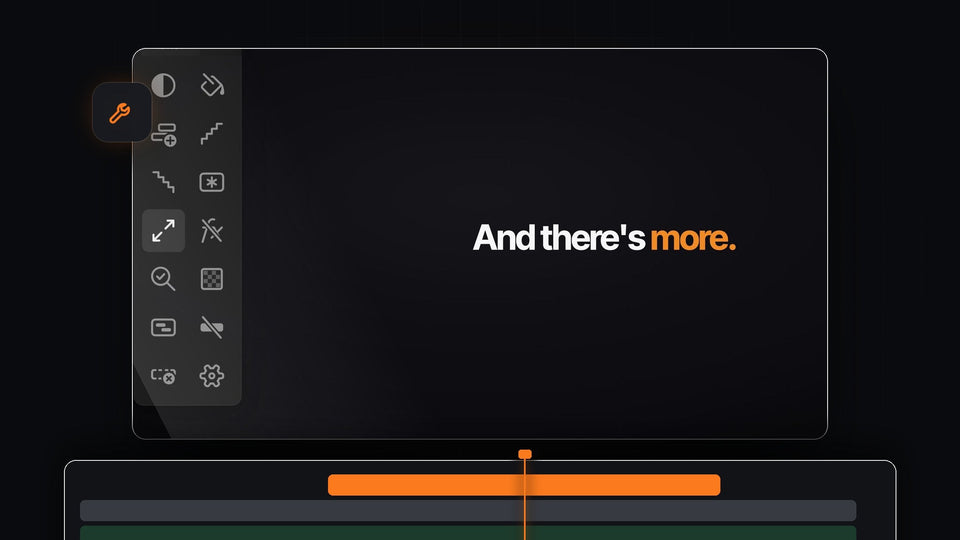
Close-up of the Mako panel in Premiere Pro with all 13 one-click buttons, from Adjustment Layer to Delete Empty Tracks

La meilleure alternative à Create Trimmed Adjustment Layer pour Premiere Pro : Mako

The words Text Collage made from colorful cut-out newspaper letters in Premiere Pro

Comment créer un collage de texte dans Premiere Pro

Premiere Pro export settings with the Preset dropdown open showing Match Source Adaptive Low Bitrate

Comment réduire la taille d’un fichier vidéo dans Premiere Pro

A ball between two keyframes with the EaseFlow Rubber Rise curve card and the words Same two keyframes. A completely different feel.

Meilleure alternative à PremierCurve pour Premiere Pro : EaseFlow

Six styled countdown timers in different fonts and colors on a dark blue background

Comment créer un compte à rebours dans Premiere Pro

Solid line turning into a dashed line in a three step diagram on a blue background, made in Premiere Pro

Comment créer une animation de ligne pointillée dans Premiere Pro

Premiere Pro Program Monitor with white crawl text on a dark bar along the bottom of a laptop clip

Comment créer un texte défilant horizontal dans Premiere Pro