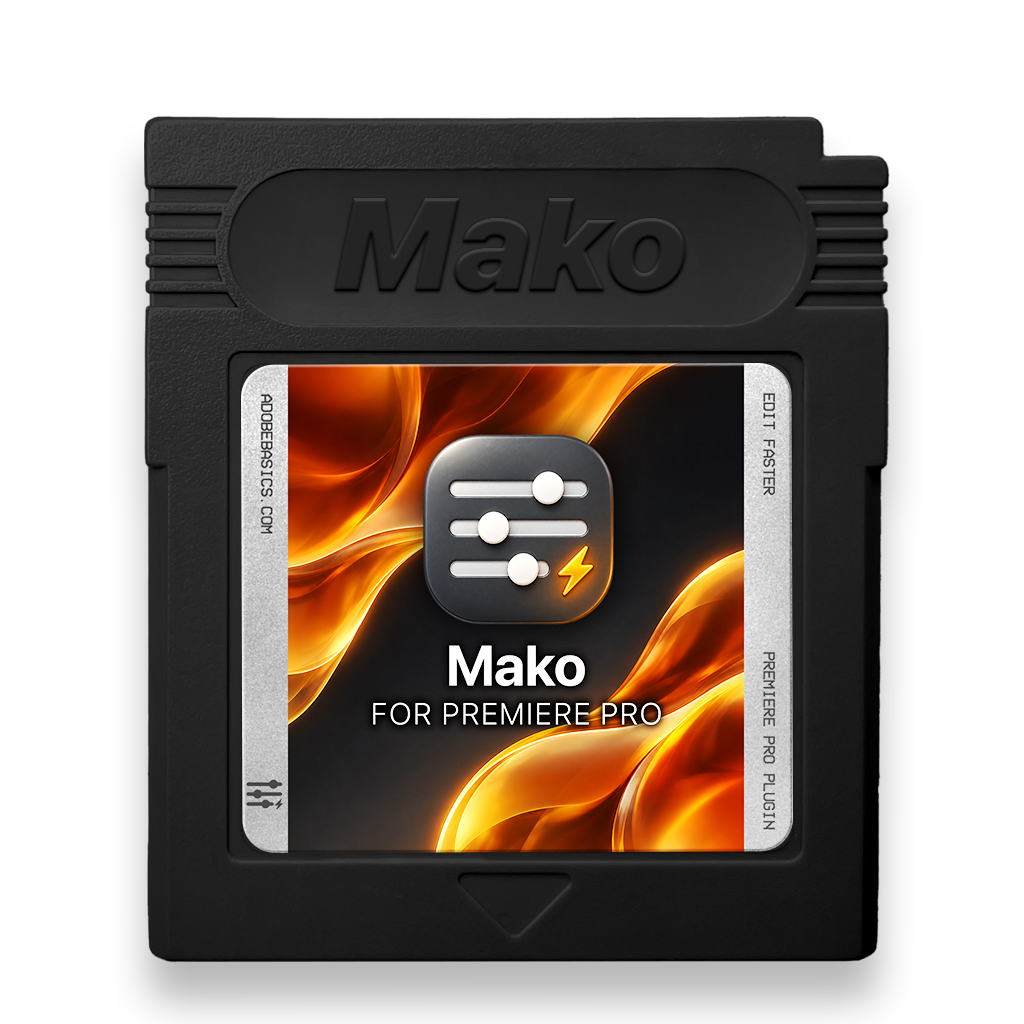
Mako
The tools you use every day, one click away.
Adjustment layers, color mattes, new sequences, the transparency grid, unnesting and clearing out empty tracks. Mako puts the jobs editors repeat dozens of times a session into one small panel right next to your Tools panel. No menus, no dialogs, no dragging things in and trimming them to fit.
Click, and it's done exactly where you need it: over the clips you've selected, at the playhead, on the first free track. You stay in the edit and keep your rhythm.
Free. No account, no license key.
Works with Premiere Pro 2021-2026
Six one-click tools in one panel
Free instant download
No license key, no account
Free updates included
- Instant download
- No card needed
- Secure checkout
Mako
Try it right here
Six buttons. Zero dialogs.
A working timeline with Mako docked beside it. Select clips and press a button.
Unnest
Unnest in one click.
In Premiere, unnesting takes four manual steps. Mako does it in place, in one click.
-
Every clip back on its own track, in place
-
Effects, keyframes, speed and linked audio kept
-
Can't rebuild a clip? The nest stays as it is
Keyboard shortcuts
Every button. Your keys.
Give any Mako button a shortcut and fire it from the keyboard.

-
Right-click a button
Choose Keyboard Shortcut.
-
Press your keys
A modifier and a key, like ⌥1, or an F key on its own.
-
Use them in Premiere
They work whenever Premiere is in front.
Everything included
Small panel. Big time saver.
Mako sits next to your timeline and takes the busywork out of Premiere Pro.
-
Docks like the Tools panel
One column when it's narrow, a row when it's wide. It fits wherever you put it.
-
Looks like part of Premiere
Adobe's own Spectrum icons, and it follows your panel brightness setting.
-
Your own shortcuts
Right-click any button to give it a key that works while you're in the timeline.
-
Never overwrites a clip
New layers go on the first free track above. If there's none, Mako adds one.
-
Instant
An adjustment layer usually lands in a few hundredths of a second.
-
No pop-ups
No messages and no extra windows. The result just appears in Premiere.
-
A tidy project
Adjustment layers live in a Mako bin and get reused, so your project doesn't fill up.
-
Free for good
No license key, no account and no trial. Download it and it's yours.
Simple from the start
Set up in three steps. The last one is a click.
One guided installer puts Mako in Premiere Pro for you.
Mac and Windows · Premiere Pro 2021–2026
See the difference
More done. Nothing to pay.
Mako next to other toolbar plugins for Premiere Pro.

Like Mako? Bundle and save 10%
Get the whole Premiere kit.
Mako is free. These three take even more clicks out of your edit.
-
EaseFlow Pro
Smooth easing
$34.99
-
QuickPaste
Smart clipboard
$24.99
-
BetterFX
Every effect, one shortcut
$29.99