

Tutos Premiere Pro

Des tutoriels Premiere Pro pas à pas avec captures d’écran, des effets de texte aux transitions et à l’audio.

A Premiere Pro project using a preset pack with the Presets folder open next to a Fortnite clip in the Program Monitor

Les meilleurs presets Premiere Pro : 500+ presets dans un seul pack

EaseFlow easing panel in Premiere Pro applying a custom overshoot curve to a Northern Lights title

Meilleur plugin d'easing pour Premiere Pro : pourquoi les monteurs choisissent EaseFlow

Premiere Pro Program Monitor while a music clip fades out on the timeline

Comment faire un fondu audio en entrée et en sortie dans Premiere Pro

News reporter in a red coat with vertical TV scan lines and soft color fringing in Premiere Pro

Comment créer un effet TV façon Dodford dans Premiere Pro

Rocky coastline with a pointed mountain in the background, a clip filling the whole frame in Premiere Pro

Comment adapter une vidéo à l'écran dans Premiere Pro

Film burn transition in Premiere Pro with an orange light leak covering a shot of a man leaning on a car

Ajouter une transition film burn dans Premiere Pro

The word SNOW in bold white letters over a blue snowy forest, ready for a fade in Premiere Pro

Comment faire un fondu de texte dans Premiere Pro
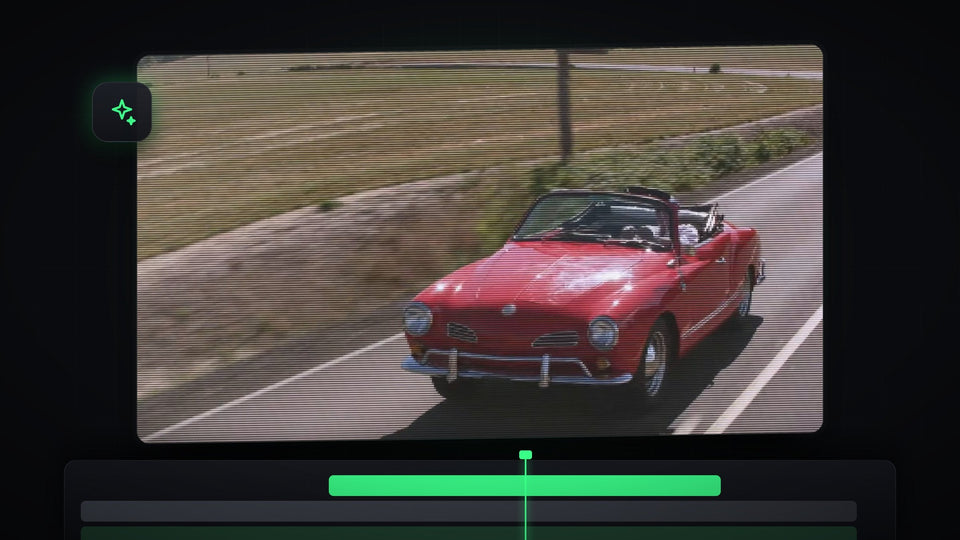
Red convertible driving on a road with a pixelated CRT scanline effect applied in Premiere Pro

Comment créer un effet CRT dans Premiere Pro

Red add b roll marker with its duration tooltip on the Premiere Pro timeline ruler

Comment créer des marqueurs dans Premiere Pro

Mako panel with the Staircase button highlighted beside a Premiere Pro 2023 timeline and Program Monitor

Le meilleur panneau gratuit pour Premiere Pro 2023

A vintage studio microphone with the text Learn how to deepen your voice

Comment obtenir une voix plus grave dans Premiere Pro

Glowing red brush stroke cross on a black background, the MrBeast elimination animation made in Premiere Pro

Comment créer l'animation d'élimination de MrBeast dans Premiere Pro
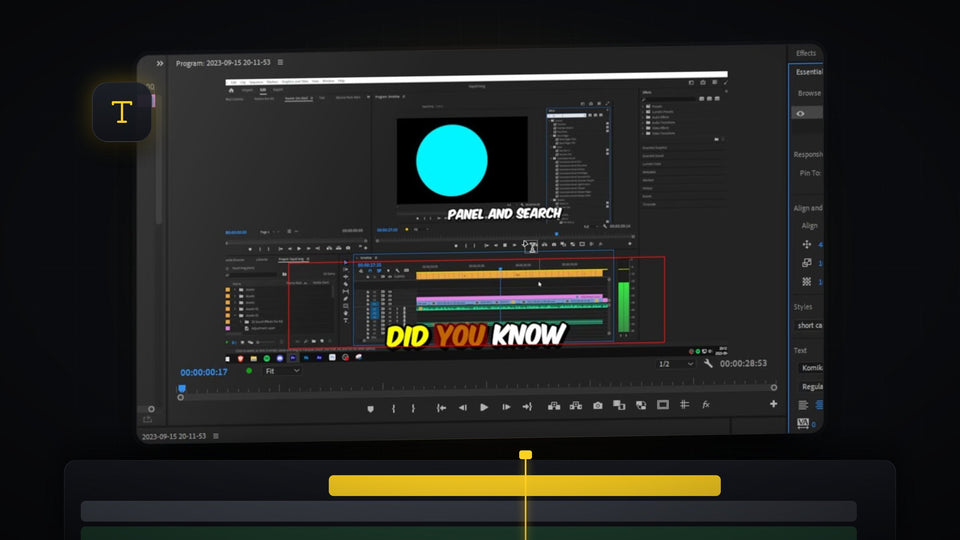
Karaoke text effect in Premiere Pro with the words Did You Know highlighted in yellow and orange over a screen recording

Créer un effet de texte karaoké dans Premiere Pro

Reference and current canyon frames side by side in Color Match Comparison View in Premiere Pro

Comment copier l'étalonnage dans Premiere Pro

BetterFX custom shortcut Option plus 1 applying Warp Stabilizer in Premiere Pro

La meilleure alternative à HyperShift pour Premiere Pro : BetterFX

Frosted glass panel blurring a blue circle, red square and green triangle in the Premiere Pro Program Monitor

Comment créer un effet verre dépoli dans Premiere Pro

A bright green line graph with a darker green stroke rising across a white background, animated in Premiere Pro

Comment créer une animation de graphique dans Premiere Pro

DJ in sunglasses at a mixing desk with green and purple smoke and lights, used as the bass shake effect example

Comment créer un effet bass shake dans Premiere Pro

Premiere Pro with the QuickPaste panel open and a pasted vector logo in the Program Monitor and on the timeline

Le meilleur plugin de collage pour Premiere Pro 2023

Family on a beach shown as a tilted white-bordered photo with a viewfinder overlay on a blurred black and white background

Comment créer un effet photo instantanée dans Premiere Pro

Glowing blue text reading Viral Gradient on a dark background, made with a shine effect in Premiere Pro

Comment créer un effet de brillance de texte viral dans Premiere Pro

A glowing white word on black, the finished smooth caption effect in Premiere Pro

Comment créer des sous-titres TikTok fluides dans Premiere Pro

Stacked outlined KINETIC text with glow over a blue and teal background made in Premiere Pro

Comment créer un effet de typographie cinétique dans Premiere Pro

Cyberpunk city artwork with a hooded character used for a parallax effect in Premiere Pro

Comment créer un effet de parallaxe dans Premiere Pro

Aerial view of a waterfall and turquoise water, the first clip used in the Premiere Pro slide transition tutorial

Comment créer une transition de glissement dans Premiere Pro