One drag
One look. One drag.
Drag a look onto a clip and the color changes.
- Whole videoPut a look on an adjustment layer, and every clip under it gets it.
- Fine-tuneAdjust any look in Effect Controls.
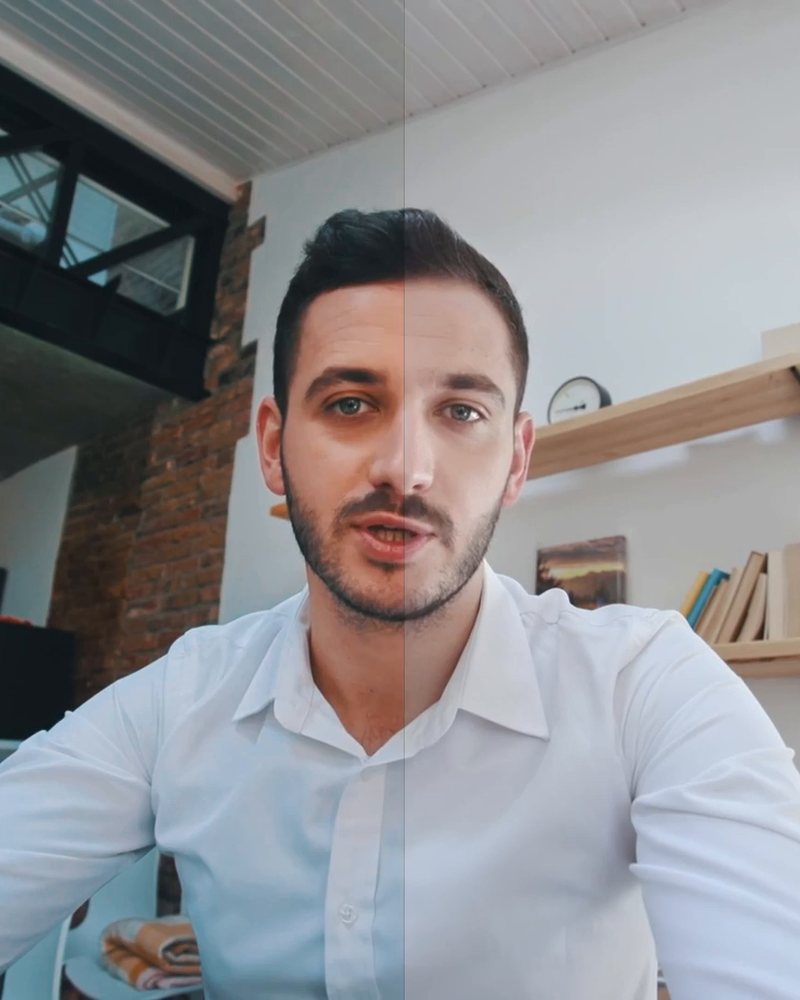
- CompareSwitch the look off and on.


Cinematic color, even on talking heads.
Cinematic, movie and vintage looks that work on everyday footage, not only on B-roll. 300 looks in 8 collections, 17 of them for log footage. Drag one onto a clip or an adjustment layer, then fine-tune it in Effect Controls.
Put a look on an adjustment layer and every clip under it gets the same look. Switch it off and on to compare with your original clip. No plugins or LUT files needed.
 Premiere Pro 2019–2026
Advanced Color Pack
700+ tutorials and thousands of comments showed us what slows editors down. So we built the tools we wanted as editors: simple and hassle-free.
Watch the tutorials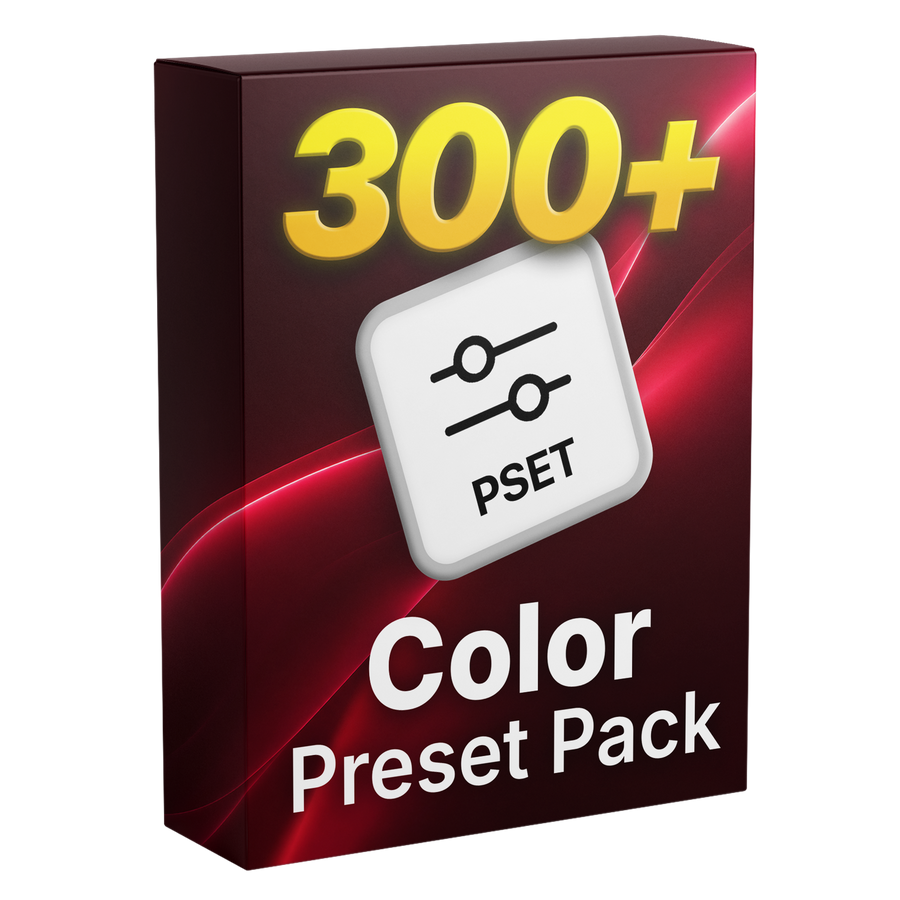

Eight collections
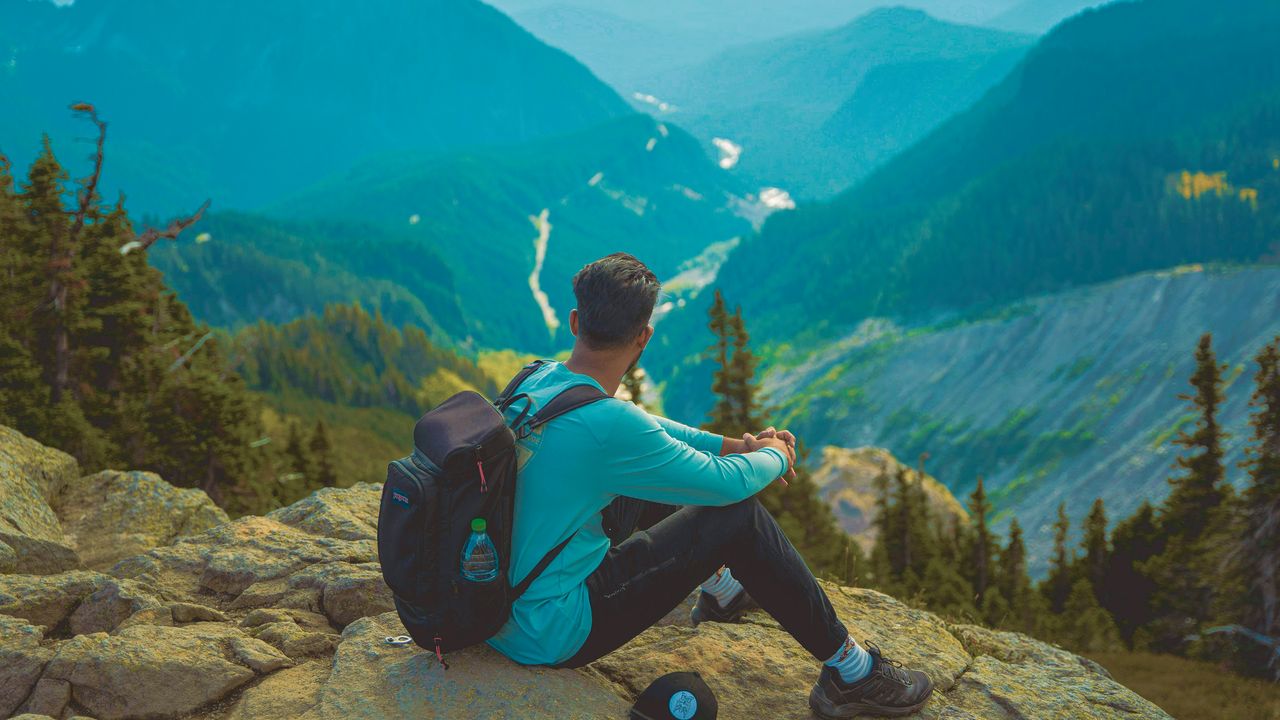
Previews show each collection’s style.
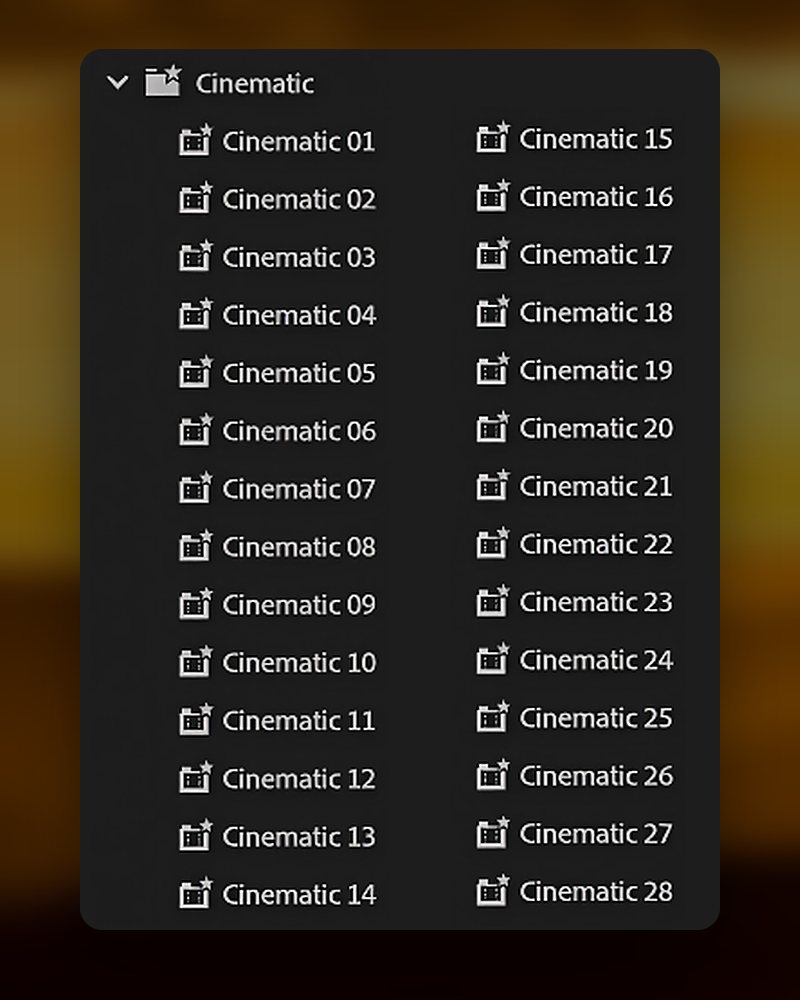
Cinematic
Vintage
Drop a look on any clip.
17 presets that turn flat log footage into natural color.
Movie
Room to fine-tune
Every look is a starting point.
Nature and landscape
Black and white
Travel vlog
Made for every project.

Premiere Pro 2019–2026
No plugins needed.

Preset file
300 looks in one .prfpset file. They are Premiere Pro presets, so there are no LUT files to install.
One drag
Drag a look onto a clip and the color changes.
300 looks
300 looks in eight collections, 17 of them for log footage.
Import the pack into Premiere Pro once. No plugins or LUT setup.
Download it right after checkout, or later from the email we send you. Then unzip the folder.
In Premiere Pro, open the Effects panel menu (≡) and choose Import Presets. Then pick the .prfpset file.
Open the Advanced Color Presets folder under Presets in the Effects panel and drag any look onto a clip.
You can grade every clip by hand in Lumetri Color. The pack gives you 300 finished looks to start from.

300 looks. Pay once, keep them forever.