

 by
by 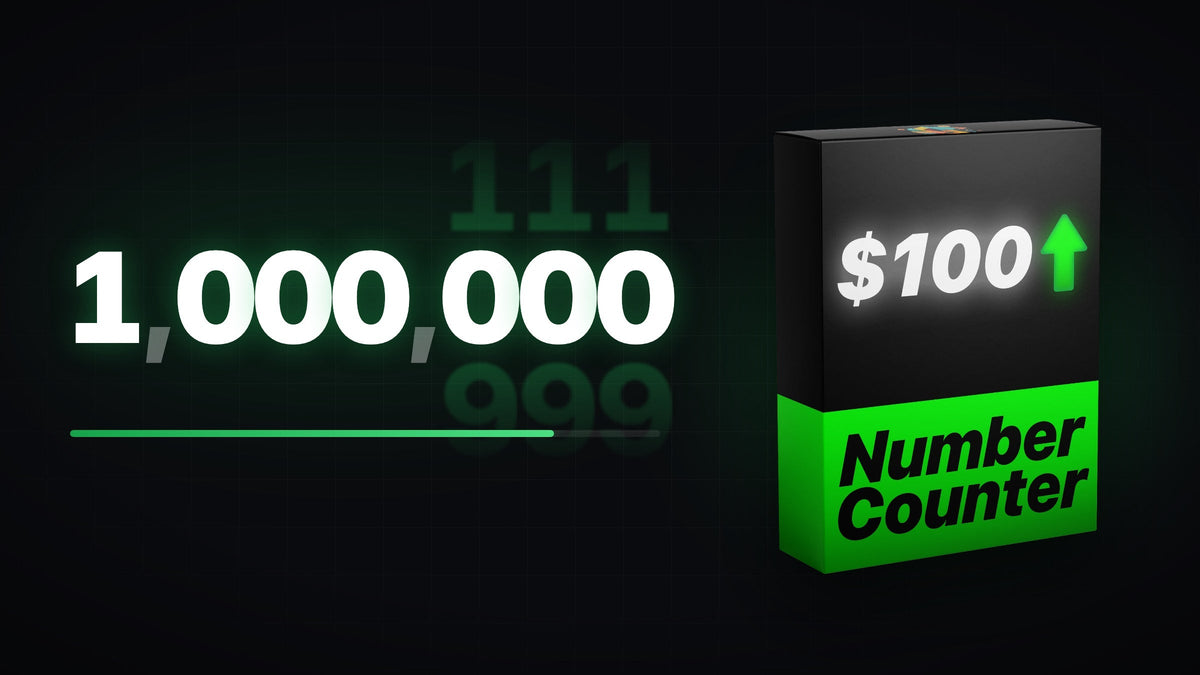
Premiere Pro has no built-in number counter, so there are two ways to make one: build it yourself, or use a Motion Graphics Template.
Watch the tutorial
The video walks through the whole process step by step, so you can follow along in your own project.
The fastest way: a number counter template
The Number Counting Animation Template is a fully customizable Motion Graphics Template (.mogrt) for Premiere Pro. Instead of building the effect from scratch, you drag it onto your timeline and set it up in a few seconds.
- Set the start and end values and the duration of the count.
- Choose how many decimals to show, for prices or percentages.
- Pick the easing, so the count speeds up and slows down smoothly instead of ticking at a constant rate.
- Change the style to match your video: font, colour and more.
You can try the controls right on the product page before you buy.
How to install the template
- Download the template and unzip it if needed.
- Install the .mogrt file in Premiere Pro. Our guide to installing and customizing MOGRT files covers every Premiere Pro version.
- Drag the template from the templates panel onto your timeline.
- Select it and adjust the numbers, decimals, easing and style in the template's controls.
Tips for better counting animations
- Keep the count short, around one to three seconds, so it feels punchy.
- Add a sound effect such as a ticking or whoosh sound. Our free sound effects pack has 82 to choose from.
- Ease the end of the count so the final number lands softly and is easy to read.
Smoother with EaseFlow: building the count with your own keyframes? EaseFlow eases them in one click, so the numbers slow down smoothly and the final value lands softly. See EaseFlow
Looking for more ready-made animations? Browse all Motion Graphics Templates for Premiere Pro.


