

Premiere Pro Tutorials
Step-by-step Premiere Pro tutorials with screenshots, from text effects to transitions and audio.

How to Add Video Transitions in Premiere Pro

How to Track Text in Premiere Pro

Mako: Free One-Click Tools Panel for Premiere Pro

How to Take a Screenshot in Premiere Pro

How to Make Smooth Website Scrolling in Premiere Pro

How to Make a Ripped Paper Transition in Premiere Pro

How to Make Pictures Move in Premiere Pro

How to Make a Night Vision Effect in Premiere Pro

How to Make a Kinetic Typography Effect in Premiere Pro

How to Make a Glitched Text Effect in Premiere Pro

How to Find Lost Audio From a Video in Premiere Pro

How to Make a Dotted Line Animation in Premiere Pro

How to Make a MrBeast Coin Flip Animation in Premiere Pro

How to Make a Camera Focus Effect in Premiere Pro

How to Make a Before vs After Effect in Premiere Pro
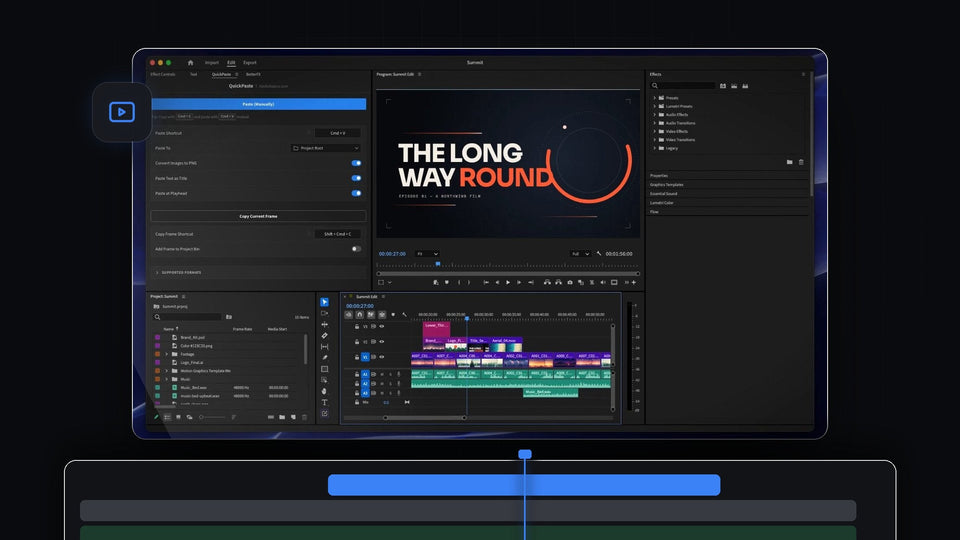
QuickPaste: Paste Images, Colors and Files Into Premiere Pro
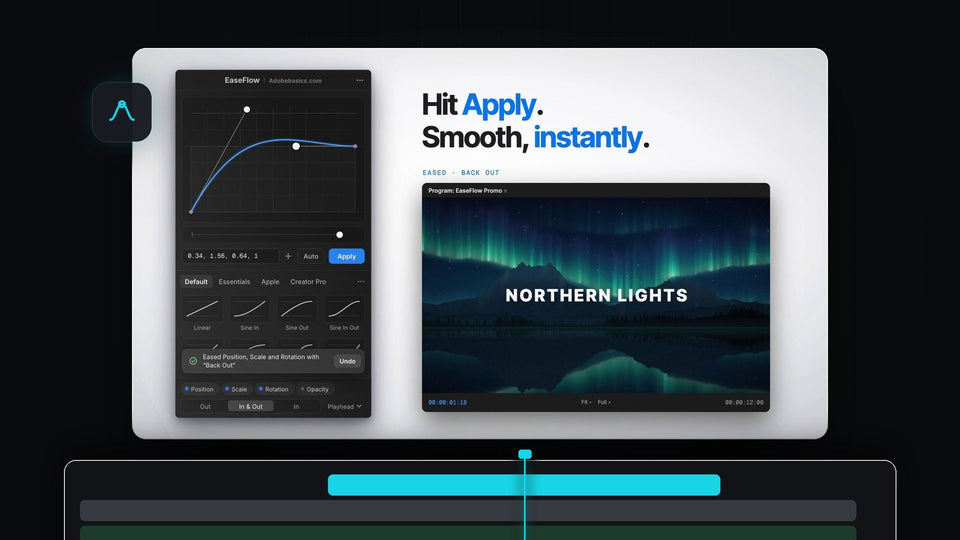
EaseFlow: Real Easing Curves for Premiere Pro Keyframes

BetterFX: Search and Apply Any Effect in Premiere Pro

How to Make a Video Wiggle Effect in Premiere Pro

How to Make a Travel Map Animation in Premiere Pro

How to Make a Team Project in Premiere Pro
How to Make a Solid Background in Premiere Pro

How to Make the Ryan Trahan Text Effect in Premiere Pro

How to Play Video in Reverse in Premiere Pro
