






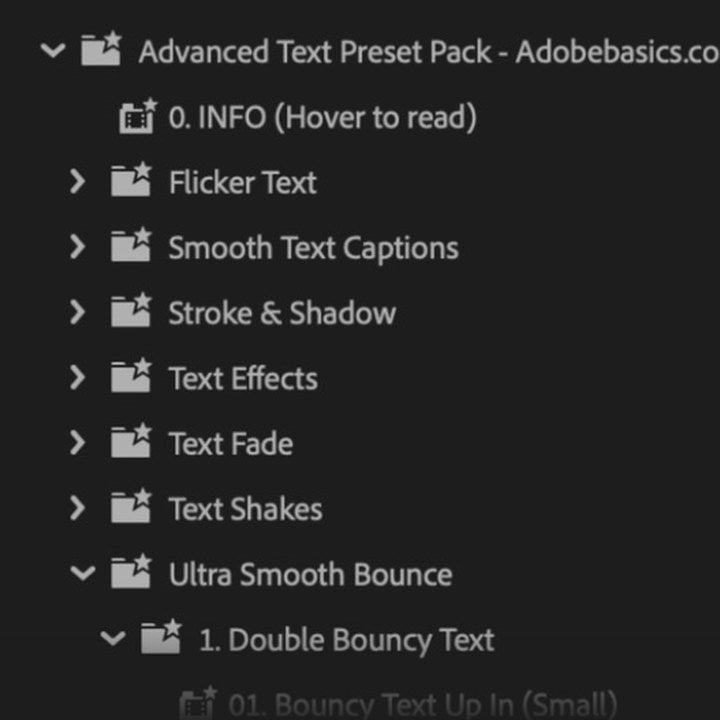
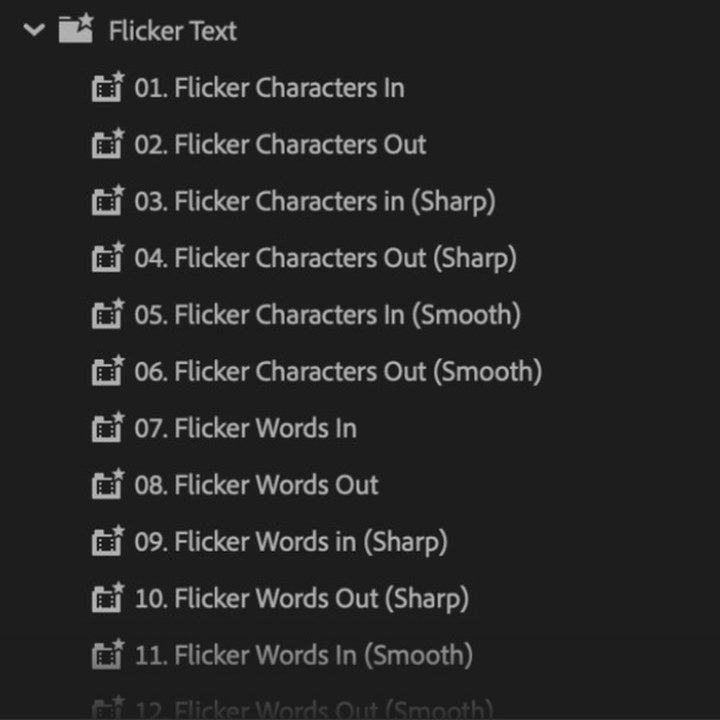
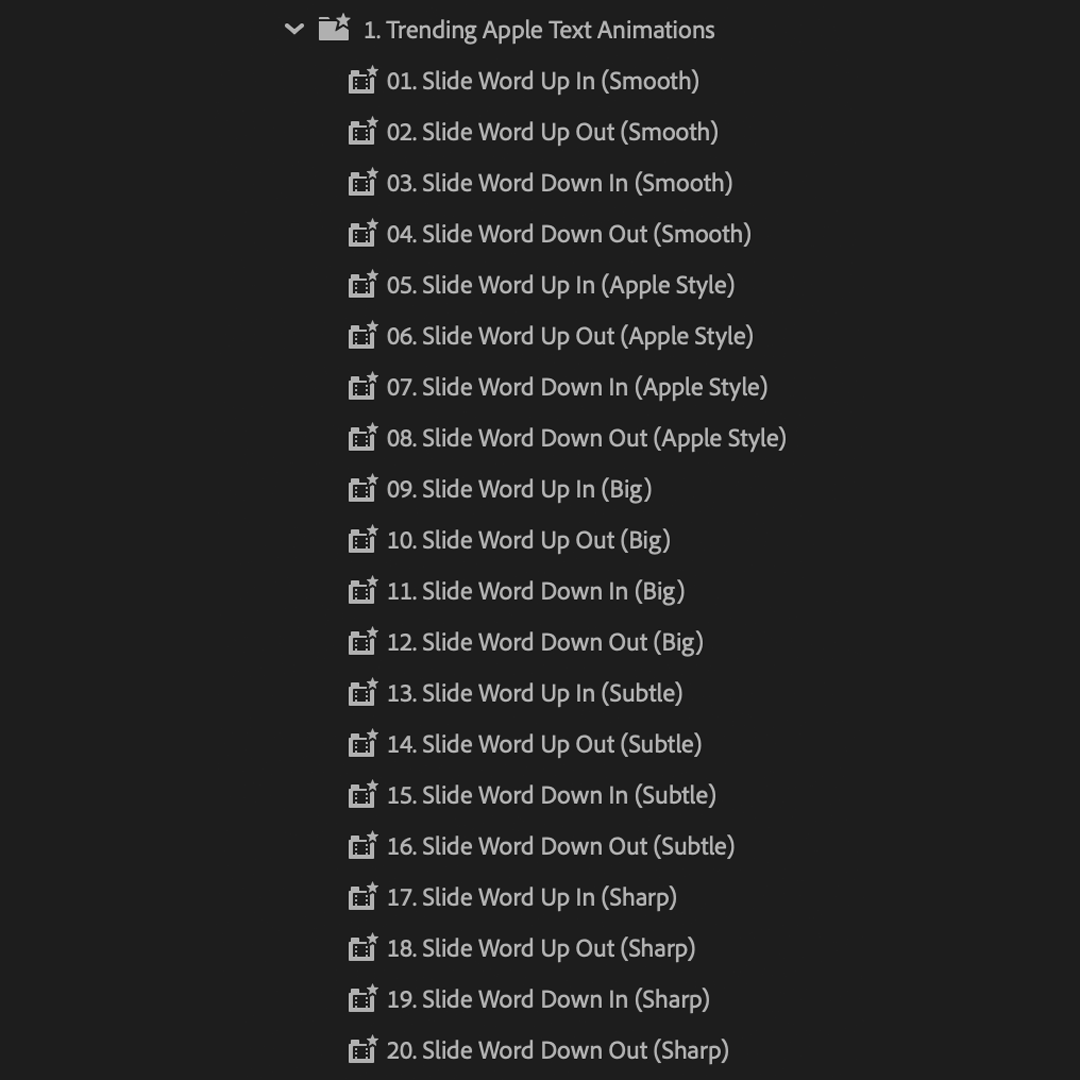
The preset folders in your Effects panel
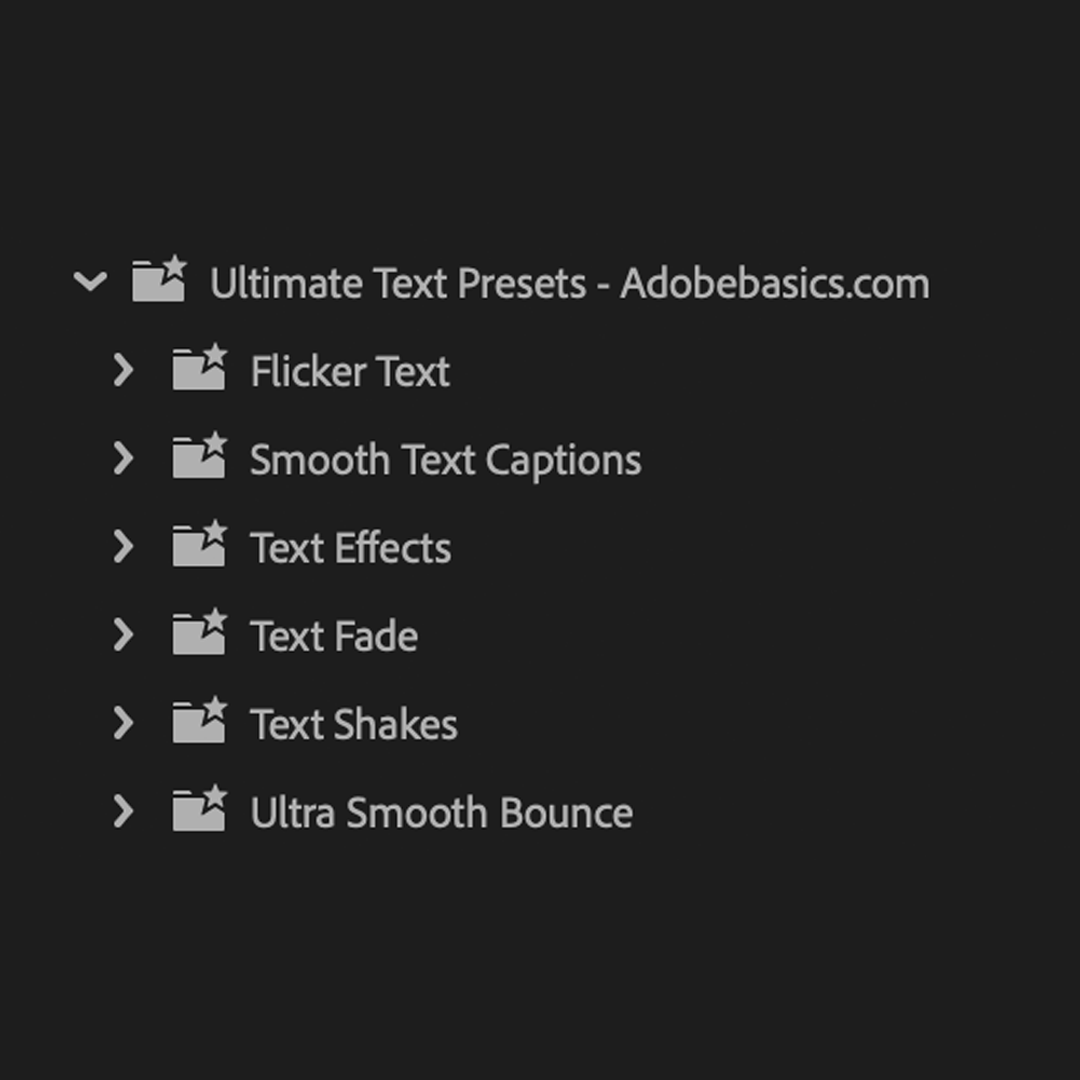


Advanced Text Pack
Letter by letter. Word by word.
Animate captions and titles letter by letter, without setting a keyframe. 250 presets move your text by character, word or line: smooth captions, slides, bounces, flickers, fades, shakes and typewriter effects. Every one is already eased.
 Premiere Pro 25.5 or newer
- Windows and Mac
- No After Effects or plugins needed

Animations play correctly only on text without its own stroke or shadow. To add one, nest the text layer and add the stroke or shadow to the nested clip.
Advanced Text Pack
Made by the people who teach Premiere Pro.
700+ tutorials and thousands of comments showed us what slows editors down. So we built the tools we wanted as editors: simple and hassle-free.
Watch the tutorials- 200K+editors use our tools
- 30M+views on our YouTube tutorials
- 90K+followers across social media
- 37K+editors in our Discord community
One pack. Every text style.


100 smooth captions
Double bounce
Flicker text
Animate text your way.

20 Apple‑style slides
Text fade
Text effects too.
Text shake
Small bounce
Drag, drop, done.
Drop a preset on your text and it moves.

Premiere Pro 25.5 or newer
No plugins needed.
What you get.
-
Letters slide in and settle. One drag, with the easing built in. -
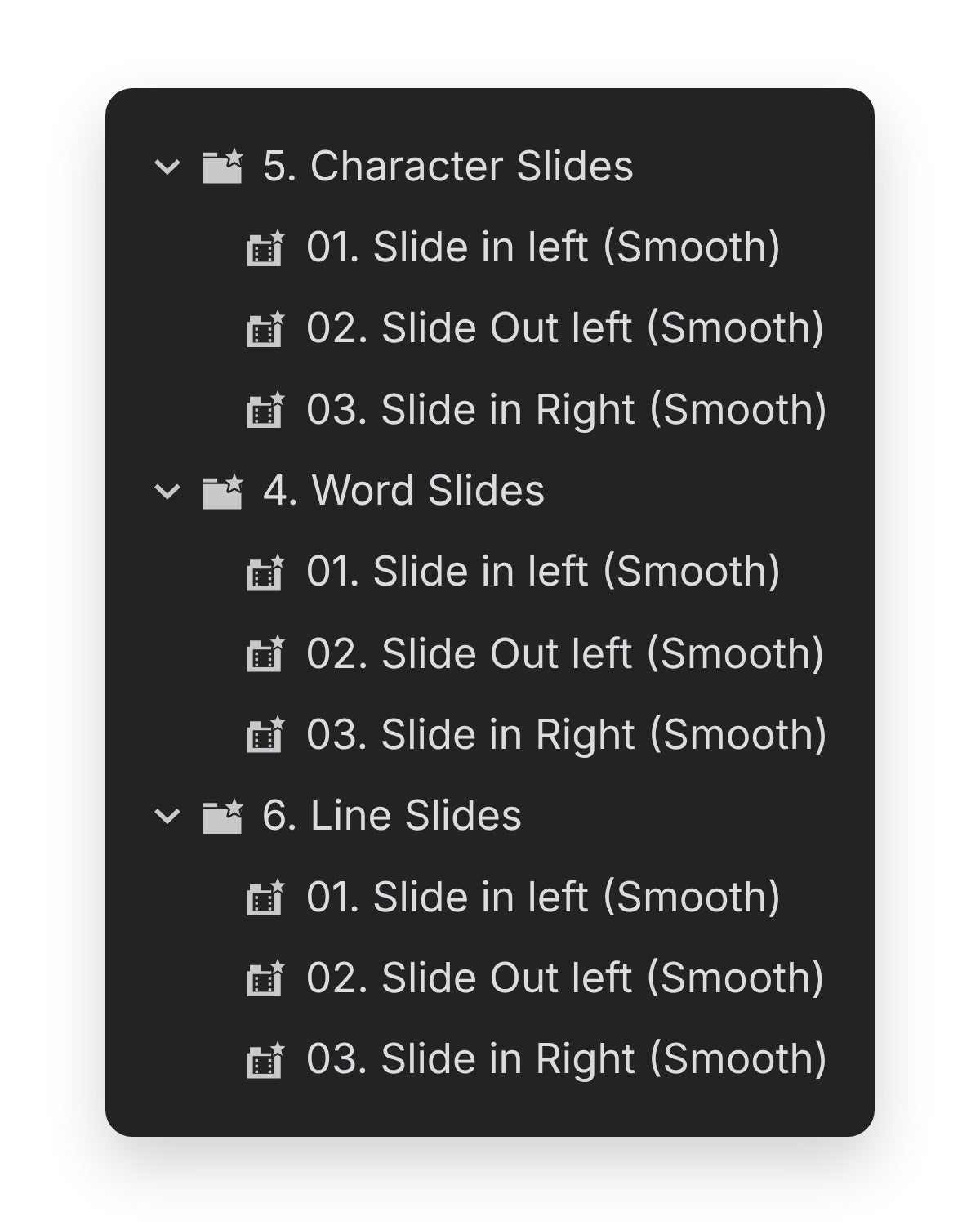
By letter, word or line. Every smooth caption comes three ways. -
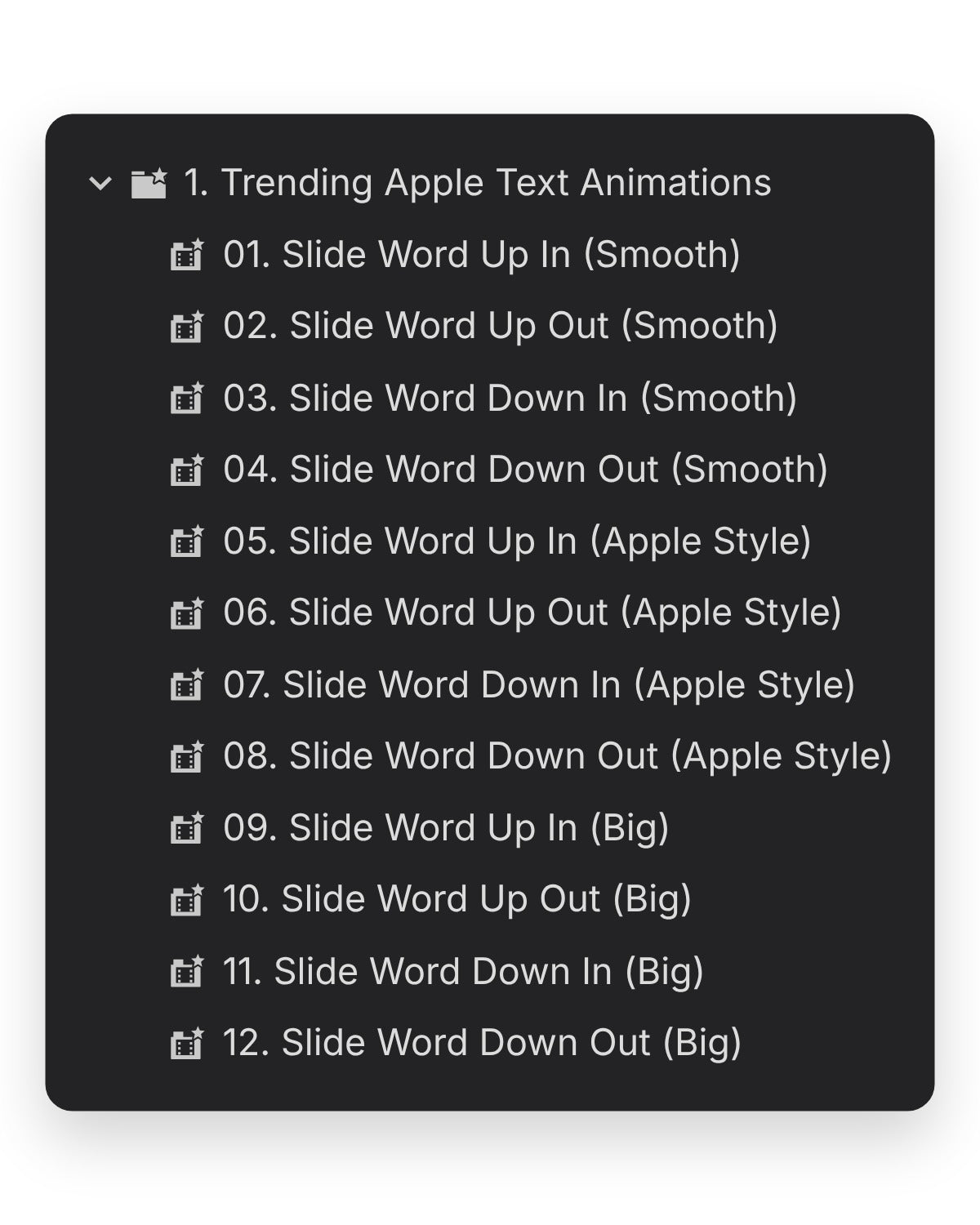
20 minimal word slides. Words slide up, down, in and out. -
Flicker, fade or bounce. 18 flickers, 12 fades, 72 bounces and 10 shakes. In the download
-
Preset file
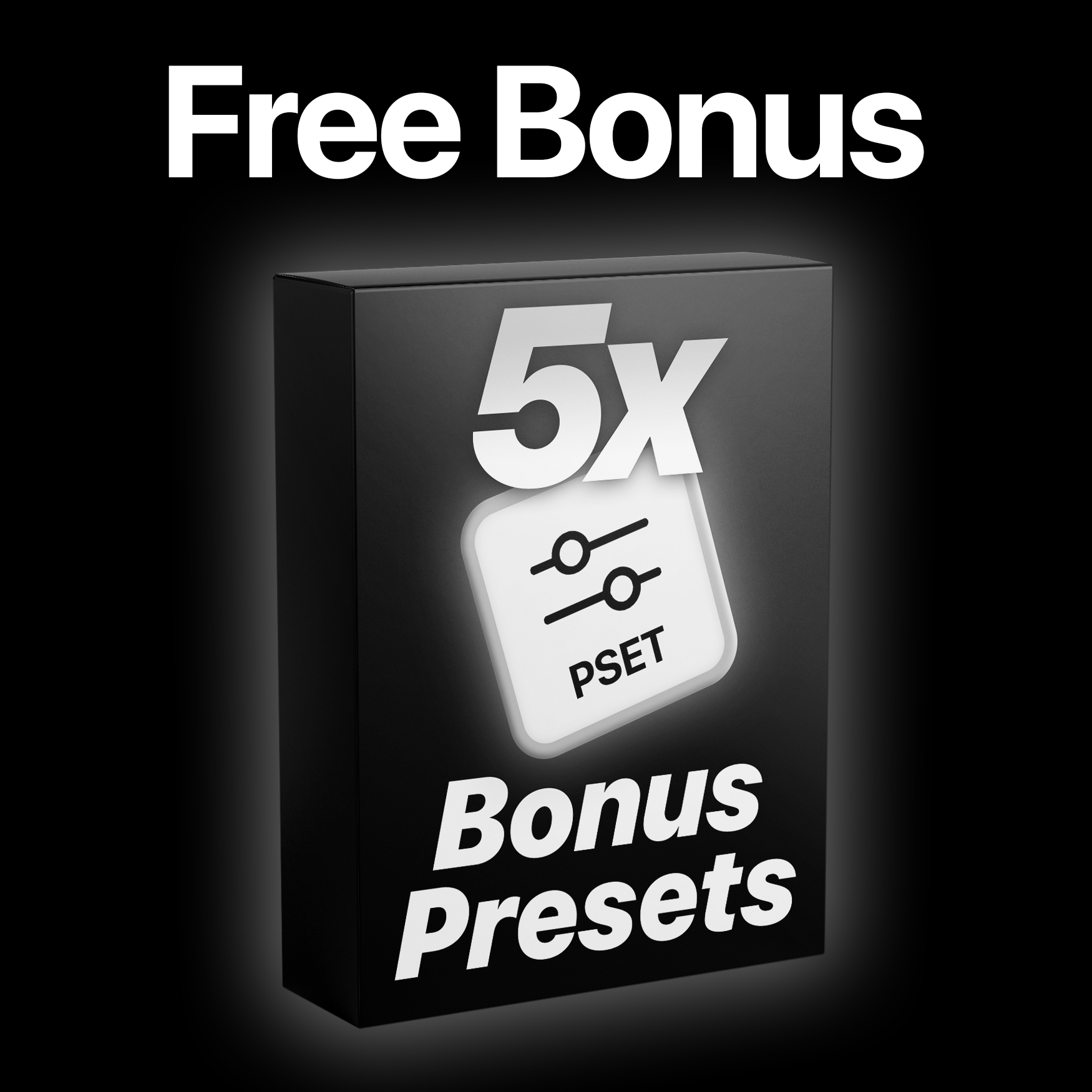
250 presets in one .prfpset file. Plus 5 bonus presets, all in your Effects panel.
-

Bounce
72 bounces. Small to double.
72 bounce presets for titles and captions. Each one overshoots its final size and then settles, from a small bounce to double size.
- Five styles eachSmooth, minimal, big, subtle and sharp.
- In and outCaptions come with an in and an out.
- EditableChange the timing in Effect Controls.
Slides
Letters slide in. Then settle.
Drag a slide onto a title and its letters, words or lines slide in one after another and settle. The easing is built in.
- Character motionLetters slide up or down, in or out.
- 20 word slidesWords slide up, down, in and out.
- Line slidesWhole lines slide in from the side.
Flicker and fade
Fade in. Flicker in.
18 flickers and 12 fades. Each comes by character, word or line, so text can appear one letter at a time or all at once.
- FlickerBy character, word or line, in or out.
- Fade12 fades for text.
- Shake10 text shakes.
250 presets. One pack.
- 100 smooth captions
- 36 double bounces
- 36 small bounces
- 20 minimal word slides
- 18 flickers
- 18 text effects
Workflow
- Drag and drop. Drop any preset onto a text clip.
- Five styles each. Smooth, minimal, big, subtle and sharp.
- In and out. Captions come with an in and an out.
- Editable. Change the timing in Effect Controls.
Tech specs
- Works with
- Premiere Pro 25.5 or newer, Windows and Mac
- You get
- 250 text presets (.prfpset) in 8 categories: 100 smooth captions, 36 double bounces, 36 small bounces, 20 minimal word slides, 18 flickers, 18 text effects, 12 fades and 10 shakes
- Free bonus
- 5 more text presets
- No need for
- After Effects, plugins or extra setup
- Updates
- Free, from your order page
- Payment
- One-time, no subscription
- Download
- Instant, after checkout
Three steps. No installer.
Import the pack into Premiere Pro once. No plugins or extra setup.
1Download the pack
Download it right after checkout, or later from the email we send you. Then unzip the folder.
2Import Presets
In Premiere Pro, open the Effects panel menu (≡) and choose Import Presets. Then pick the .prfpset file.
3Drag onto a title
Open the Advanced Text Presets folder under Presets in the Effects panel and drag any preset onto your text clip.

What the pack adds.
You can animate text by hand in Premiere Pro. The pack has 250 animations built, eased and ready to drop.


Your captions. Already moving.
250 text presets, plus 5 bonus. Pay once, keep them forever.
- Premiere Pro 25.5 or newer
- Windows and Mac