by
Premiere Pro 2027 at a glance
- Color Mode. A full color grading workspace, one click away from your edit.
- AI Assistant (beta). Ask in plain words, and it sorts clips, adds markers and builds rough cuts.
- Generative Media Tool. Make images, music, sound effects and soundscapes right on the timeline.
- Separate Crosstalk. Two people talking over each other become two clean tracks.
- Enhance Audio and Auto Ducking. Clearer dialogue, and music that dips under it by itself.
- A new Effects panel. Animated previews, better search and eight new effects.
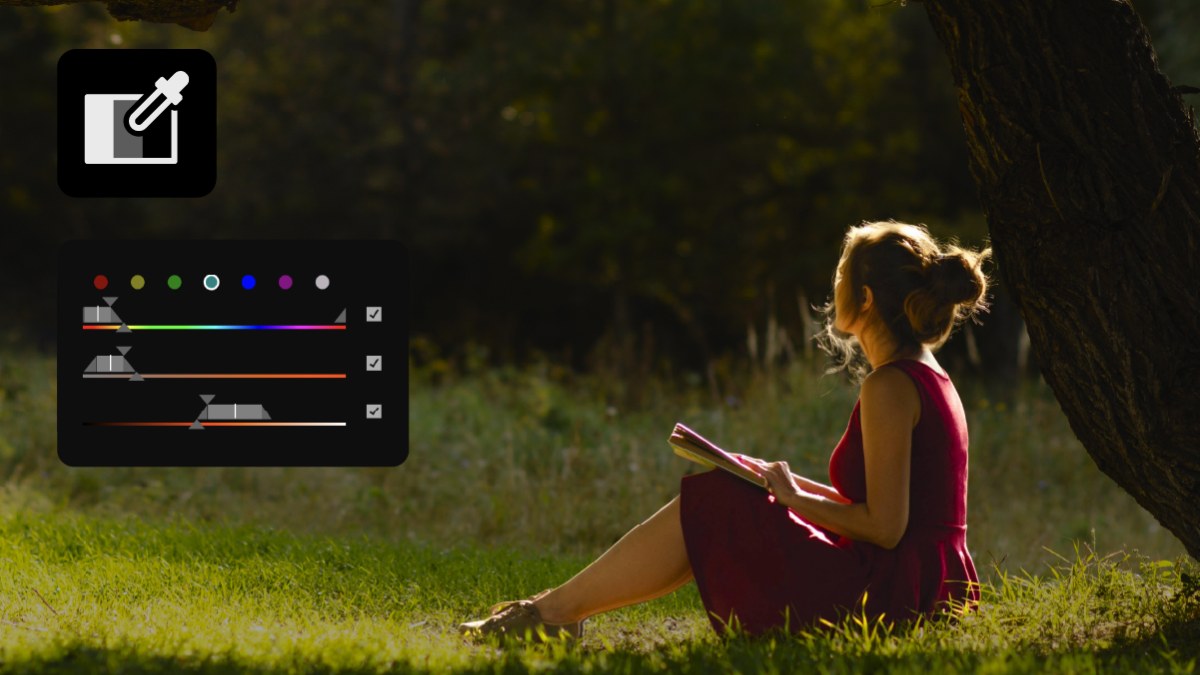
- HSL Masking. Pick out one color, like a sky or skin tones, and change only that.
- New system requirements. Apple silicon on Mac, Windows 11 version 24H2 on PC.
Color Mode: grade without leaving your edit
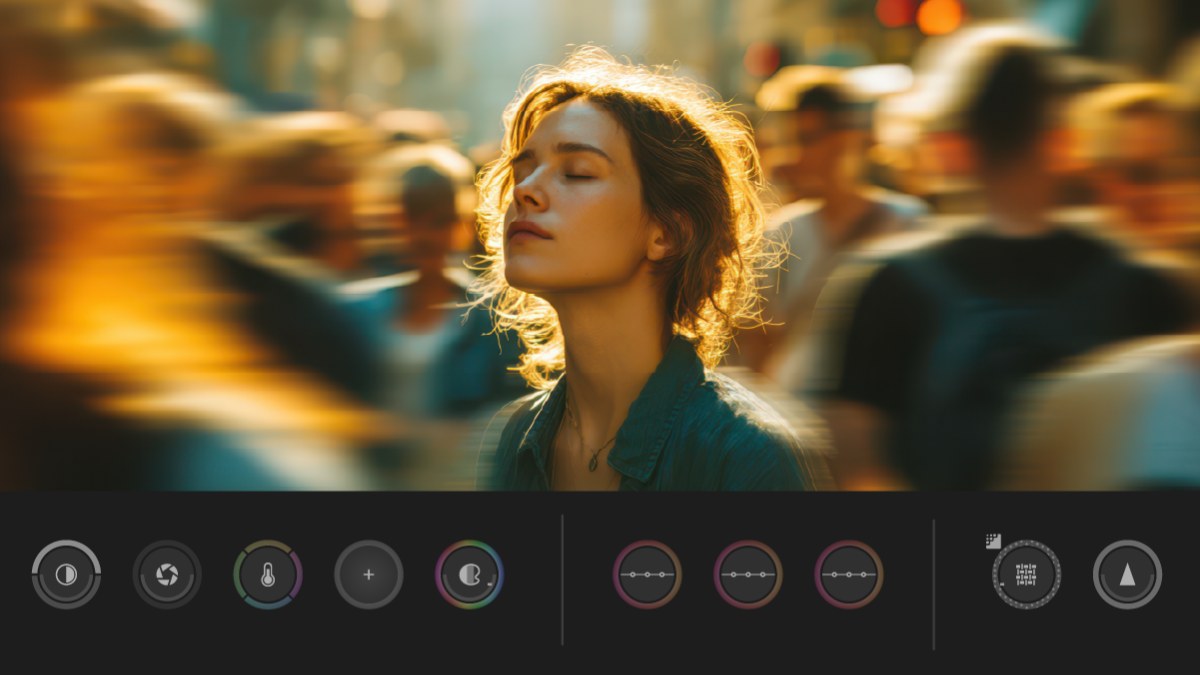
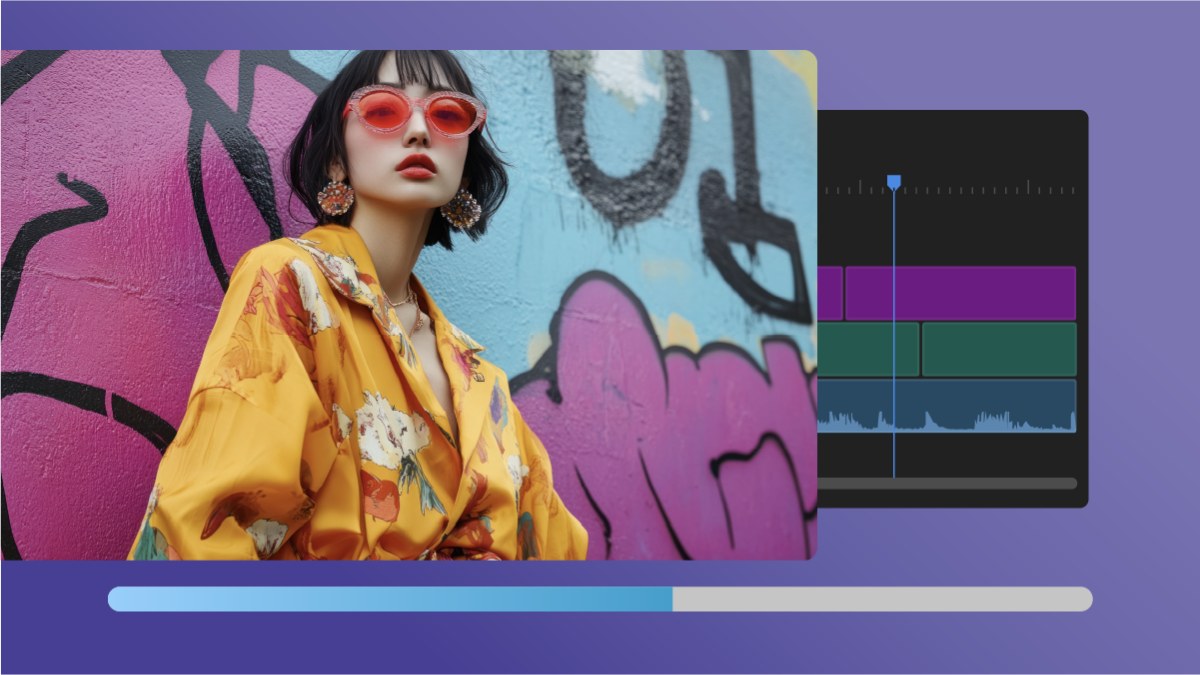
Color Mode is the headline of Premiere Pro 2027. Click the Color tab next to Edit in the top left corner, and your sequence opens in a Clip Grid with its own Color Controls and Color Monitor.
You can grade one clip, a group of shots, like every angle of an interview, or the whole sequence at once. The work is split into three operations: Adjust for corrections, with Auto Color for exposure and white balance, Style for looks like Film Color, Midtones and Vignette, and LUT for your own LUTs. It works with log, raw, SDR and HDR footage.
The Lumetri Color panel is retired. Your Lumetri grades still play and can still be edited in Effect Controls, and you can still add the Lumetri Color effect. Adobe recommends Color Mode for new projects, and suggests finishing projects that lean on Lumetri in Premiere 26.
HSL Masking: change one color only
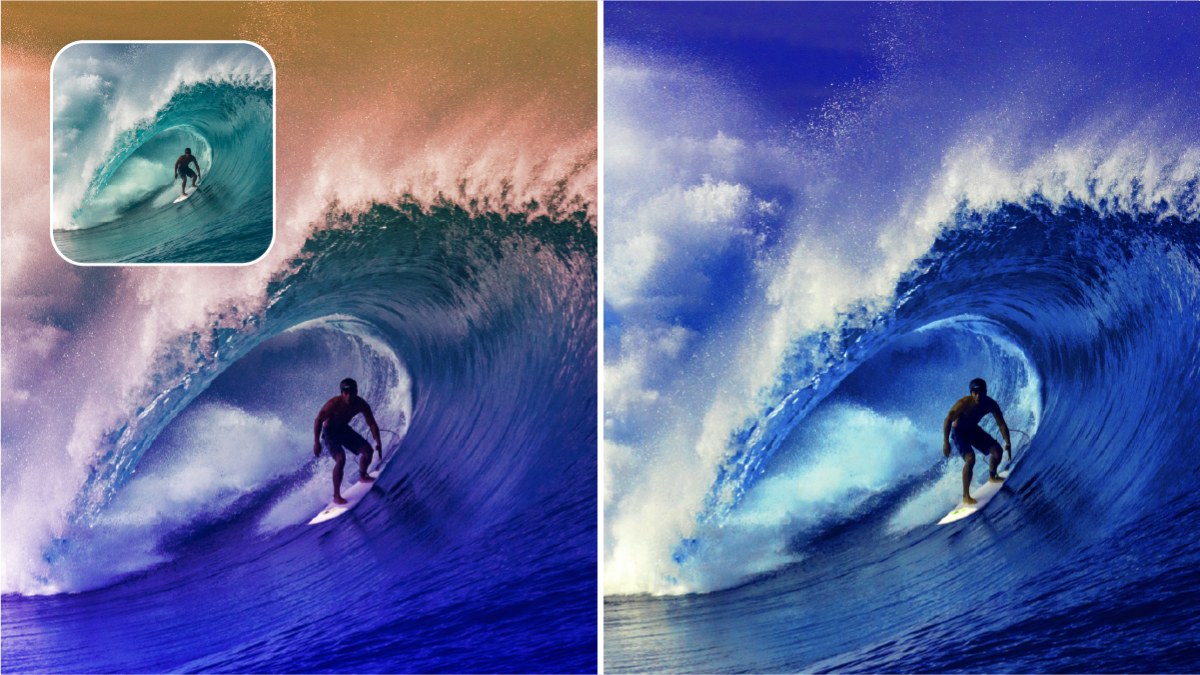
HSL Masking picks out an area by hue, saturation and brightness. Warm up skin tones or deepen a sky without touching the rest of the shot. It works together with your other masks, and inside Color Mode.
AI Assistant (beta)
The AI Assistant is a new panel that takes care of editing chores from a plain request. Ask it to sort clips into bins, add markers, build a string-out or a rough assembly, or make a transcript.
Bins and sequences stay editable, so you can step in and change anything it made. It's still in beta, and it uses Adobe's generative credits.

Make images, music and sound on the timeline
The Generative Media Tool can now make still images. Select a part of the timeline, type what you want, and the result lands in your sequence. Premiere shows how many credits it will cost before it starts.
- Generate Music. Original music from a text prompt, placed on your timeline.
- Generate Sound Effects. Sound effects from a text prompt.
- Generate Soundscape. Premiere looks at your video and builds layers of ambience and sound effects that fit it.
Adobe's Firefly models are designed to be commercially safe. Premiere also offers partner models, so check a model's terms before you use its results in paid work.
Separate Crosstalk: one track, two voices
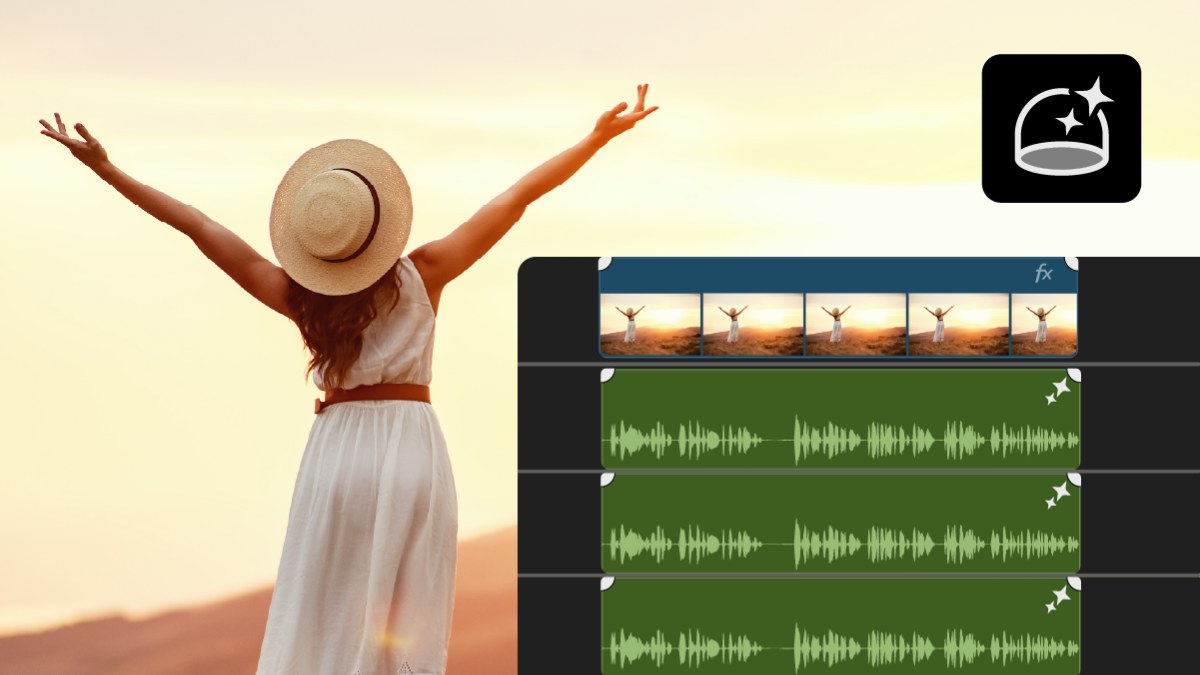
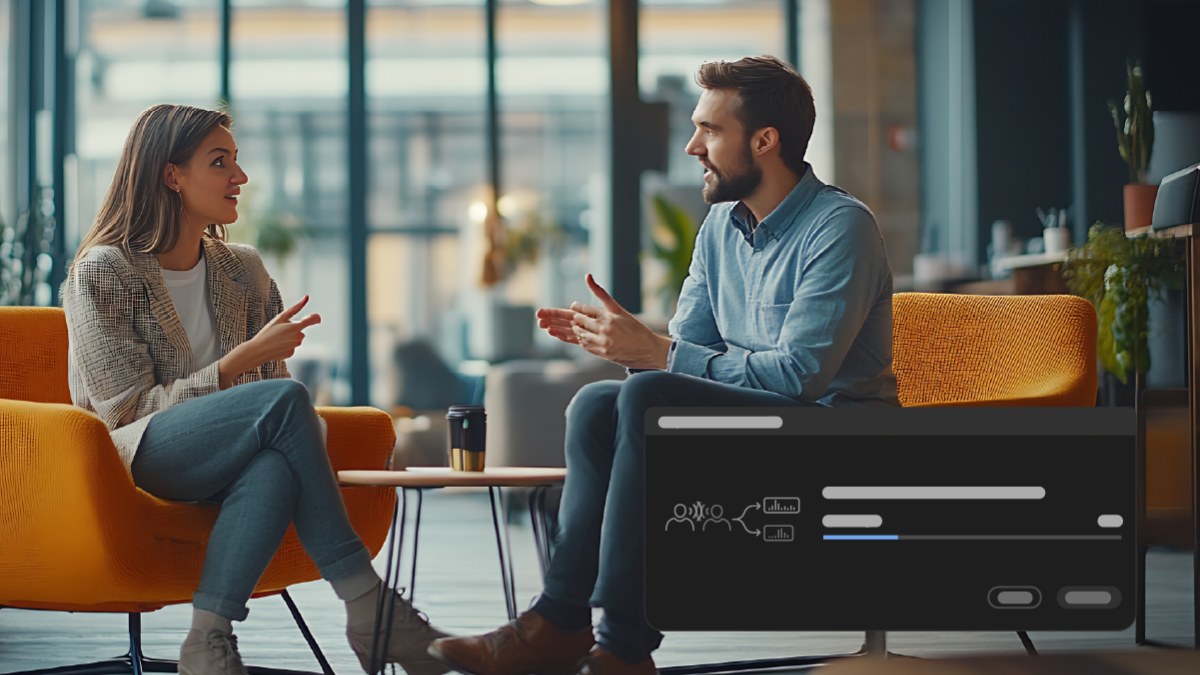
When two people talk over each other on one track, Separate Crosstalk splits them into their own tracks, with the background on a track of its own. Your original audio stays in the sequence, switched off, so you can always go back. It runs on Adobe Firefly audio technology, so it needs an internet connection and uses credits.
More audio upgrades
- Enhance Audio. New controls and a new layout for clearer dialogue.
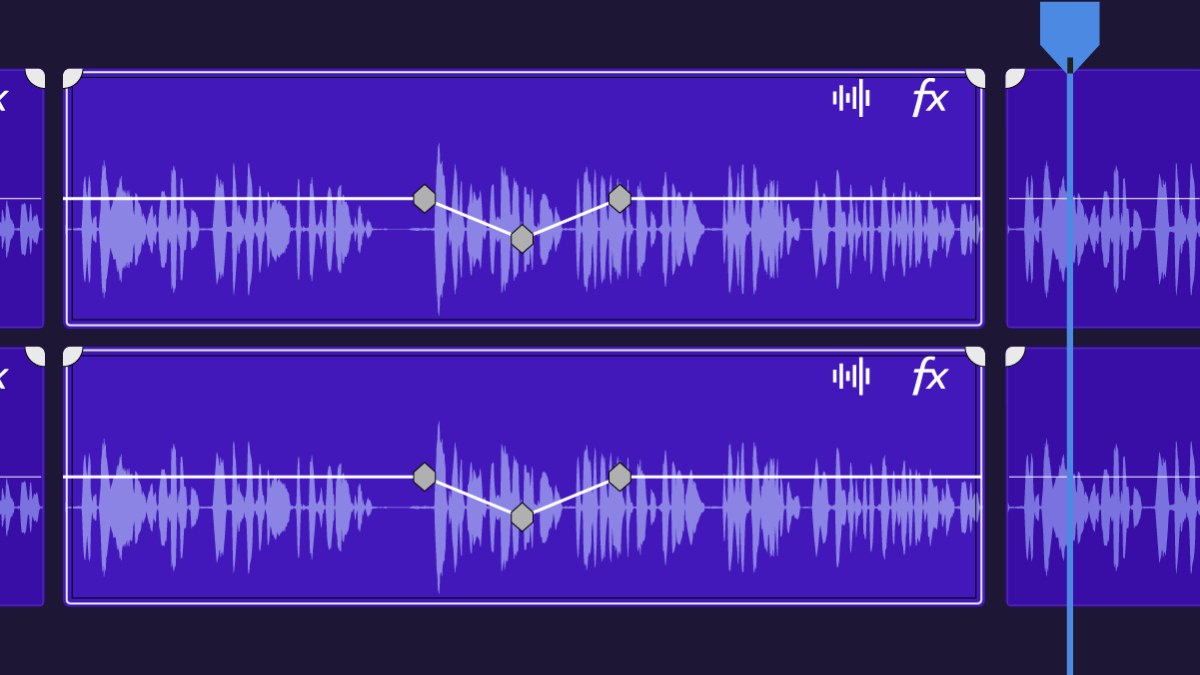
- Auto Ducking. Music dips under dialogue, and the volume keyframes update by themselves when you add, trim or mute clips.
- Live waveforms. See the waveform on the timeline while you record a voice-over.
- Speed/Duration. New audio stretching modes and pitch control, so faster or slower audio still sounds natural.
- iXML metadata. Production sound notes show on clips in the timeline and in the Source Monitor.
Effects: easier to find, eight more to use
The Effects panel now shows animated thumbnails and searches better. Preview from Source shows an effect on your own footage before you apply it.
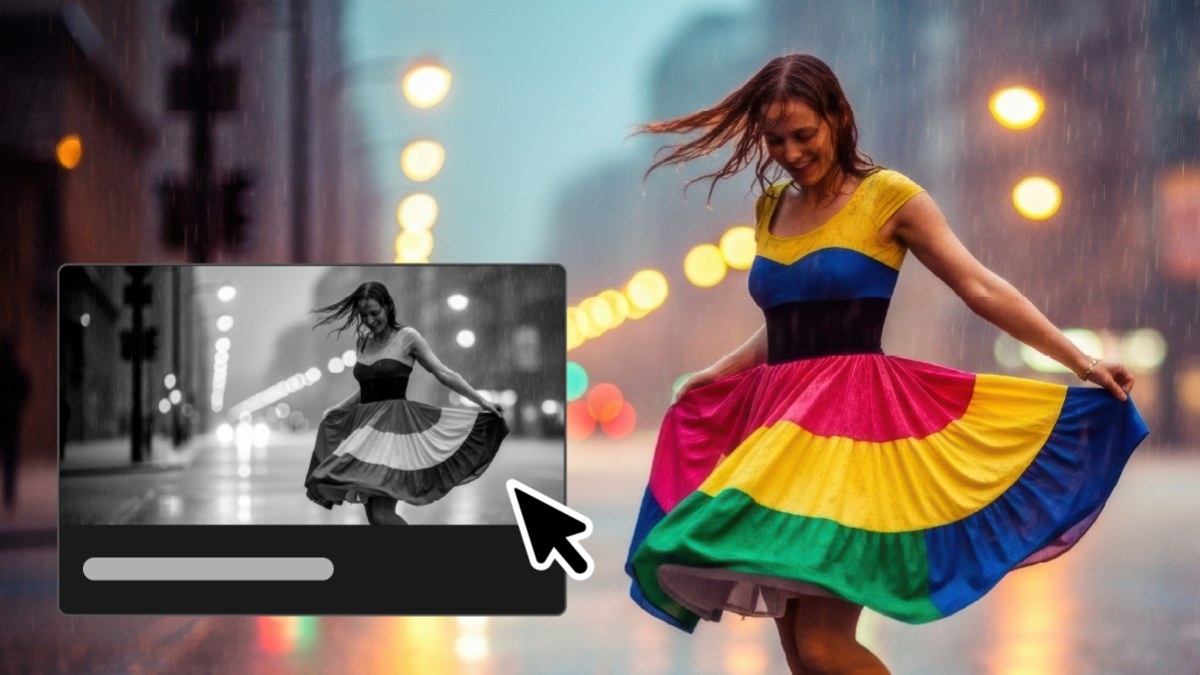
There are eight new effects, including Bevel Alpha, Bevel & Emboss, Posterize, Radial Blur and Zoom Blur. Video effects, audio effects and masks also show up as cards in the Properties panel, so you can tweak them without opening Effect Controls.
Object Mask tracks better and makes cleaner masks. And when a clip is too short for a transition, Generative Extend can make the missing frames.
Native on Windows on ARM
Premiere now runs natively on NVIDIA RTX Spark PCs with Windows on ARM. AI features like Object Mask and Enhance Speech get hardware acceleration there.
Premiere Pro 2027 system requirements
| Computer | Premiere Pro 2027 |
|---|---|
| Mac | Apple silicon (M1 or newer) with macOS 15 or later |
| Intel Mac | Not supported. Keep using Premiere 26 |
| Windows | Windows 11 version 24H2 or later, with a supported GPU |
| Windows 10 | No longer supported |
Premiere won't start if it can't find a supported GPU. Projects saved in Premiere Pro 2027 don't open in older versions, so keep a copy if you share projects with someone who hasn't updated.
Our plugins and templates work in Premiere Pro 2027
EaseFlow, BetterFX, QuickPaste and Mako all work in Premiere Pro 2027. Our plugins and Motion Graphics templates work in Premiere Pro 2021 to 2027, and our presets in 2019 to 2027, so you can update without losing your tools.
FAQ
When did Premiere Pro 2027 come out?
Adobe released Premiere 27.0, the version known as Premiere Pro 2027, on November 10, 2026, at Adobe MAX.
Is Premiere Pro 2027 a free update?
Yes, if you already pay for Premiere or Creative Cloud. Update it from the Creative Cloud app.
Is Lumetri Color gone in Premiere Pro 2027?
The Lumetri Color panel is gone, but the Lumetri Color effect is not. Old grades still work, and you can edit them in Effect Controls. New grading happens in Color Mode.
Does Premiere Pro 2027 run on an Intel Mac?
No. Premiere Pro 2027 needs a Mac with Apple silicon and macOS 15 or later. On an Intel Mac, keep using Premiere 26.
Ready to edit faster in Premiere Pro 2027? See our Premiere Pro plugins.