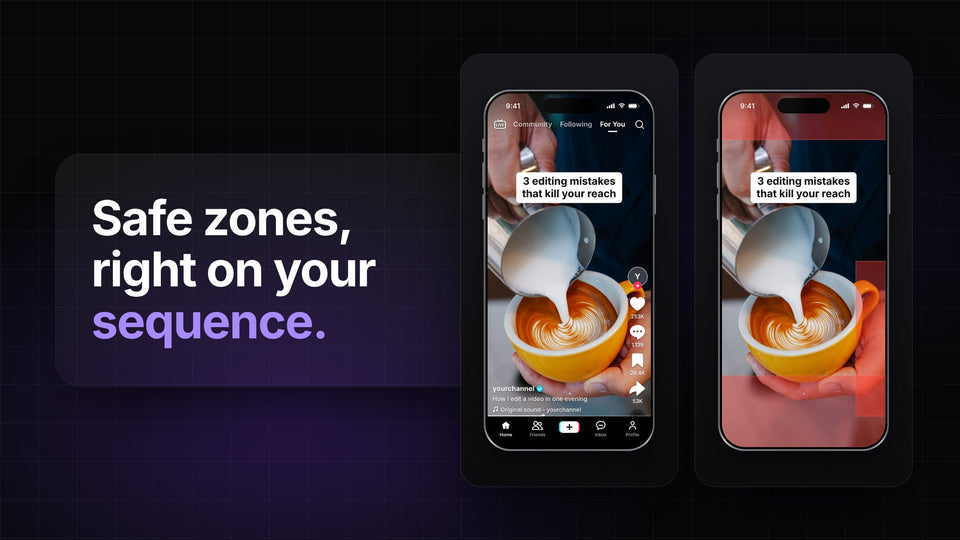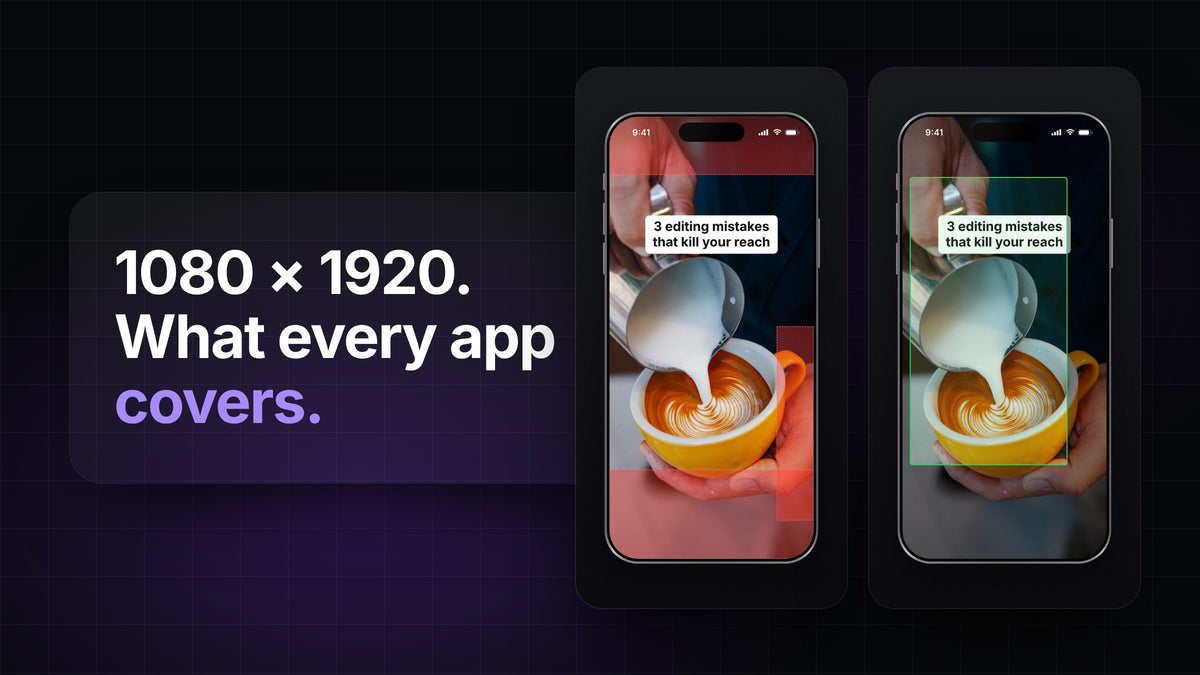
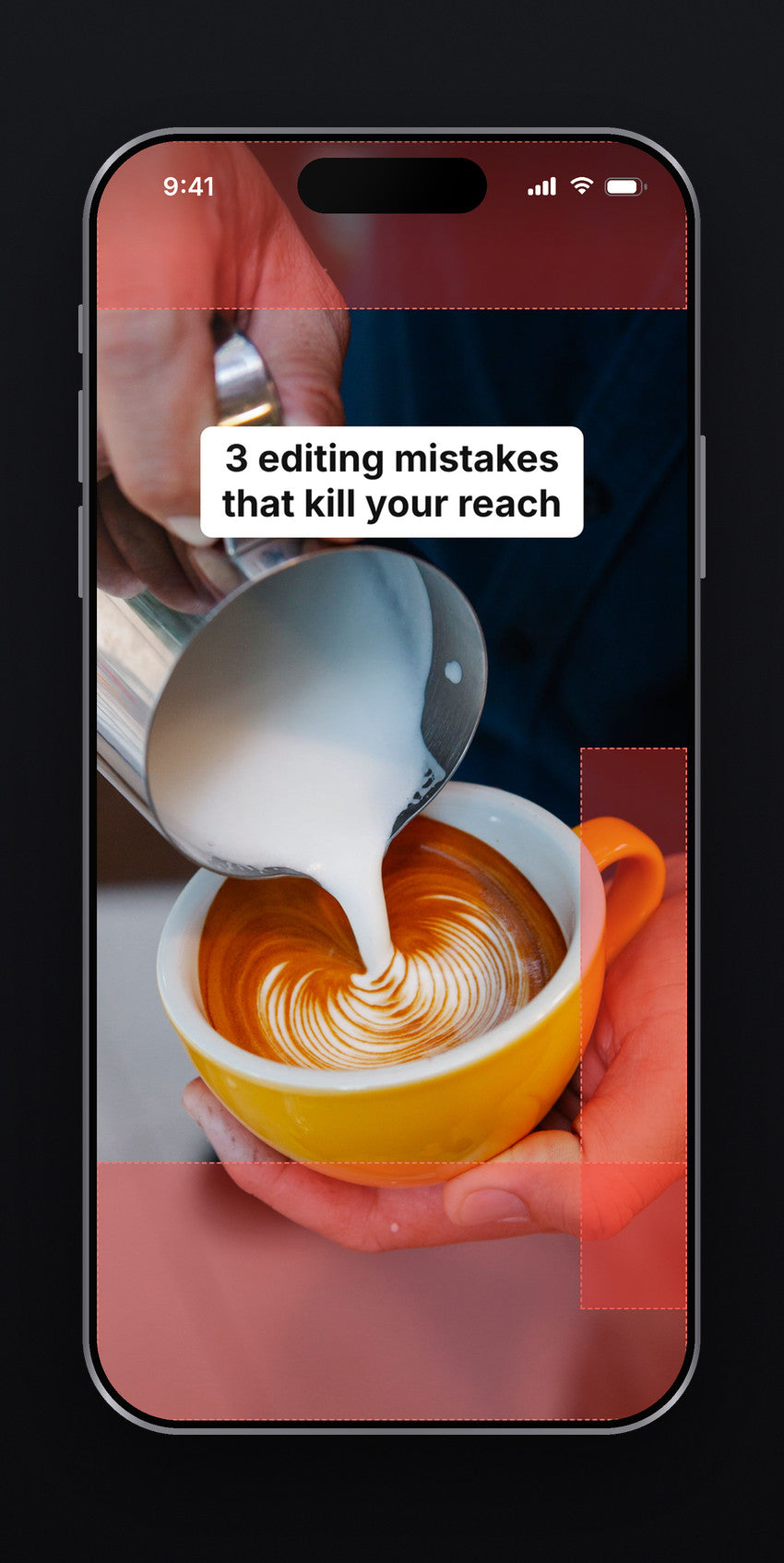
These are the numbers ClearFrame uses for its guides, measured with a one-line caption. Apps change their layouts now and then, and a longer caption pushes the bottom area up by about 44 pixels per extra line, so treat them as a good margin. They're not a law.
Safe zones by app
| App | Top | Bottom | Right side |
|---|---|---|---|
| TikTok | 252 px | 388 px | 160 px, from about 910 px down |
| Instagram Reels | 225 px | 286 px | 146 px, from about 1068 px down |
| YouTube Shorts | 225 px | 316 px | 124 px, from about 1118 px down |
| Instagram Stories | 250 px | 250 px | none |
| Facebook Reels | 220 px | 450 px | 140 px, from about 1040 px down |
| Snapchat | 200 px | 360 px | 140 px, from about 1120 px down |
Keep 40 px clear on the left and right edges as well. Phones round their corners and some crop a touch.
The box that's safe everywhere
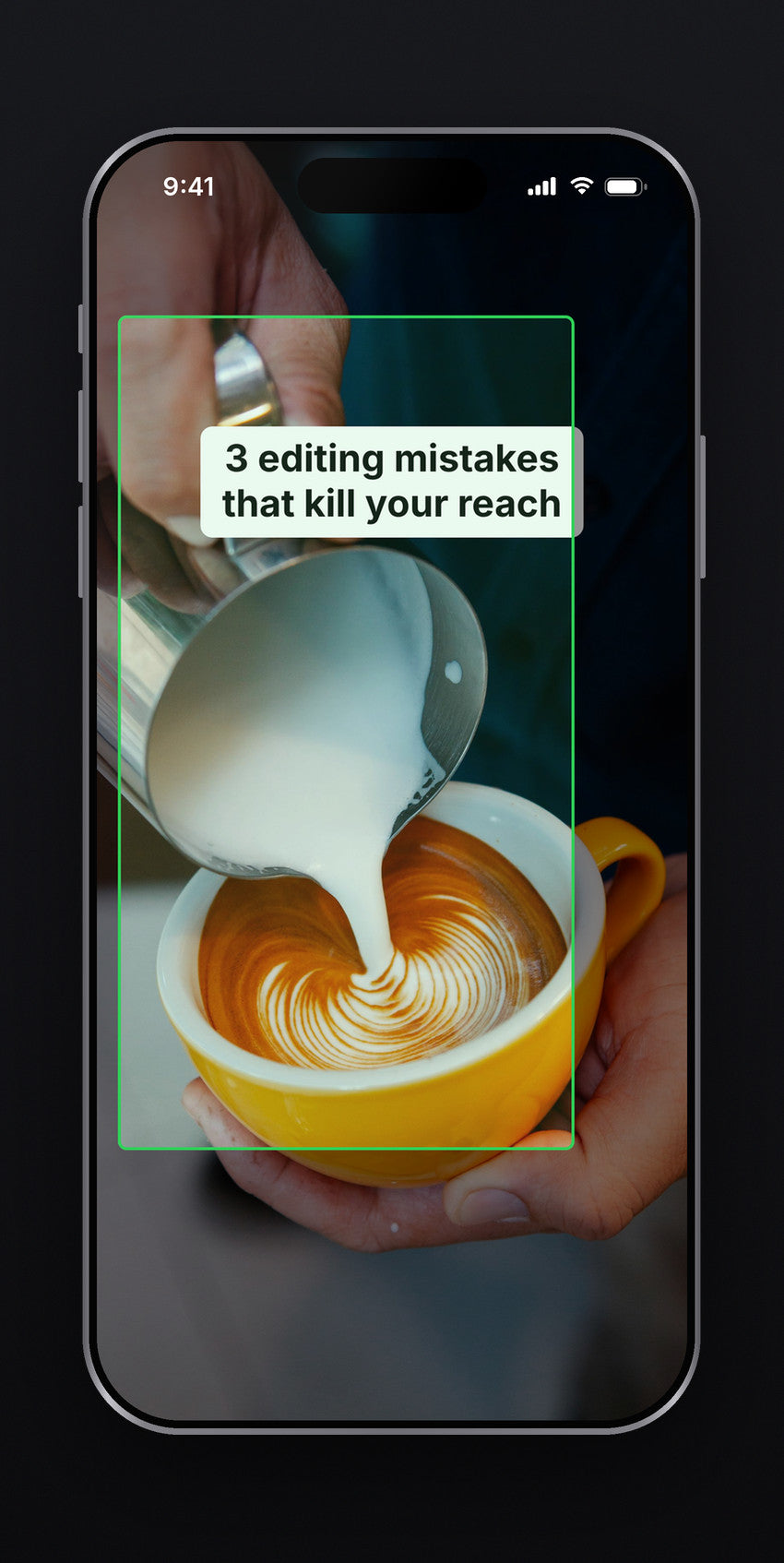
If one video goes to all six, the area that's clear on every app runs from about x 40 to x 920 and y 252 to y 1470. That's 880 × 1218 pixels. Facebook Reels sets the bottom edge. TikTok sets the top and the right.
Where people get caught
- Captions too low. The bottom 300 to 450 px is username and caption on almost every app. Put subtitles just below the middle instead. You'll see the difference.
- Text on the right. The like, comment and share buttons sit in a column on the right from about halfway down.
- Logos at the top. The top 200 to 250 px holds the tabs, the search icon or the Stories bar.
- Long captions. A three-line caption on TikTok covers almost 90 px more than a one-line one.
YouTube 16:9 and Instagram Feed 4:5
On a 1920 × 1080 YouTube video, the player controls cover about the bottom 240 px when someone hovers, and closed captions take a band above that. On a 1080 × 1350 Instagram Feed post, the profile grid crops about 34 px off each side. ClearFrame Pro has guides for both.
Skip the measuring
You can type these numbers into Premiere's guides by hand if you'd like. It's slow, but it works. Or pick the apps in ClearFrame, press Apply Guide, and see them drawn on your sequence. The safe zones tutorial walks through it.
ClearFrame Standard is $19.99 and has all six vertical apps and the three views. ClearFrame Pro is $29.99 and adds Blind Spot Scan, the live preview, YouTube 16:9 and Instagram Feed 4:5, every guide and your own lines. You pay once, and you can move from Standard to Pro later for $12.99.
Want the safe zones on your sequence instead of in a spreadsheet? Get ClearFrame for Premiere Pro.