Step 1: Set up a vertical sequence
Make a 1080 × 1920 sequence. Already shot vertical? Right-click your clip and choose New Sequence From Clip. Safe zones only make sense once your frame is the same shape the app will show on a phone, so don't skip this.
Step 2: Open ClearFrame
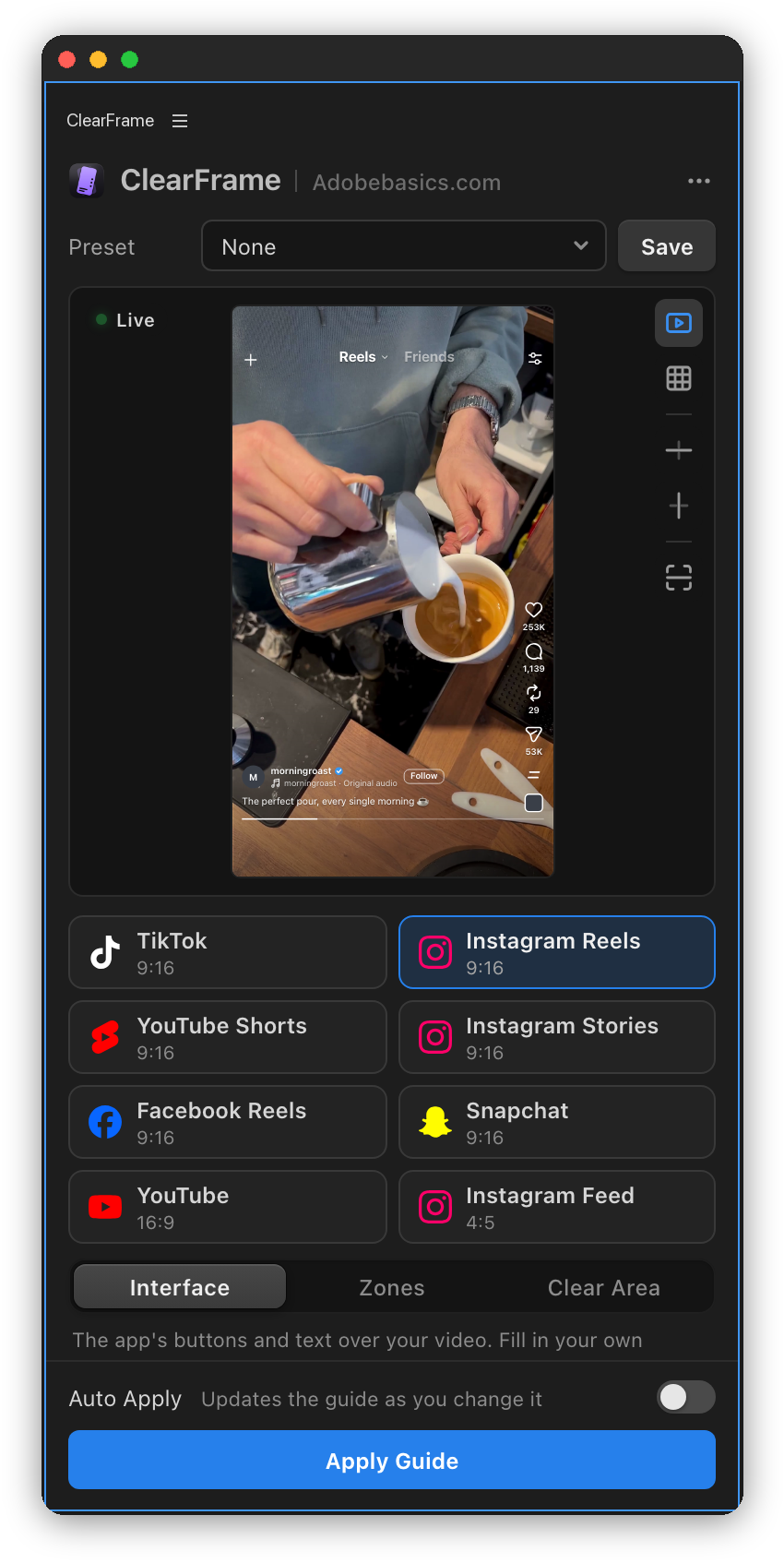
Install ClearFrame, then open Window › Extensions › ClearFrame. Dock it next to the Program Monitor. You'll want both in view.
Step 3: Pick the app
Click TikTok, Instagram Reels, YouTube Shorts, Instagram Stories, Facebook Reels or Snapchat. In Zones and Clear Area you can pick more than one.
Step 4: Choose a view
- Interface to see the app's real buttons, username and caption.
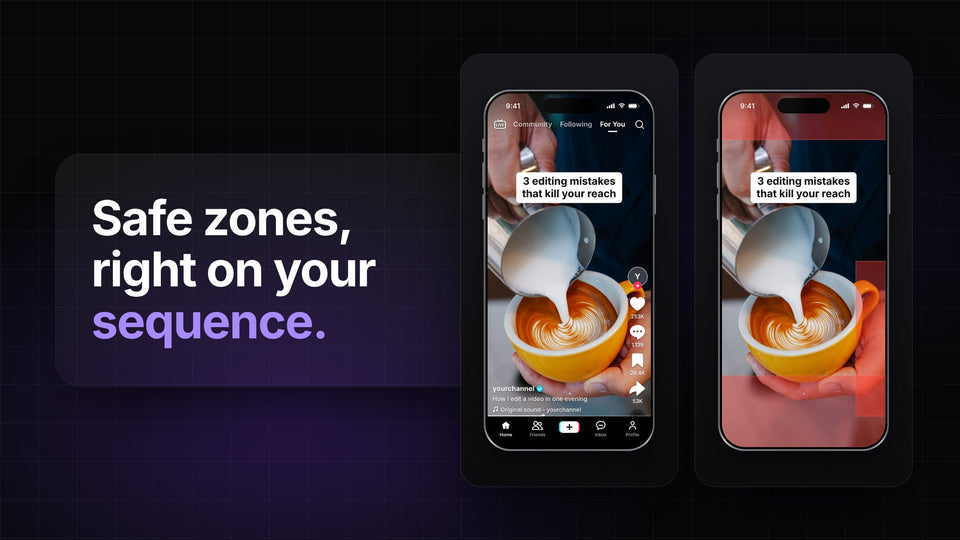
- Zones to see what's covered, in red.
- Clear Area to see only the space that's free on every app you picked.
Step 5: Press Apply Guide
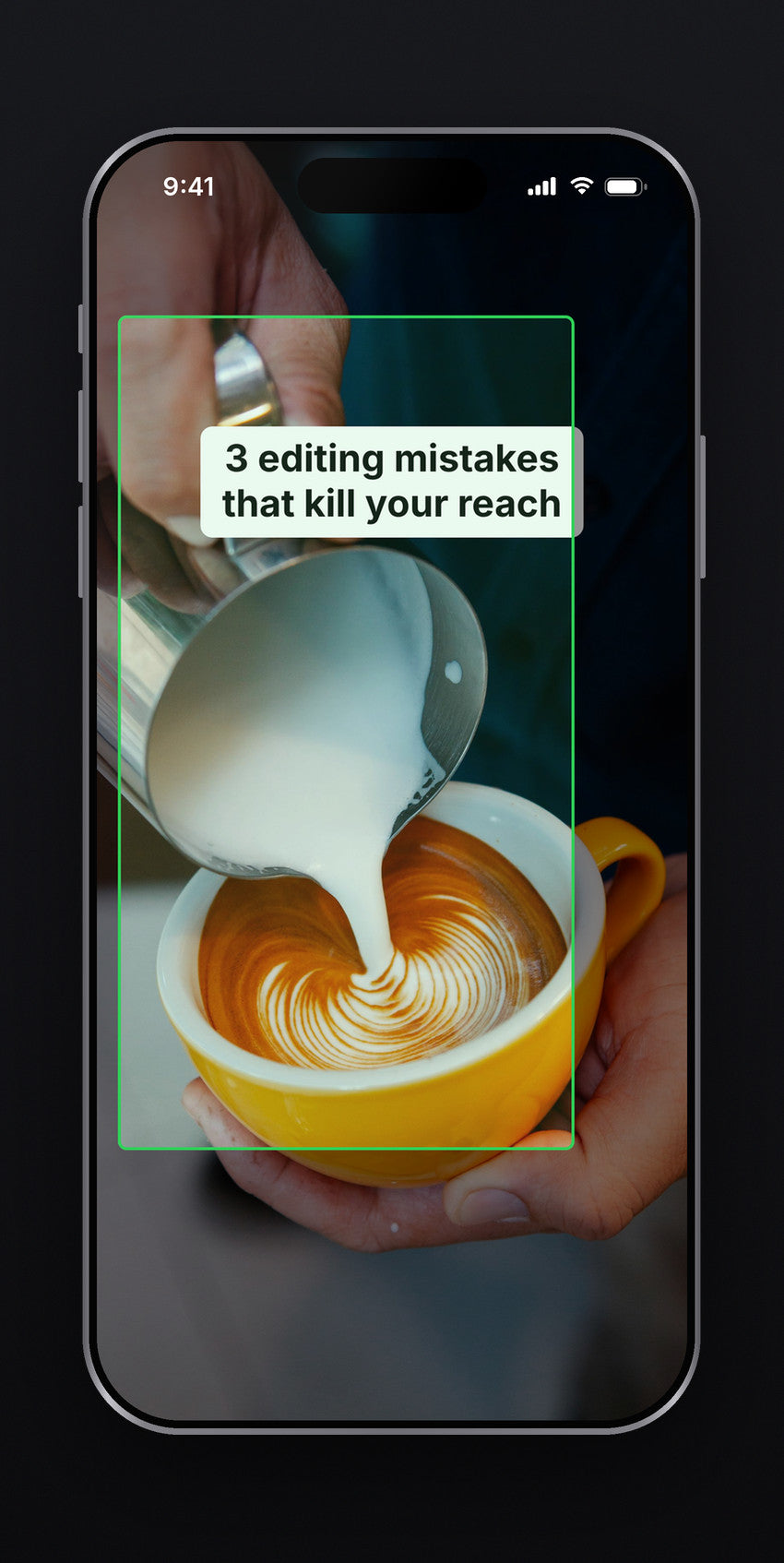
ClearFrame puts the guide on its own track above your video. Move your captions, titles and stickers until nothing important touches the covered parts. Faces matter too. TikTok's button rail runs down the right side of the frame from about halfway, so keep eyes and mouths to the left of it.
Step 6: Hide it before you export
Click the eye to hide the guide. It stays in the sequence for next time but doesn't render. If you change platforms later, Update Guide swaps it in place. In Pro, Auto Apply does that for you as you change settings.
Quick checklist
- Hooks and titles above the bottom caption area.
- Nothing important under the right-hand buttons.
- Faces clear of the top bar and the username.
- One layout that fits the Clear Area if you post to several apps.
- Guide hidden before export.
If you'd like the exact numbers for each app, read safe zone sizes for TikTok, Reels and Shorts. To check a long video in one go, see how to find captions the app would cover.
ClearFrame Standard is $19.99 and has all six vertical apps and the three views. ClearFrame Pro is $29.99 and adds Blind Spot Scan, the live preview, YouTube 16:9 and Instagram Feed 4:5, every guide and your own lines. You pay once, and you can move from Standard to Pro later for $12.99.
Stop guessing where the buttons go. Get ClearFrame for Premiere Pro.