

Tutoriales de Premiere Pro

Tutoriales de Premiere Pro paso a paso con capturas, desde efectos de texto hasta transiciones y audio.

QuickPaste in Premiere Pro converting pasted images to PNG, with a portrait shot in the Program Monitor and pasted files on the timeline

La mejor alternativa a AnyPaste para Premiere Pro: QuickPaste

Premiere Pro 2025 Program monitor with a copied chapter title on the clipboard, about to be pasted as a title with QuickPaste

El mejor plugin para pegar en Premiere Pro 2025
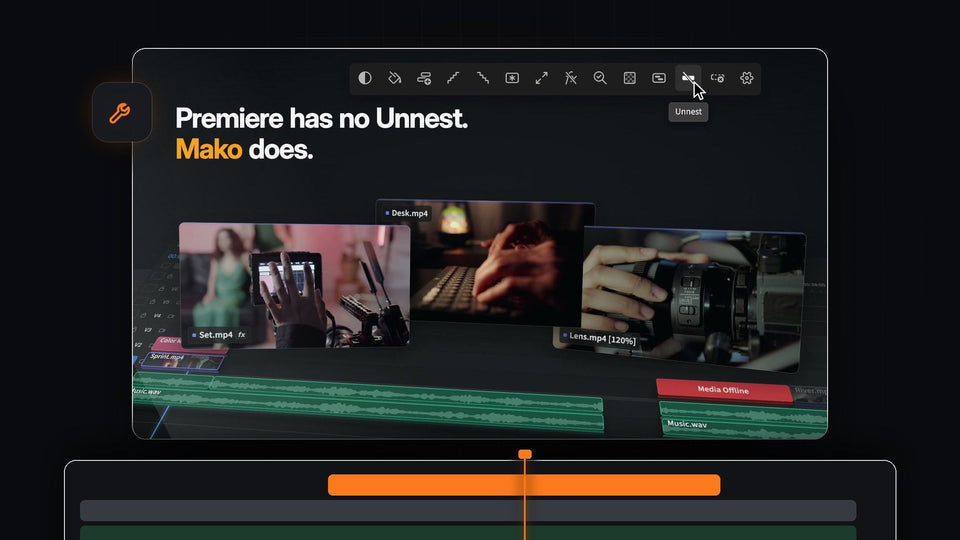
Mako Unnest putting the clips from a nested sequence back on their own tracks in Premiere Pro

La mejor alternativa a Un-PreCompose para Premiere Pro: Mako

BetterFX search bar in Glass mode with Gaussian Blur highlighted and nine accent colors for Premiere Pro

BetterFX para Premiere Pro: la guía completa de funciones
An editor's desk at night with Premiere Pro open on the monitor, from the Mako launch film

La mejor alternativa a Shifter para Premiere Pro: Mako

EaseFlow easing panel in Premiere Pro applying a custom overshoot curve to a Northern Lights title

El mejor plugin de easing para Premiere Pro: por qué los editores eligen EaseFlow
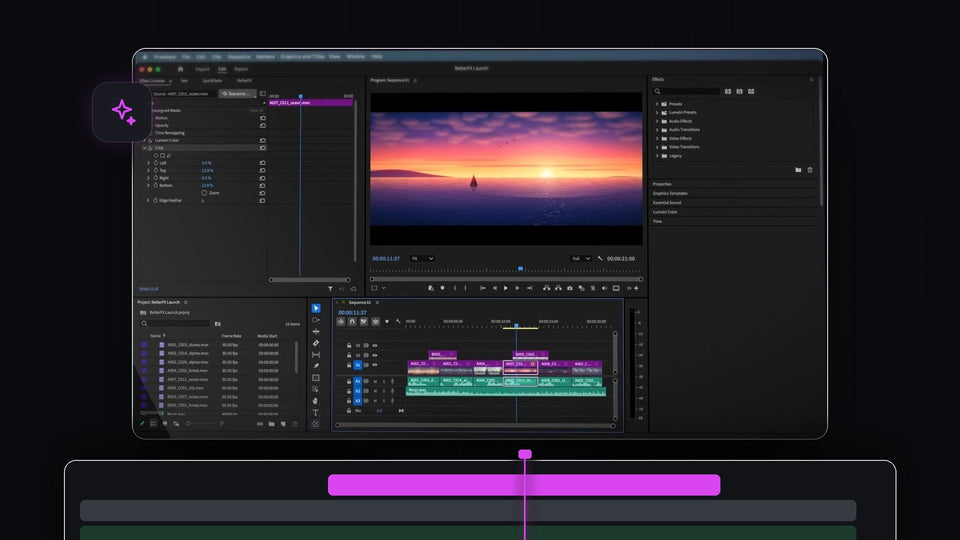
Premiere Pro editor with Lumetri Color and Crop applied through BetterFX to a sunset clip

La mejor alternativa a Command Frame para Premiere Pro: BetterFX
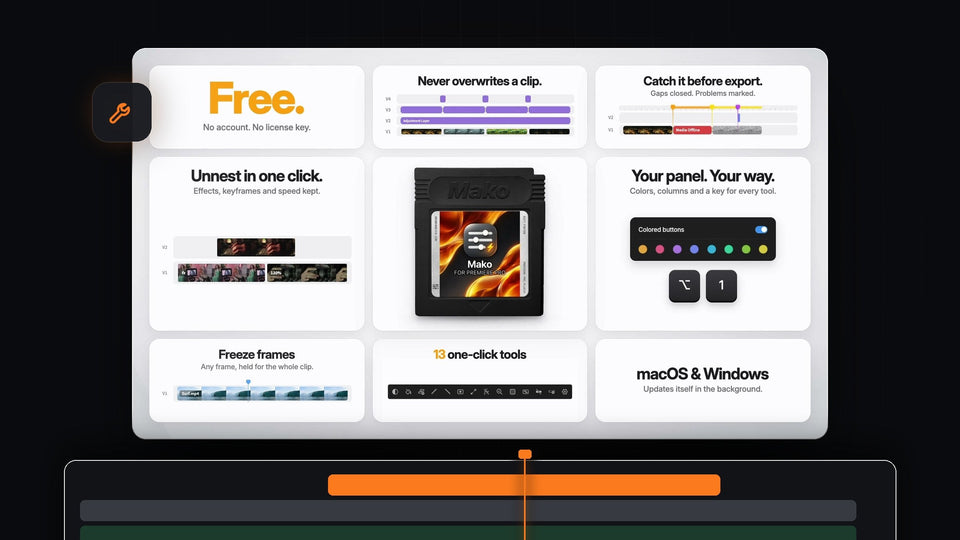
Mako features at a glance: free, never overwrites a clip, QC check, Unnest, colored buttons and freeze frames

El mejor panel gratis para Premiere Pro 2023
Introducing EaseFlow title card in white on a dark background

La mejor alternativa a OpenCurve para Premiere Pro: EaseFlow

BetterFX custom shortcut Option plus 1 applying Warp Stabilizer in Premiere Pro

La mejor alternativa a HyperShift para Premiere Pro: BetterFX

Premiere Pro with the QuickPaste panel open and a pasted vector logo in the Program Monitor and on the timeline

El mejor plugin para pegar en Premiere Pro 2023
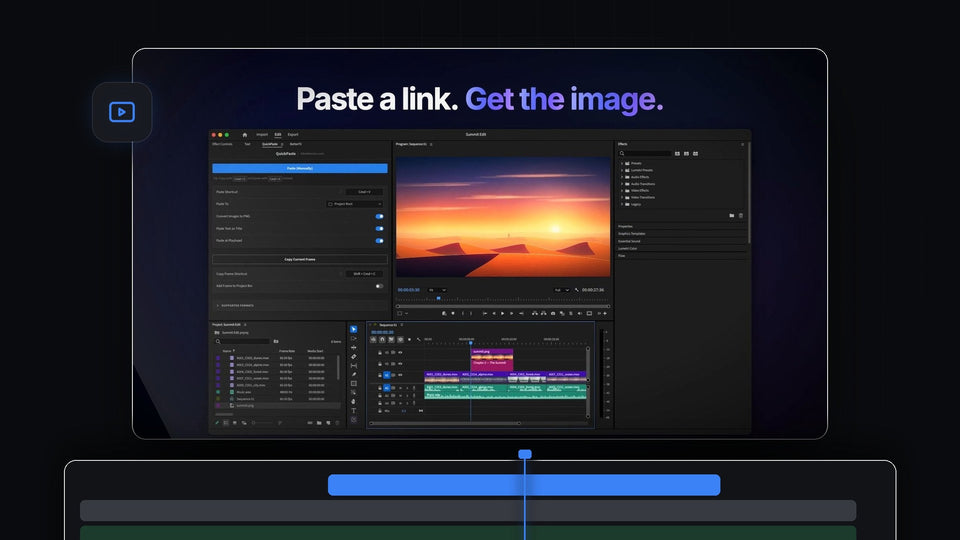
Paste a link, get the image: a desert image pasted from a link into Premiere Pro with QuickPaste, shown in the Program Monitor

La mejor alternativa a JustPaste para Premiere Pro: QuickPaste

BetterFX search bar over the Premiere Pro Program Monitor with Lumetri Color highlighted for the letters lum

El mejor plugin para buscar efectos en Premiere Pro
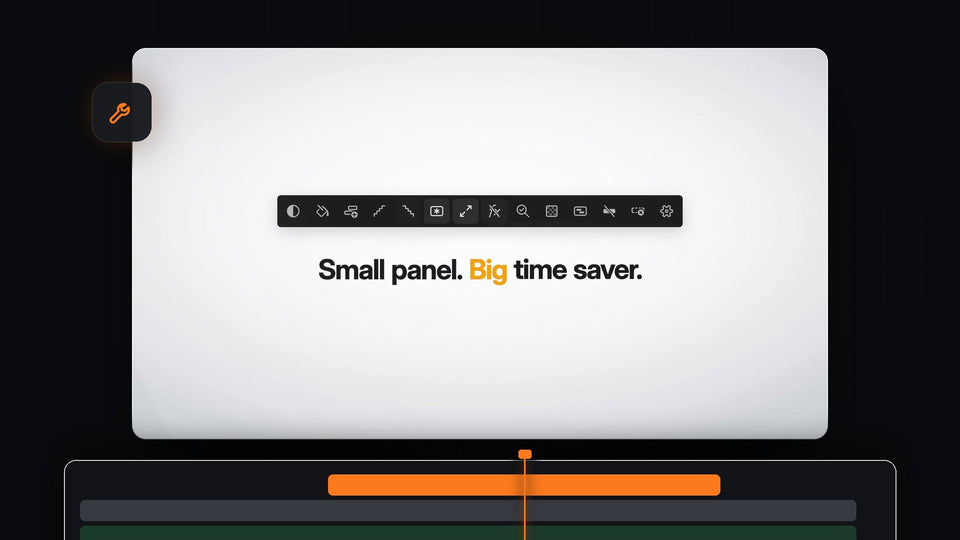
All 13 Mako tools and the Settings gear in one small panel for Premiere Pro

La mejor alternativa a Sequence Layers para Premiere Pro: Mako

Clicking Apply in the EaseFlow panel in Premiere Pro next to a Northern Lights title in the Program Monitor

La mejor alternativa a Smoothify para Premiere Pro: EaseFlow

Premiere Pro project bin and timeline filled with pasted PSD, AI, AEP, MOGRT, MOV and WAV files from QuickPaste

El mejor plugin para pegar en Premiere Pro 2022

BetterFX search bar in Dark mode with Gaussian Blur, Sharpen and a third-party S_Glow effect

La mejor alternativa a SickMotionz ToolBox para Premiere Pro: BetterFX

BetterFX search in Premiere Pro 2021 turning the letters gb into Gaussian Blur

El mejor plugin para buscar efectos en Premiere Pro 2021

Premiere Pro with the QuickPaste panel open and a pasted illustration in the Program Monitor, with pasted files on the timeline

La mejor alternativa a EditBuddy para Premiere Pro: QuickPaste
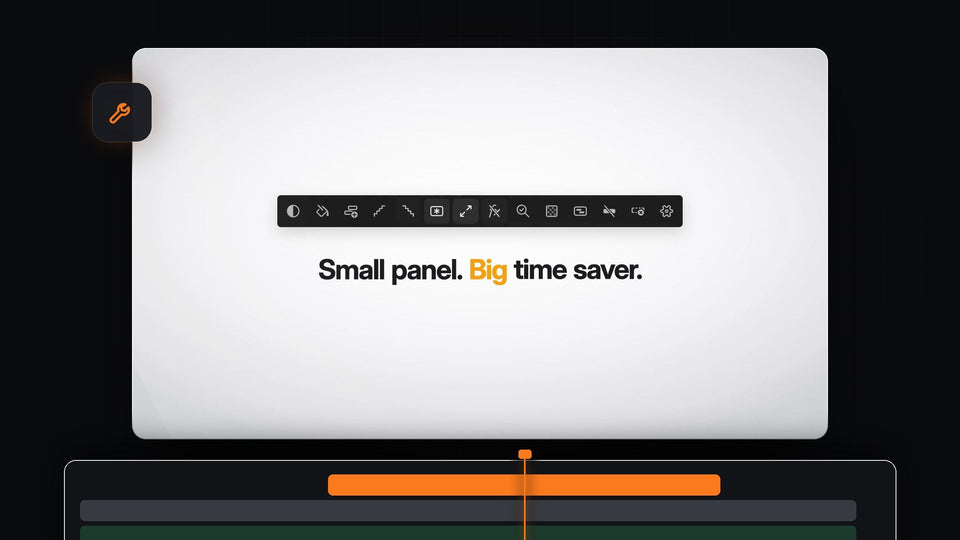
All 13 Mako tools and the Settings gear in one small panel for Premiere Pro

El mejor panel gratis para Premiere Pro 2026
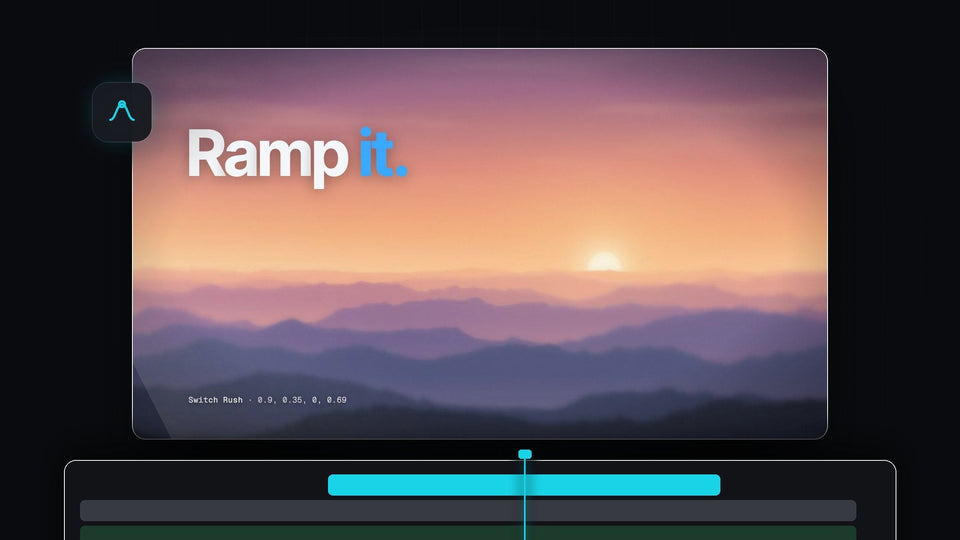
A sunset over layered mountains with the words Ramp it, from the EaseFlow launch film

La mejor alternativa a ZFlow para Premiere Pro: EaseFlow

EaseFlow Bass Pop curve easing an AURORA title in the Premiere Pro Program monitor

El mejor plugin de easing para Premiere Pro 2021
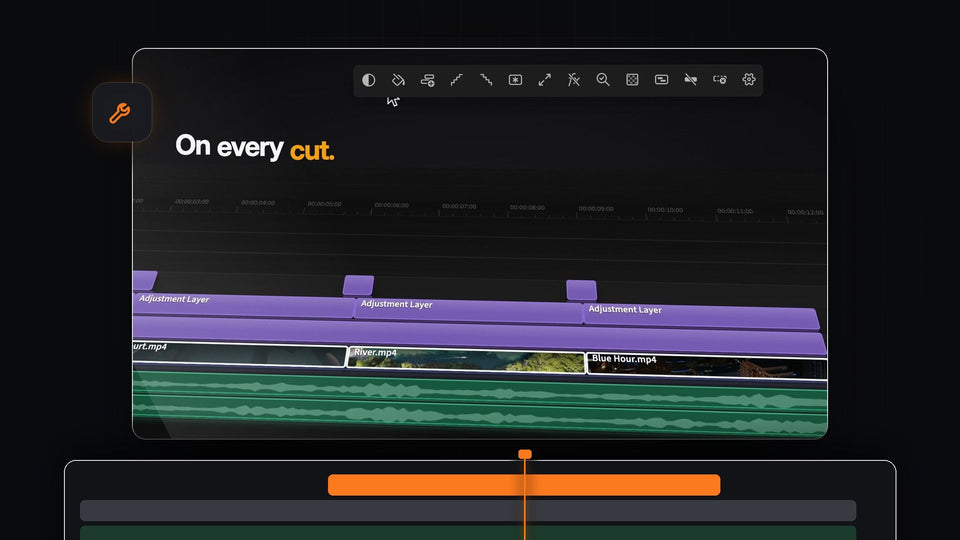
Short adjustment layers on every cut of a Premiere Pro timeline, added with a Cmd-click in Mako

La mejor alternativa a LayerDrop para Premiere Pro: Mako

QuickPaste panel in Premiere Pro with paste settings next to a product shot in the Program Monitor

Cómo pegar una imagen en Premiere Pro
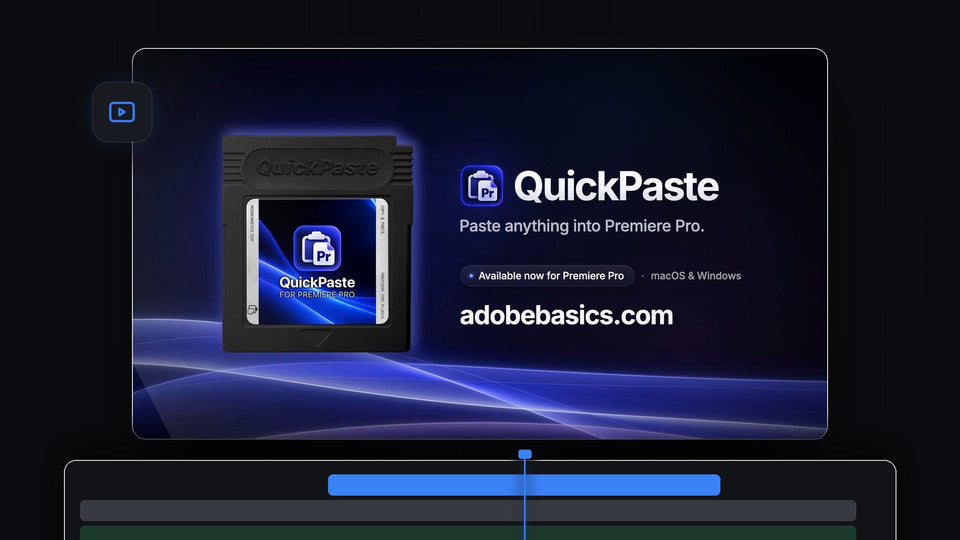
QuickPaste for Premiere Pro cartridge with the line Paste anything into Premiere Pro, available now for macOS and Windows

La mejor alternativa a Vampro Universal Paste para Premiere Pro: QuickPaste