by

Why viral captions work
Many people watch short videos with the sound off. Big, bold captions that move with the voice give their eyes something to follow, so they keep reading and keep watching. The highlight shows exactly where you are in the sentence.

The caption styles in Asteria
- Karaoke Box: a colored box moves from word to word.
- Box Pop: each word pops in with its own box.
- Box Rise: words rise into place inside the box.
- Karaoke Color: the spoken word changes color instead of getting a box.
- Color Pop and Green Flash: quick color hits for punchy, fast edits.
Any color works, so you can match your channel. Put stars around a word, like *this*, and Asteria colors that word for you.

How to make word-by-word captions
- Type your caption line with Premiere's Type tool, in any font, with an outline or shadow if you like.
- Select the clip and open Window › Extensions › Asteria.
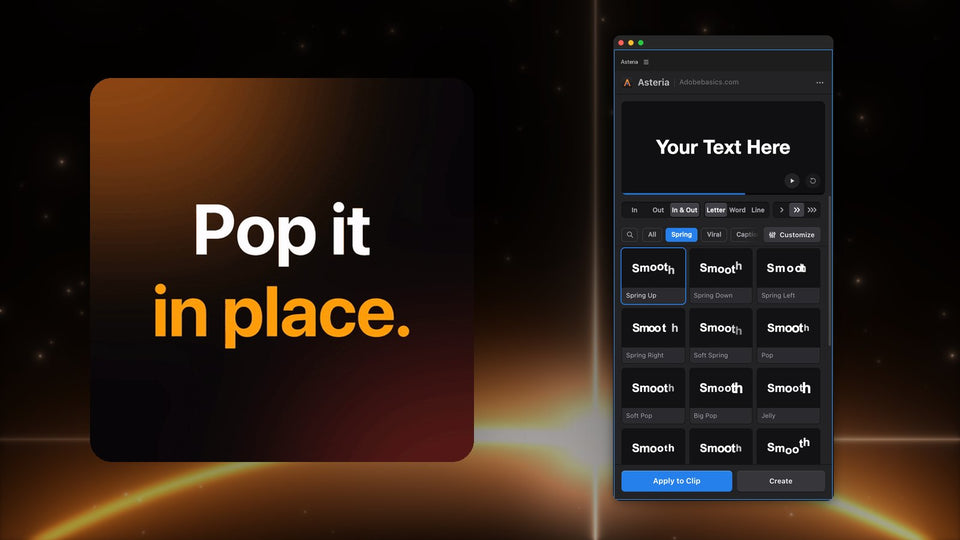
- Choose Word and open the Captions group.
- Hover over the tiles to preview, click one and press Apply to Clip.
Asteria keeps your words, font, size and position, so you style the caption once and only change the words for the next line.
Set the pace
In the animation settings of Pro you set Speed, Stagger and the timing, so the highlight moves at the pace of the voice. Save the look as a custom animation and every caption on your channel matches with one click.

More than captions
The same panel animates your hooks and titles too: springs, pops, drops, reveals and glitch hits, by letter, word or line. Asteria renders on your graphics card, so a timeline full of captions still plays smoothly.
Which version do I need?
The caption styles and the animation settings are part of Asteria Pro ($79.99), with all 206 animations. Asteria Standard ($69.99) has 40 essential title animations, and you can upgrade to Pro later for $15. Both run in Premiere Pro 2021 to 2027 on Windows and Mac.
Want captions that keep people watching? Get Asteria for Premiere Pro.