by
1. Color Mode
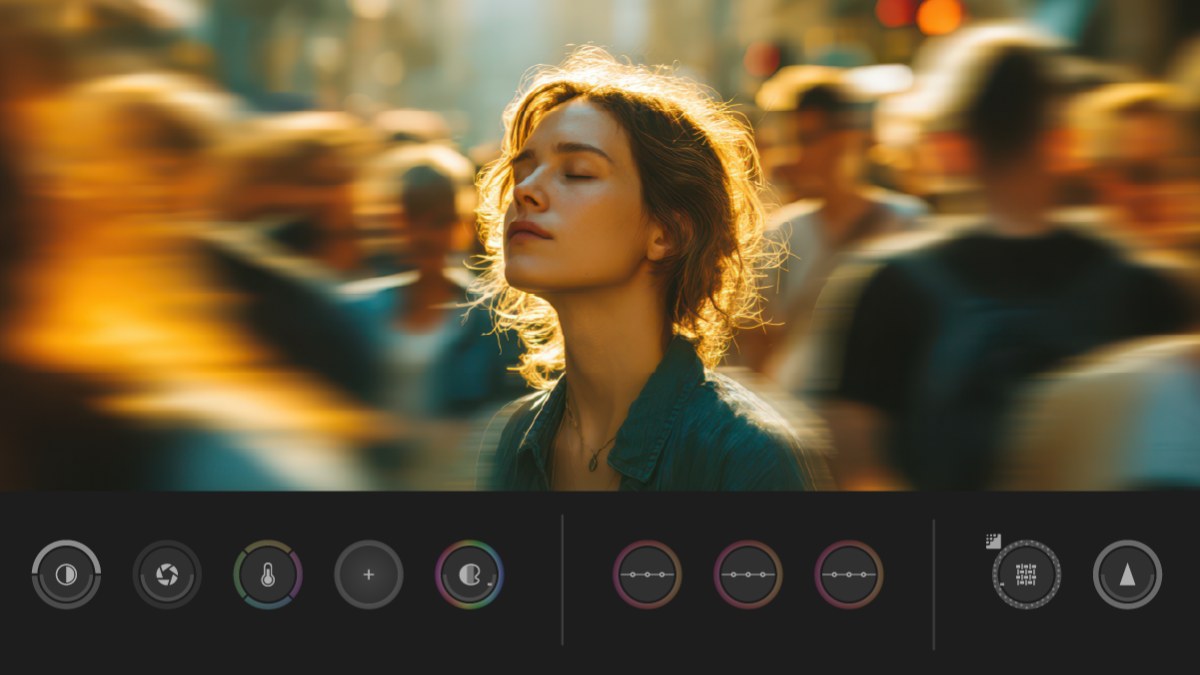
Color grading finally has its own home inside Premiere. Click the Color tab next to Edit, and every clip in your sequence sits in a Clip Grid with its own controls and monitor.
The big win is grading in groups. Grade one shot of an interview, put the other angles in the same group, and they all match. Auto Color fixes exposure and white balance in one go, and Style modules like Film Color and Vignette add the look.
2. Separate Crosstalk
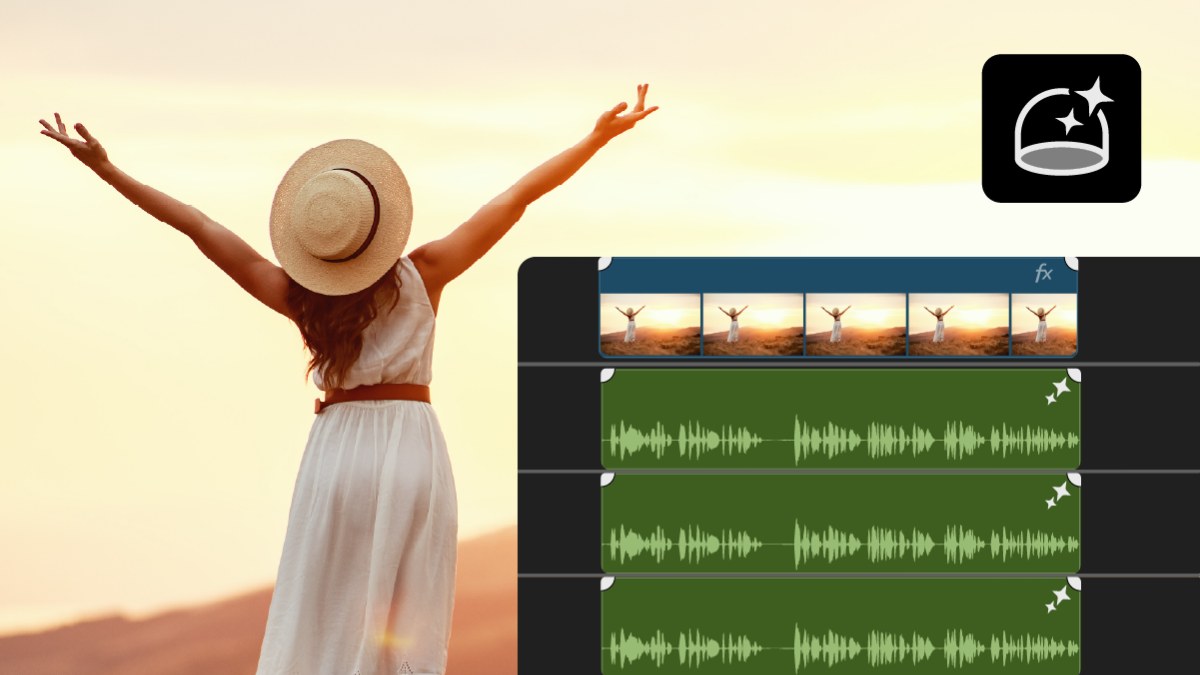
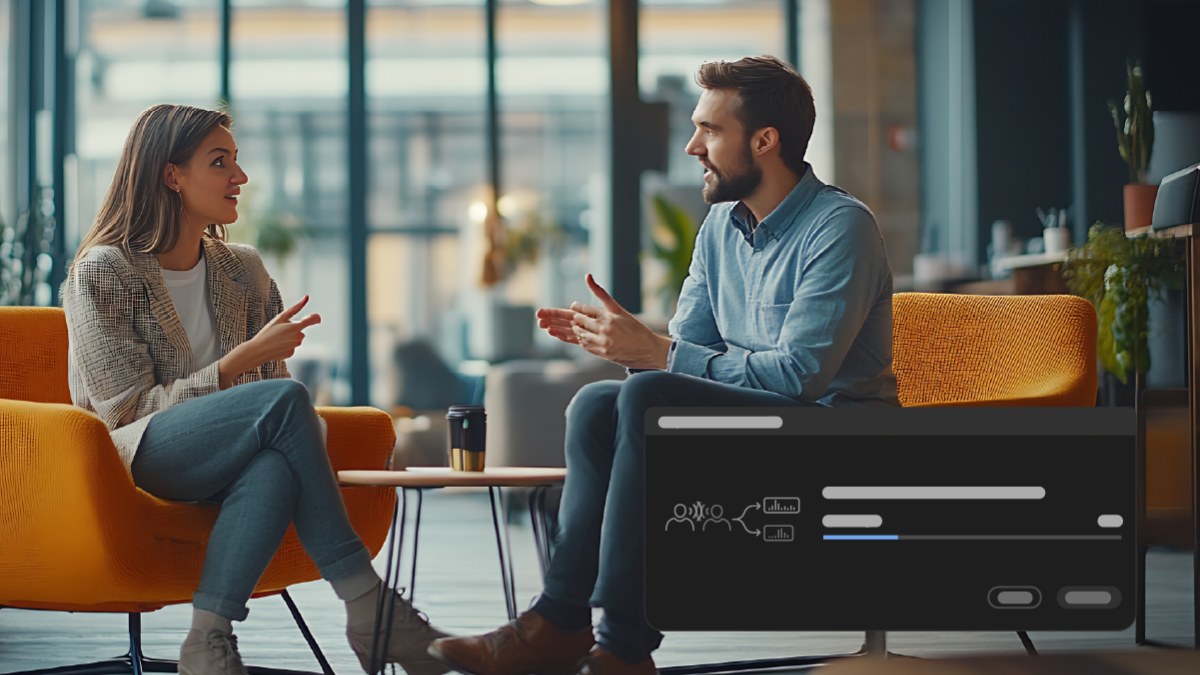
Two guests talking over each other used to mean hours of cutting by hand. Separate Crosstalk splits two overlapping speakers on one track into two tracks, with the background on its own track.
Now you can lower one voice, clean up the other, or cut between them. The original audio stays in your sequence, switched off, in case you want it back.
3. AI Assistant
The AI Assistant (beta) handles the jobs you put off. Type what you need in plain words, and it sorts clips into bins, adds markers, builds a string-out or a rough assembly and makes transcripts.
It's best at the start of a project, when you have hours of footage and no structure yet. Everything it makes stays editable, so you stay in charge of the cut.

4. Auto Ducking that keeps up
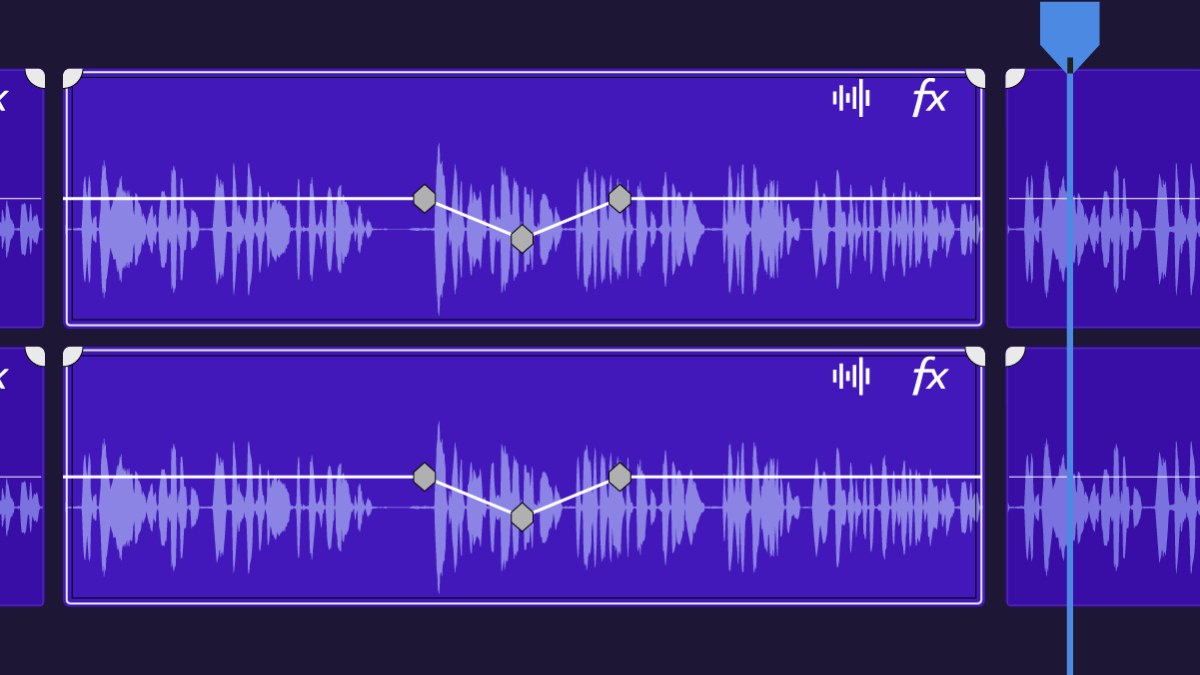
Music that dips under dialogue is nothing new. What's new is that the volume keyframes now update by themselves when you add, trim or mute a clip. Change your edit, and the mix follows.
5. HSL Masking
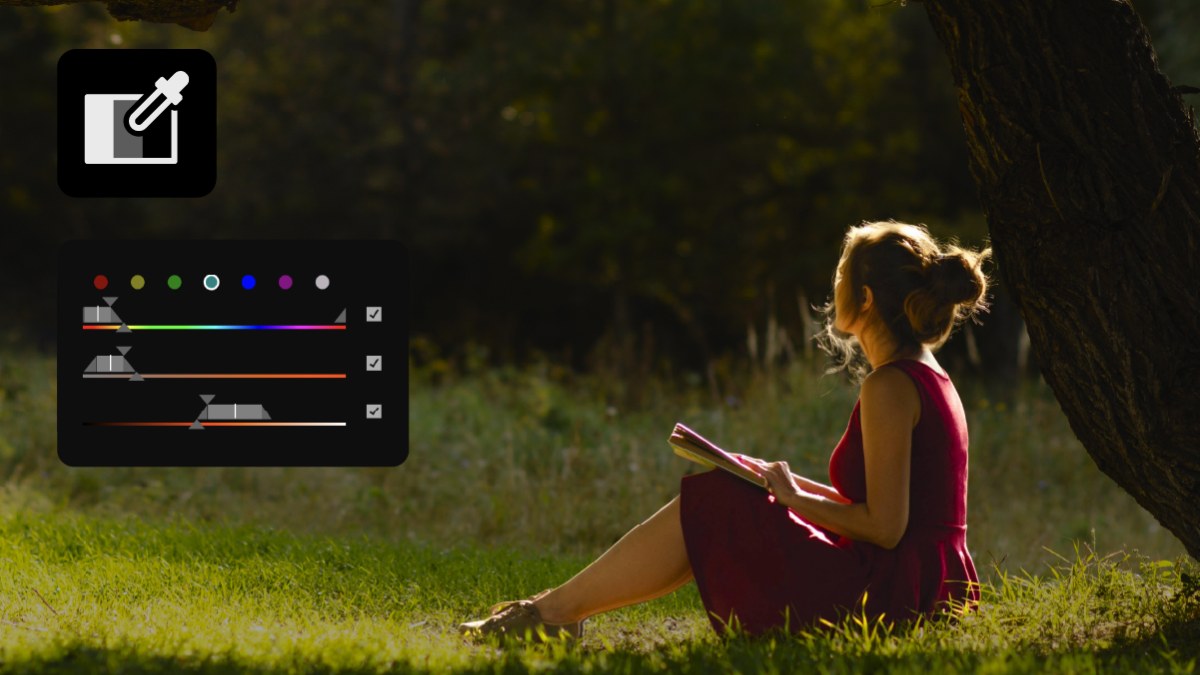
Select a color by hue, saturation and brightness, and change only that. Make a sky bluer, calm down a bright red shirt or warm up skin tones, while the rest of the shot stays as it is. It works with your other masks, and in Color Mode.
6. A better Effects panel
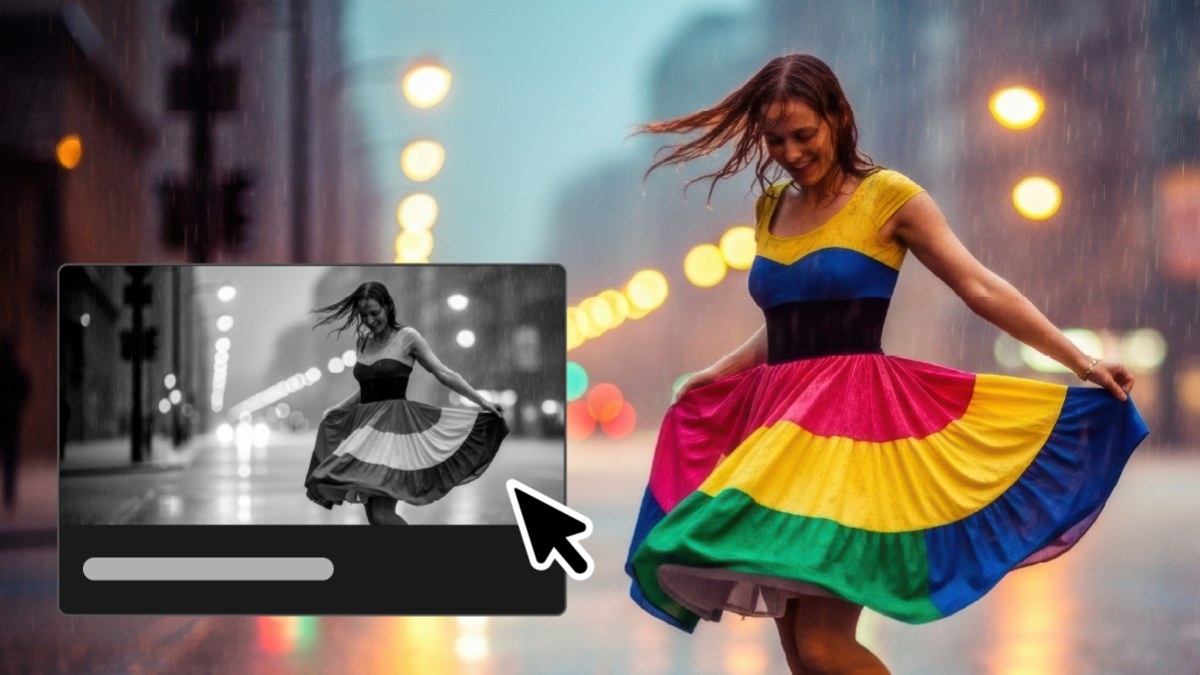
Effects now have animated thumbnails, so you see what an effect does before you use it. Search is better, and Preview from Source shows the effect on your own clip.
There are also eight new effects, including Bevel Alpha, Bevel & Emboss, Posterize, Radial Blur and Zoom Blur. And your effects and masks now appear as cards in the Properties panel, right next to your other controls.
7. Generate Music and Soundscape
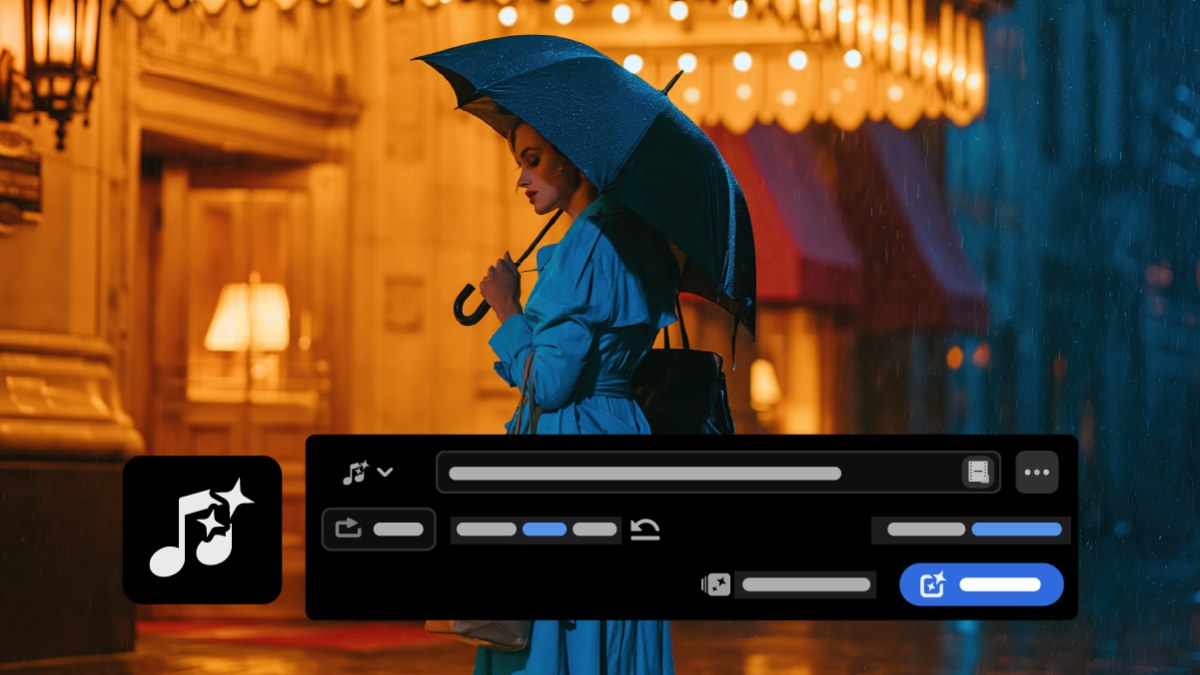
Need a music bed for a rough cut, or the sound of a busy street under a quiet shot? Generate Music writes original music from a text prompt, and Generate Soundscape looks at your video and builds ambience and sound effects to fit it.
Both use generative credits, and Premiere shows the cost before it starts.
Also new in Premiere Pro 2027
- Enhance Audio. New controls for clearer dialogue.
- Image generation. The Generative Media Tool now makes still images too.
- Better Object Masks. Better tracking and cleaner masks.
- Generative Extend for transitions. Makes the missing frames when a clip is too short.
- Speed/Duration. New audio stretching modes and pitch control.
- Windows on ARM. Runs natively on NVIDIA RTX Spark PCs.
Before you update, check the new system requirements: a Mac needs Apple silicon and macOS 15 or later, and a PC needs Windows 11 version 24H2 or later. Our guide on whether to update to Premiere Pro 2027 has everything you need to know, and the full list of new features covers the rest.
FAQ
What is the best new feature in Premiere Pro 2027?
For most editors it's Color Mode. It turns color grading into its own workspace inside Premiere, with grading by group and Auto Color.
Do the AI features cost extra?
Generative features like the AI Assistant, Separate Crosstalk and Generate Music use Adobe's generative credits. Premiere shows the cost before it generates.
Do BetterFX and EaseFlow work in Premiere Pro 2027?
Yes. All our plugins work in Premiere Pro 2021 to 2027.
Want any effect in one keystroke, even with the new Effects panel? Get BetterFX for Premiere Pro.