

 by
by 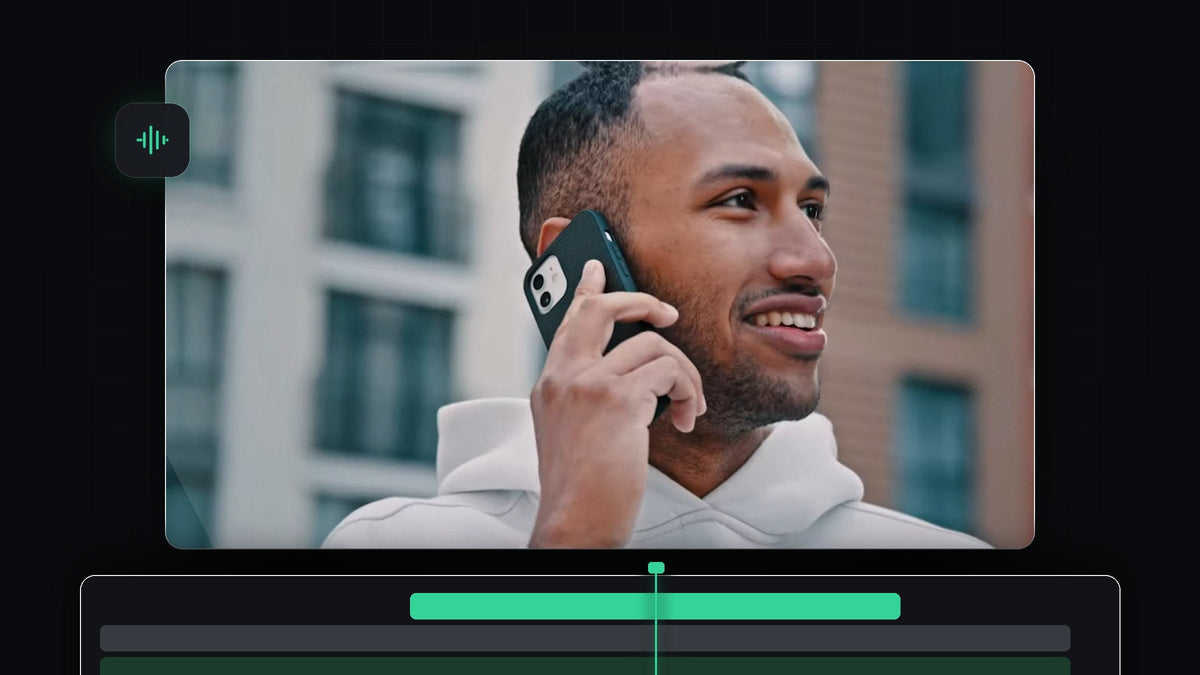
Watch the tutorial
Step 1: Select the voice clip
Place the clip that should sound like it is coming through a phone on your timeline. Click the audio part of the clip to select it. If your voice is on its own audio track, select that clip instead. Only the selected clip will get the effect.
Step 2: Find the Highpass effect
Open the Effects panel (Window > Effects) and search for Highpass. You will find it under Audio Effects > Filter and EQ. A highpass filter lets high frequencies through and cuts the low ones, which is exactly what makes a voice sound thin like a phone speaker.

Faster with BetterFX: skip the Effects panel. Press your BetterFX shortcut, type the first letters of Highpass and press Enter to apply it to the selected clip. Get BetterFX
Step 3: Apply it to the clip
Drag Highpass onto your audio clip, or double-click the effect while the clip is selected. Then open Effect Controls. Under Audio you will see Highpass with a Bypass checkbox and a Cutoff value.

Step 4: Set the Cutoff value
Double-click the Cutoff value and type a new number. The video suggests a range of around 400 to 1000 Hz, and uses roughly 700 Hz. The higher the cutoff, the thinner the voice becomes, so try values inside that range and listen until it sounds like a real phone call. Tick Bypass on and off to compare with the original.

Step 5: Listen in context
Play the clip together with the picture. A phone voice works best when it fits the scene, for example when you see someone holding a phone to their ear. Switch the effect off for the parts where you cut back to the normal, full-range voice of the other person or the narrator.

Tips
- Lower the volume a little. Phone audio is often quieter, so pull the clip volume down a touch.
- Add some noise. A faint crackle or room tone makes the call feel more real.
- Want the opposite? To make a sound feel far away, use a lowpass filter instead, as shown in how to make audio sound distant.
FAQ
Which effect makes a phone call voice in Premiere Pro?
The Highpass effect under Audio Effects > Filter and EQ. It removes the low frequencies so the voice sounds thin like a phone speaker.
What Cutoff value should I use?
Try values between about 400 and 1000 Hz. Higher values sound thinner, so choose the one that fits your scene.
Can I use this on only part of a clip?
Yes. Cut the clip where the phone part starts and ends, then apply Highpass to that section only.
Applying audio effects often? BetterFX lets you search and apply any effect from your keyboard.


