by
Update now if
- You shoot log or raw. Color management makes that footage look right on import, without LUTs.
- You deliver captions. Premiere can translate them into 27 languages.
- You work with lots of footage. Media Intelligence finds clips, sounds and similar shots when you describe them.
- You use a lot of transitions. More than 90 effects, transitions and animations come with your plan.
- Your computer can't run Premiere 26 or 27. Premiere Pro 2025 still runs on Windows 10 and macOS Ventura.
Wait if
- Your Mac runs macOS Monterey. Premiere Pro 2025 needs macOS Ventura (version 13) or later. Stay on Premiere Pro 2024 until you can update macOS.
- You're in the middle of a big project. Finish it first. Projects saved in 2025 don't open in 2024.
- You share projects with others. Update together, so everyone can open the same project files.
Premiere Pro 2025 system requirements
| Computer | Premiere Pro 2025 |
|---|---|
| Mac | macOS Ventura (version 13) or later, Apple silicon or an Intel CPU with AVX2 |
| Mac on macOS Monterey | Can't install it. Update macOS or keep using Premiere Pro 2024 |
| Windows | Windows 10 (64-bit) version 22H2 or later, or Windows 11 |
| Windows processor | Intel 6th Gen or AMD Ryzen 1000 series or newer, with AVX2 |
| Memory | 8 GB minimum, 16 GB for HD and 32 GB or more for 4K recommended |
| GPU | 2 GB of GPU memory minimum, 8 GB recommended |
On Windows, version 25.6 no longer supports OpenCL 1.2 and older, so check your graphics driver if you use an older GPU.
What changes when you update
- A new look. Premiere has a new design with two dark modes, a light mode and a high-contrast mode. Pick yours in Preferences > Appearance.
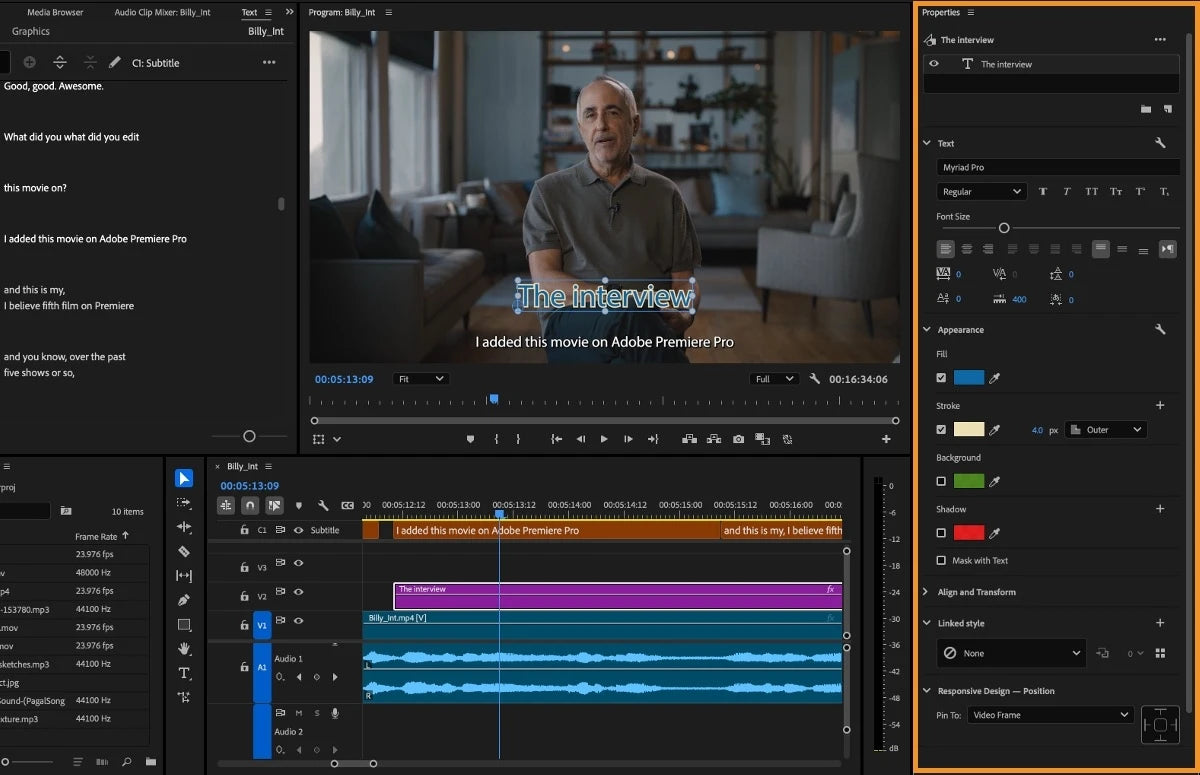
- The Properties panel. A new panel shows the main controls for whatever you select. Effect Controls is still there when you need every setting.
- Old projects keep their colors. The default color preset, Direct Rec.709, works like older versions. Switch to a Wide Gamut preset only when you want to.
- Projects don't open in older versions. Once you save a project in Premiere Pro 2025, Premiere Pro 2024 can't open it.
- Some features use credits. Generative Extend uses Adobe's generative credits.
- Install 25.6.2 or later. Projects saved in 25.6.0 wouldn't open in other 25.x versions. Adobe fixed this in 25.6.2 and offers a conversion tool for affected projects.
How to update safely
Step 1: Finish or save your projects
Save every open project in your current version, and keep a copy of any project you're still working on.
Step 2: Keep your old version installed
In the Creative Cloud app, open Advanced options when you update Premiere and turn off Remove old versions. Already on a newer version and need 2025? Go to Other versions in the Creative Cloud app and pick 25.6. Each version installs side by side with the others.
Step 3: Check your plugins and templates
Make sure the plugins and templates you use every day support Premiere Pro 2025. All of ours do (see below).
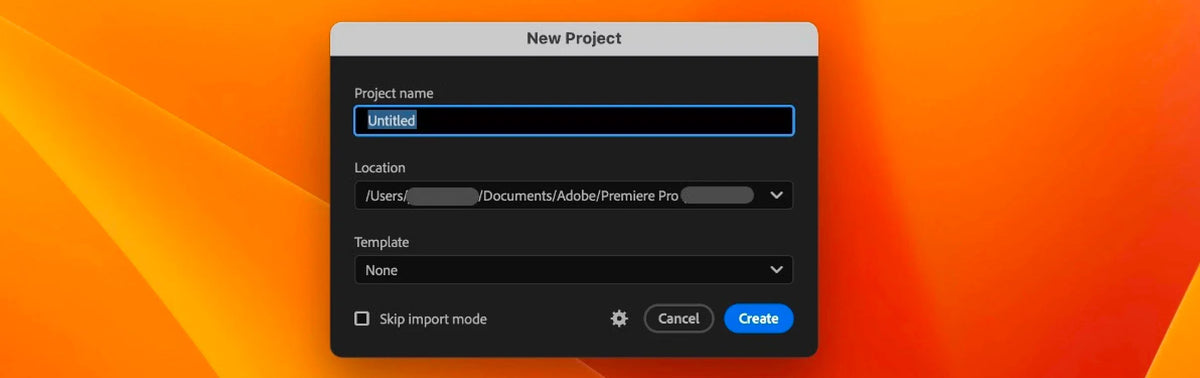
Step 4: Start with a new project
Try the Properties panel, color management and the new transitions on a fresh project first. When everything works the way you like, move your next big project over.
Do our plugins, templates and presets work in Premiere Pro 2025?
Yes. EaseFlow, BetterFX, QuickPaste and Mako all work in Premiere Pro 2025, on Windows and Mac.
- Plugins. Premiere Pro 2021 to 2027.
- Motion Graphics templates. Premiere Pro 2021 to 2027.
- Presets. Premiere Pro 2019 to 2027.
If you stay on Premiere Pro 2024 for now, or move on to a newer version later, they keep working there too.
FAQ
Is Premiere Pro 2025 worth updating to?
For most editors, yes. The Properties panel, color management and the new search save time every day. Wait only if your Mac runs macOS Monterey or you're in the middle of a shared project.
Can I still install Premiere Pro 2025 today?
Yes. In the Creative Cloud app, choose Other versions next to Premiere and install 25.6. It sits side by side with any newer version.
Does Premiere Pro 2025 work on Windows 10?
Yes. It needs Windows 10 (64-bit) version 22H2 or later. Newer versions of Premiere need Windows 11.
Do I need to reinstall my plugins after updating?
Not ours. EaseFlow, BetterFX, QuickPaste and Mako show up in Premiere Pro 2025 under Window > Extensions, just like before.
Updating to Premiere Pro 2025? See the plugins that work in it.