by
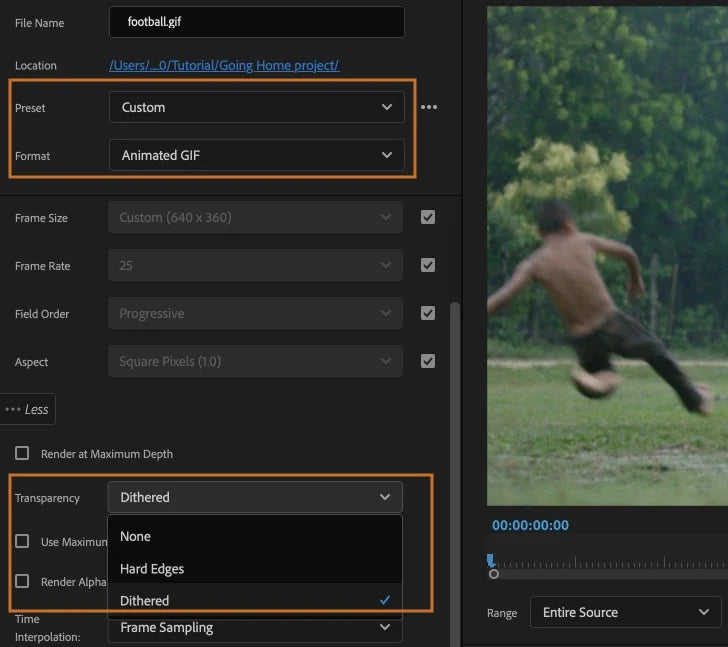
Export GIFs with transparency
Animated GIF exports can now keep a transparent background. Pick Animated GIF as the format, and choose how edges are handled in the new Transparency menu. It's useful for stickers, animated logos and short social posts.
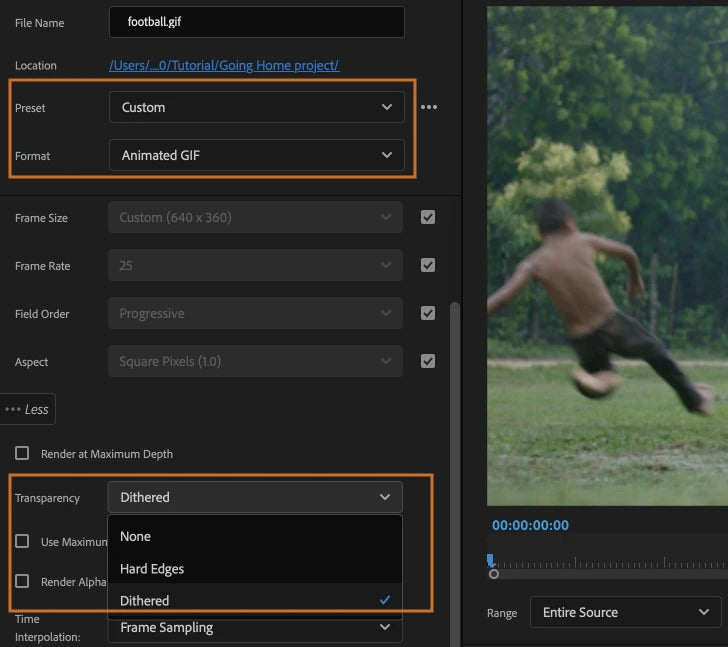
Distribute objects in titles and graphics
You can now distribute text and shapes in the Program Monitor, so the space between them is the same. No more nudging layers by eye to line up a row of icons or labels.
Faster 10-bit HEVC exports on Mac and AMD
Exports of 10-bit 4:2:0 HEVC are now up to 10 times faster on Intel and Apple M1 Macs with macOS 11 Big Sur or later, and on Windows with supported AMD graphics cards (Radeon RX 5000 and 6000 series, Radeon Pro W5000 and W6000 series, driver 21.10.1 or later).
To use it, choose HEVC as the format, check that Performance is set to Hardware Encoding, and set the profile to Main 10. On M1 Macs, HEVC HLG 10-bit still encodes in software.
Also in this update
- HDR proxies. Make smaller copies of HDR media in the correct color space, so they look like the originals.
- Smoother screen recordings. QuickTime screen recordings play and scrub more smoothly.
- Smart rendering. More reliable and faster exports for supported formats.
See every feature of the year in What's New in Premiere Pro 2022.
FAQ
When did Premiere Pro 22.4 come out?
Adobe released it on May 10, 2022, as the May update of Premiere Pro 2022.
Which transparency options are there for GIF exports?
The Transparency menu offers None, Hard Edges and Dithered.
Making a lot of motion graphics? Get EaseFlow for Premiere Pro.