

 by
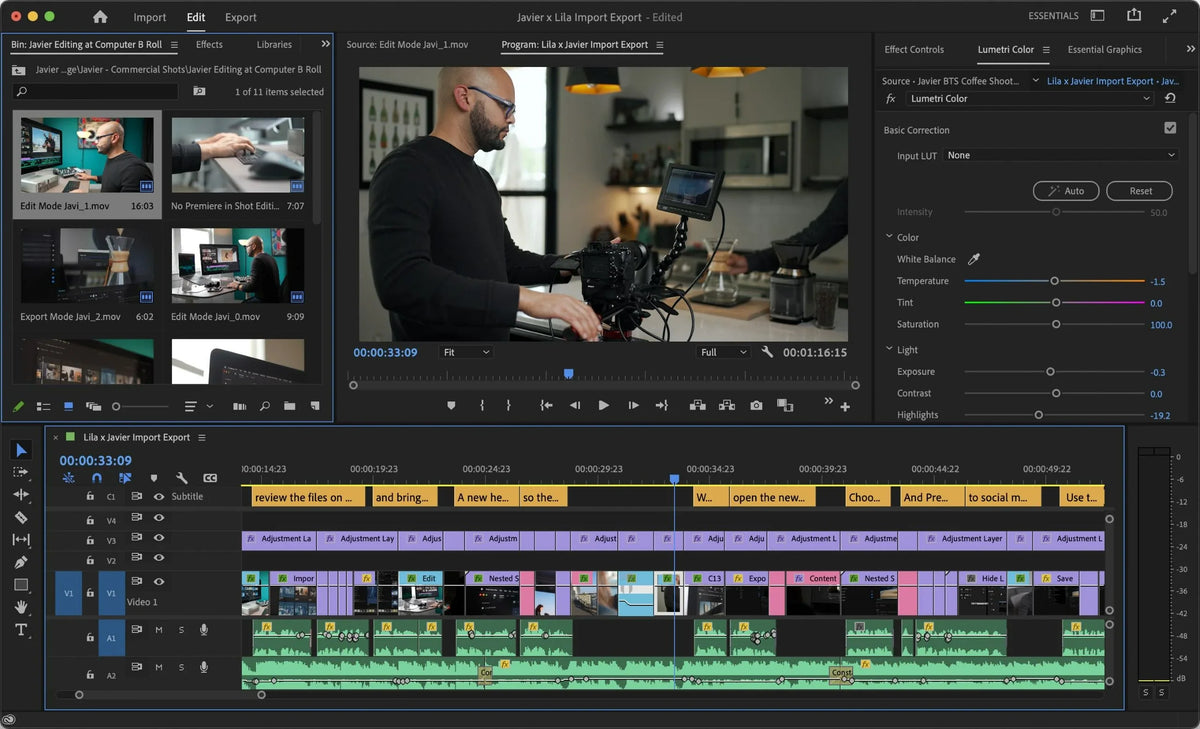
Essentials and Vertical Video workspaces
The Essentials workspace shows only the panels you need for basic editing, which makes Premiere less crowded when you're starting out. The Vertical Video workspace gives you a layout made for vertical clips for social media.
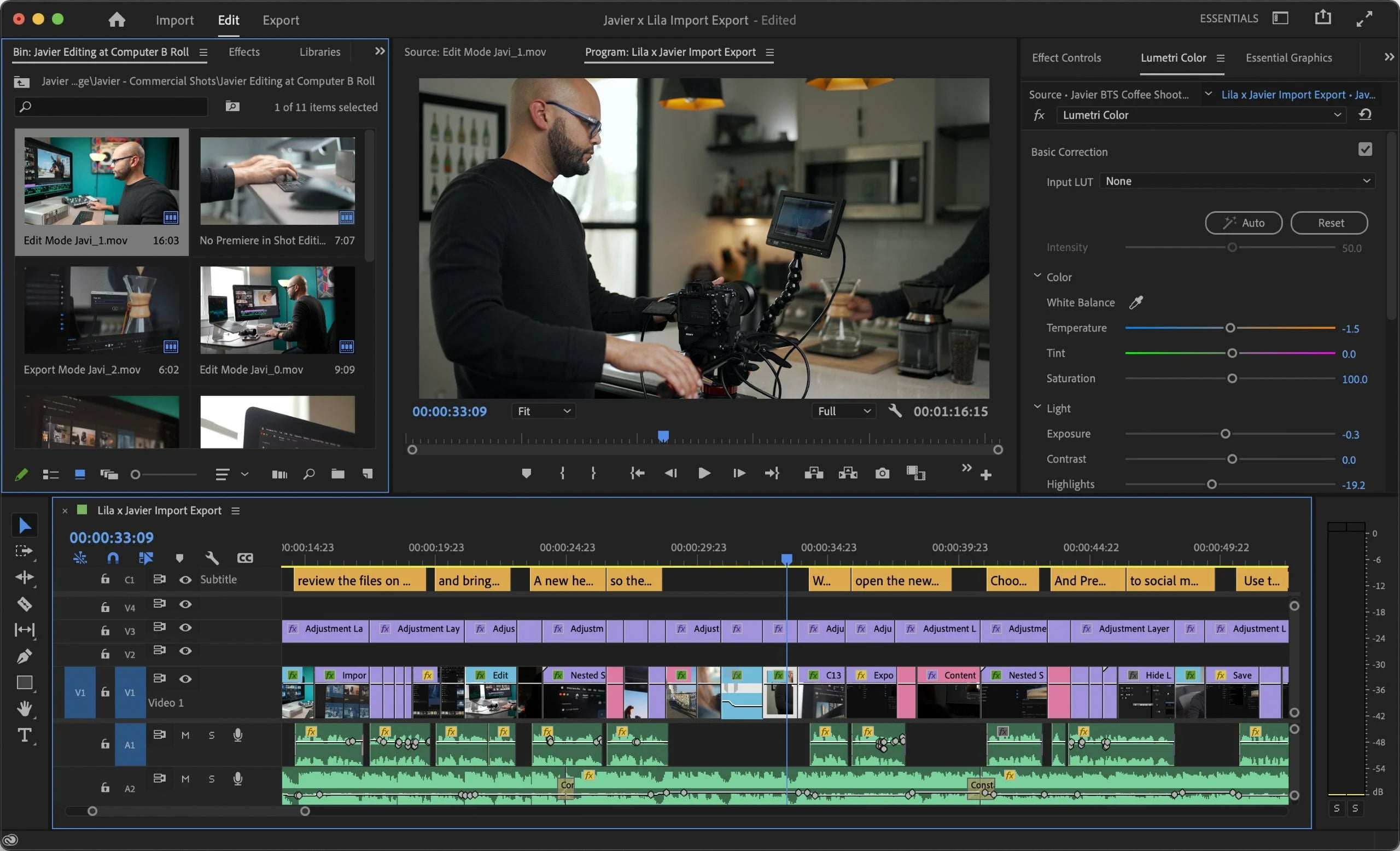
Proxy badges and watermarks
Badges in the Project panel and the timeline now show when proxies are switched on. You can also burn a watermark into proxies automatically, without making your own encoding preset. The watermark shows in the Program Monitor whenever proxies are on, so it's easy to tell proxies from the real media.

Gradients for strokes and shadows
Strokes and shadows on text and shapes can now use gradients: Color Radial, Color Linear, Opacity Radial and Opacity Linear. Select Stroke or Shadow in the Essential Graphics panel and click the color chip to set it up.
Paste to the same track
When you copy and paste in the timeline, Premiere now pastes to the same track by default, instead of following track targeting. Four new shortcuts give you control: Paste to Same Track, Paste Insert to Same Track, Paste to Target Track and Paste Insert to Target Track.
Also in this update
- Better H.264 and HEVC on Apple M1. Higher quality for files encoded on M1 Macs.
- More GPU effects. Magnify, Replicate, Spherize and Warp Wave are now GPU accelerated.
- RED V-RAPTOR. Support for this camera.
See every feature of the year in What's New in Premiere Pro 2022.
FAQ
When did Premiere Pro 22.5 come out?
Adobe released it on June 21, 2022, as the June update of Premiere Pro 2022.
Where do I find the new workspaces?
Open the workspaces menu on the right of the header bar and choose Essentials or Vertical Video.
Want pasting to be even smarter? Get QuickPaste for Premiere Pro.






