by
Text-Based Editing
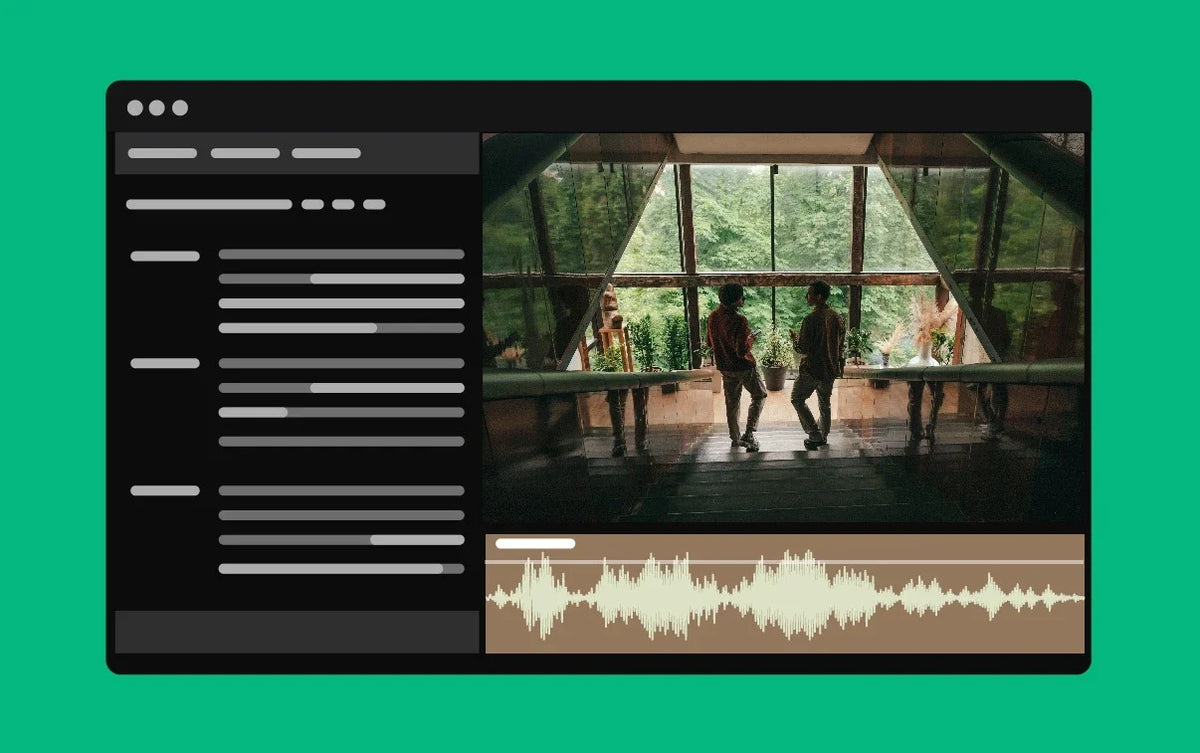
Start by transcribing your source clips. Then read and search the transcripts instead of scrubbing through footage, select the lines you want and add them to your sequence.
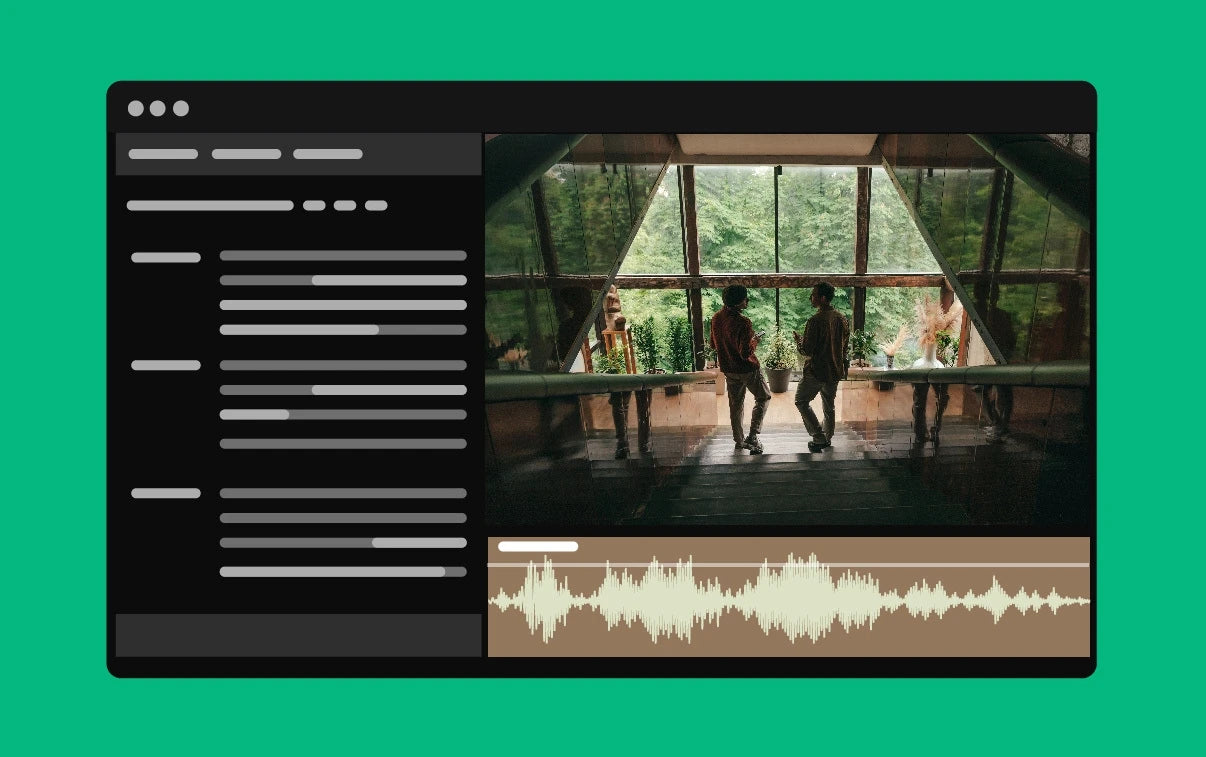
Premiere also keeps a transcript of your sequence. Cut, copy and paste text there, and the clips on the Timeline move to match. When the rough cut is ready, switch to the trim tools to fine-tune it. It's made for interviews, podcasts and documentaries, and the finished transcript can become your captions.
Adobe first showed Text-Based Editing at NAB in April 2023, and it was in the public beta until this release.
Background Auto Save
Auto Save now runs in the background without interrupting your work, and it can save backups as often as every minute. You get more restore points, and you never sit waiting for a save to finish.

Also in this update
- Danish transcription. Create transcripts in Danish for Text-Based Editing and captions.
- Background processes dashboard. See everything Premiere is working on in the background, in one place.
- Smoother scrolling. Better scrolling and mouse movement in all panels, with improved support for Apple trackpads and Magic Mouse.
- New formats. Sony VENICE 2 Version 2.0 footage and iPhone Cinematic clips.
See every feature of the year in what's new in Premiere Pro 2023.
FAQ
Which version of Premiere Pro has Text-Based Editing?
Text-Based Editing arrived in Premiere Pro 23.4 in May 2023, and every version since has it.
Does Background Auto Save replace saving by hand?
No. It saves backup copies as you work. Keep saving your project as usual.
Rough cut done? See our Premiere Pro plugins for the rest of your edit.