by
Faster, GPU-accelerated Speech to Text
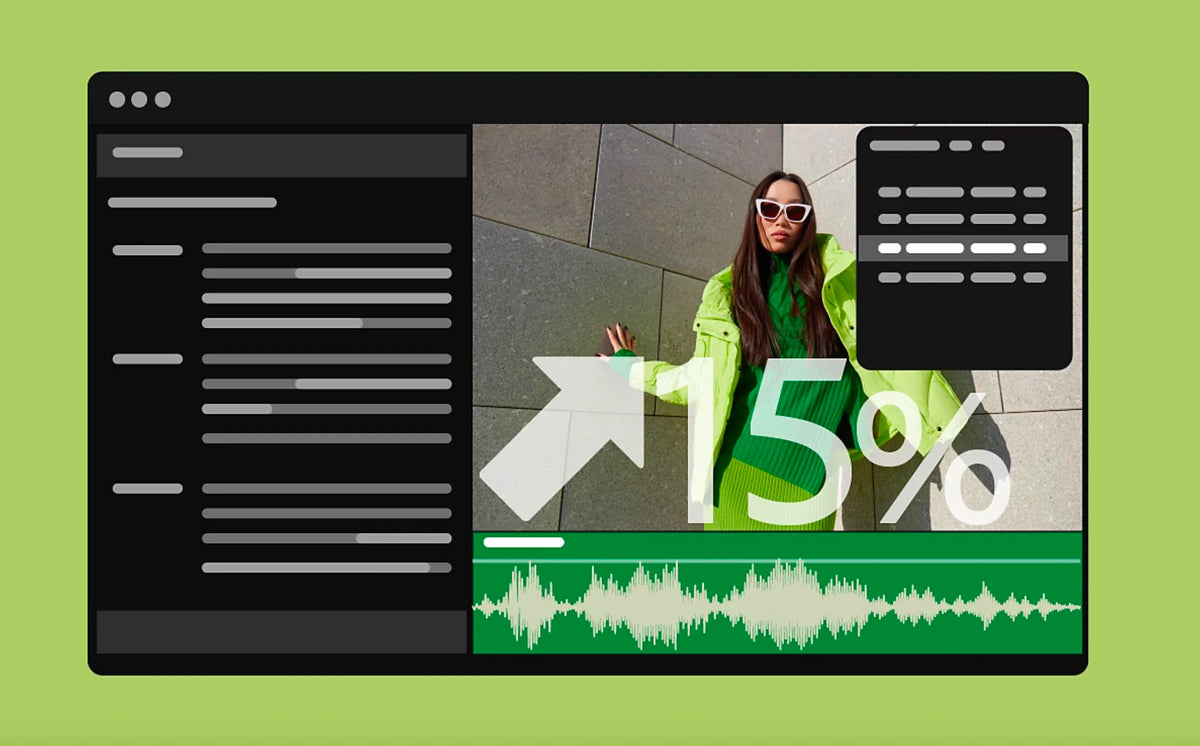
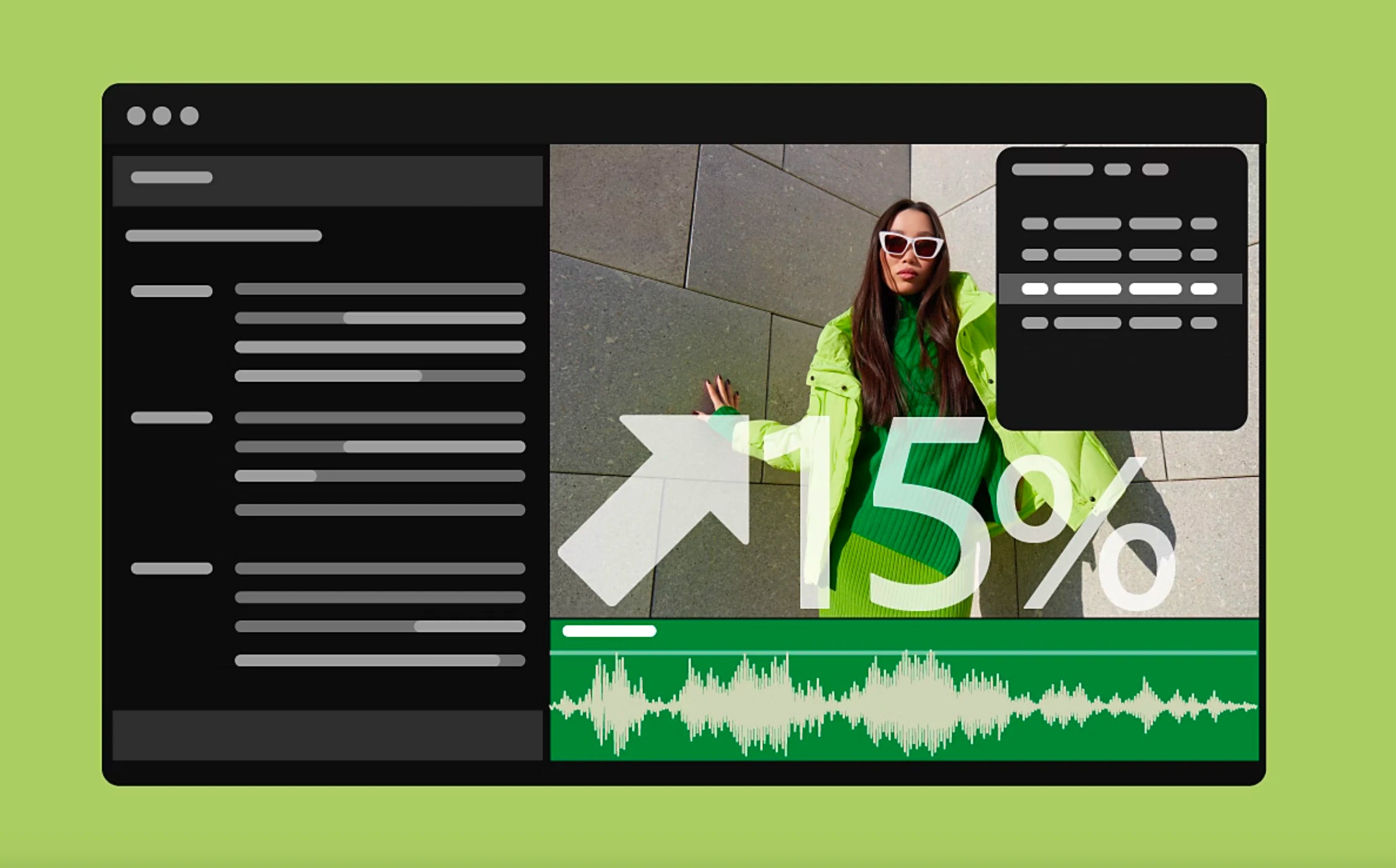
Speech to Text now uses your graphics card, which makes transcription over 15% faster according to Adobe. Accuracy also improved across all 18 supported languages. That speeds up everything that starts with a transcript, from captions to Text-Based Editing.
Marker filters
The Markers panel menu has new filters: Show All Markers, Show Sequence Markers and Show Clip Markers. Turn on Ignore Selection in Timeline to see markers no matter which clips you have selected. Handy when a long sequence is full of notes.

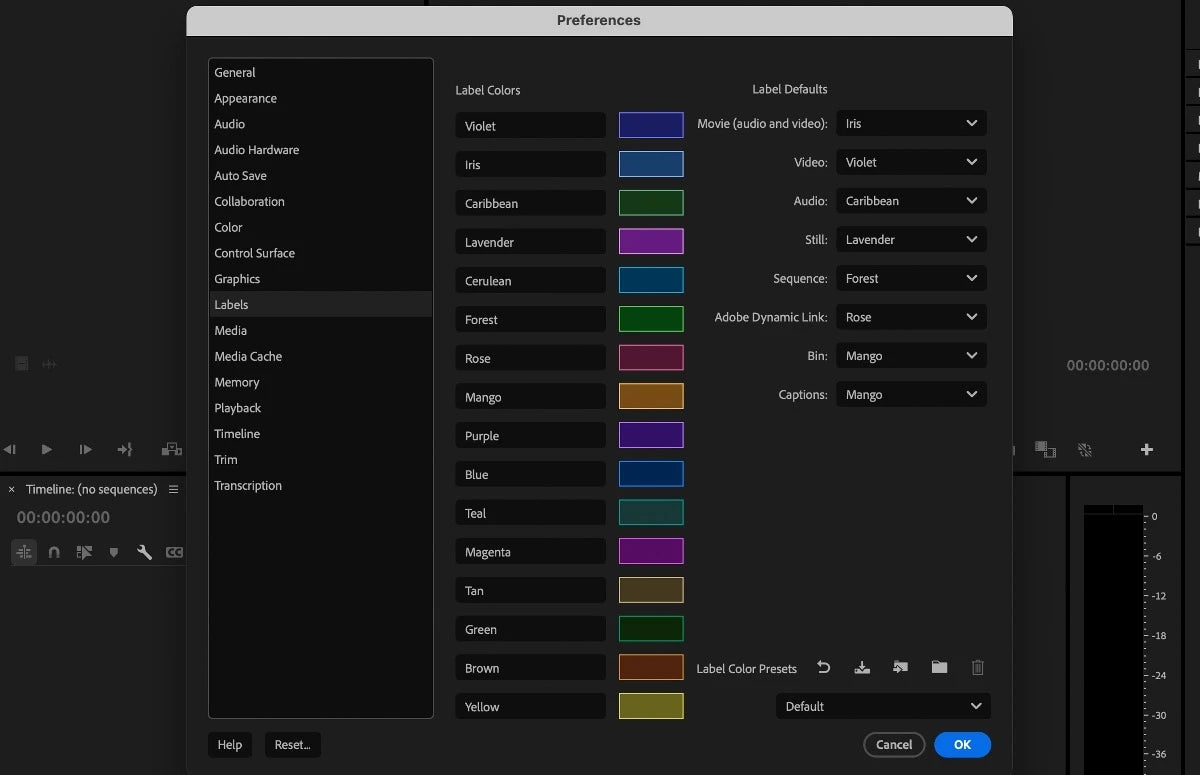
Label color presets
Go to Settings > Labels to name your label colors, set defaults and save them as a preset. Share the preset with your team so everyone uses the same colors, or import someone else's. Besides Default, Classic and Vibrant, there's a new Editorial preset made by TV and film editors. When you right-click a clip to change its label, you now see a color swatch next to each name.
Also in this update
- Visual styles. The Essential Graphics panel shows thumbnails of your text styles, and a new style browser lets you reuse styles across projects.
- Import mode. Collapse media locations to keep only your most used folders in view.
- 8mm export. Export at 16 or 18 frames per second.
- Multicam. A new Multi-Camera Follows Nest Setting option decides how sequences are cut into multicam sources.
See everything else that came to this version line in What's New in Premiere Pro 2024.
FAQ
When did Premiere Pro 24.3 come out?
Adobe released Premiere Pro 24.3 at the end of March 2024.
Where are label color presets saved?
In your Documents folder, under Adobe/Common/Assets/Label Color Presets, on both Mac and Windows.
Want to work faster on the timeline too? See our Premiere Pro plugins.