by
Custom watermarks for proxies
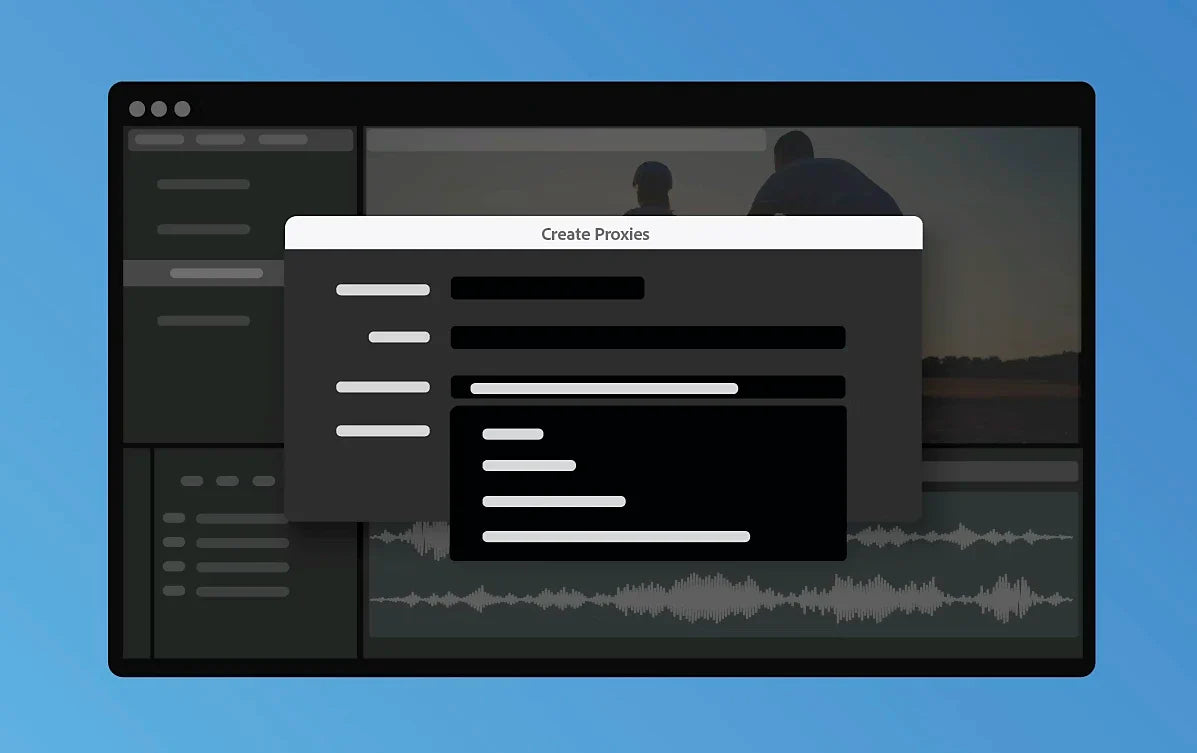
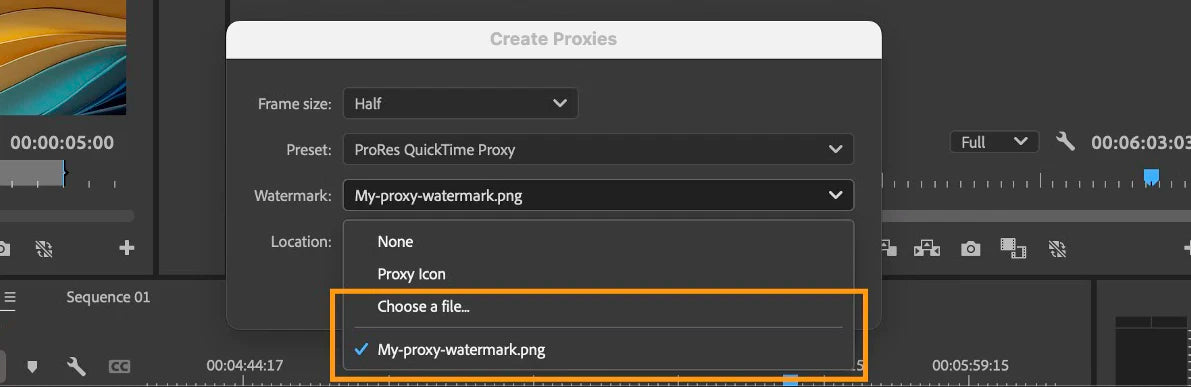
When you create proxies, you can now add a watermark to them, either Adobe's default one or your own image. It helps protect your footage and makes it obvious which files are proxies, so low-resolution files don't end up somewhere public by accident. To try it, select clips in the Project panel, right-click and choose Proxy > Create Proxies, then pick a watermark in the dialog. Select Choose a file to use your own image.
Faster ProRes export
The ProRes export presets now default to 16-bit and render at maximum bit depth. Adobe says that gives you up to three times faster ProRes exports. You don't need to change anything. It's on by default.
Enhance Speech for quiet recordings
Adobe keeps improving Enhance Speech, which arrived in Premiere Pro 24.2. In 24.5 it adds a normalization step that raises the level of quiet voice recordings, so soft speakers come out at a better volume after you enhance them.
Also in this update
- New cameras. Work natively with Canon EOS C400 and RED V-RAPTOR [X] files, with no transcoding.
- Audio filters. They use less memory, so projects with many audio filters open faster.
- Color Key. The Color Key effect is now GPU-accelerated.
See everything else that came to this version line in What's New in Premiere Pro 2024.
FAQ
When did Premiere Pro 24.5 come out?
Adobe released Premiere Pro 24.5 in June 2024.
Do I have to turn on the faster ProRes export?
No. The updated ProRes presets are on by default from version 24.5.
Want more speed in your everyday edits? See our Premiere Pro plugins.