by

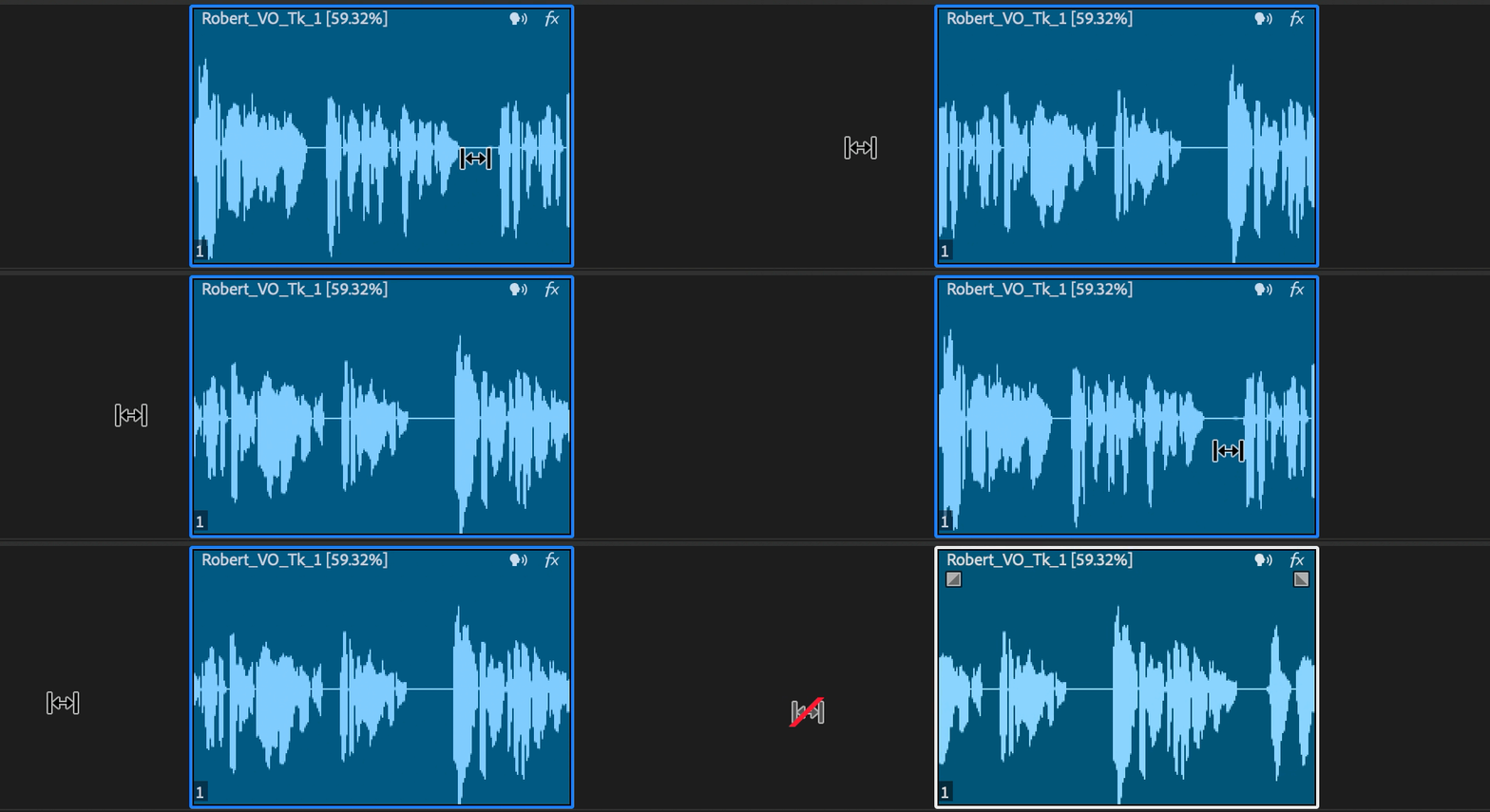
Live waveform editing
Until now, dragging a clip on the Timeline meant moving an empty rectangle around. Now the audio waveform stays visible while you drag a clip or make ripple, roll and rate stretch edits. Keyframes and markers show up too, so it's much easier to time a cut to the music or keep a clip in sync.
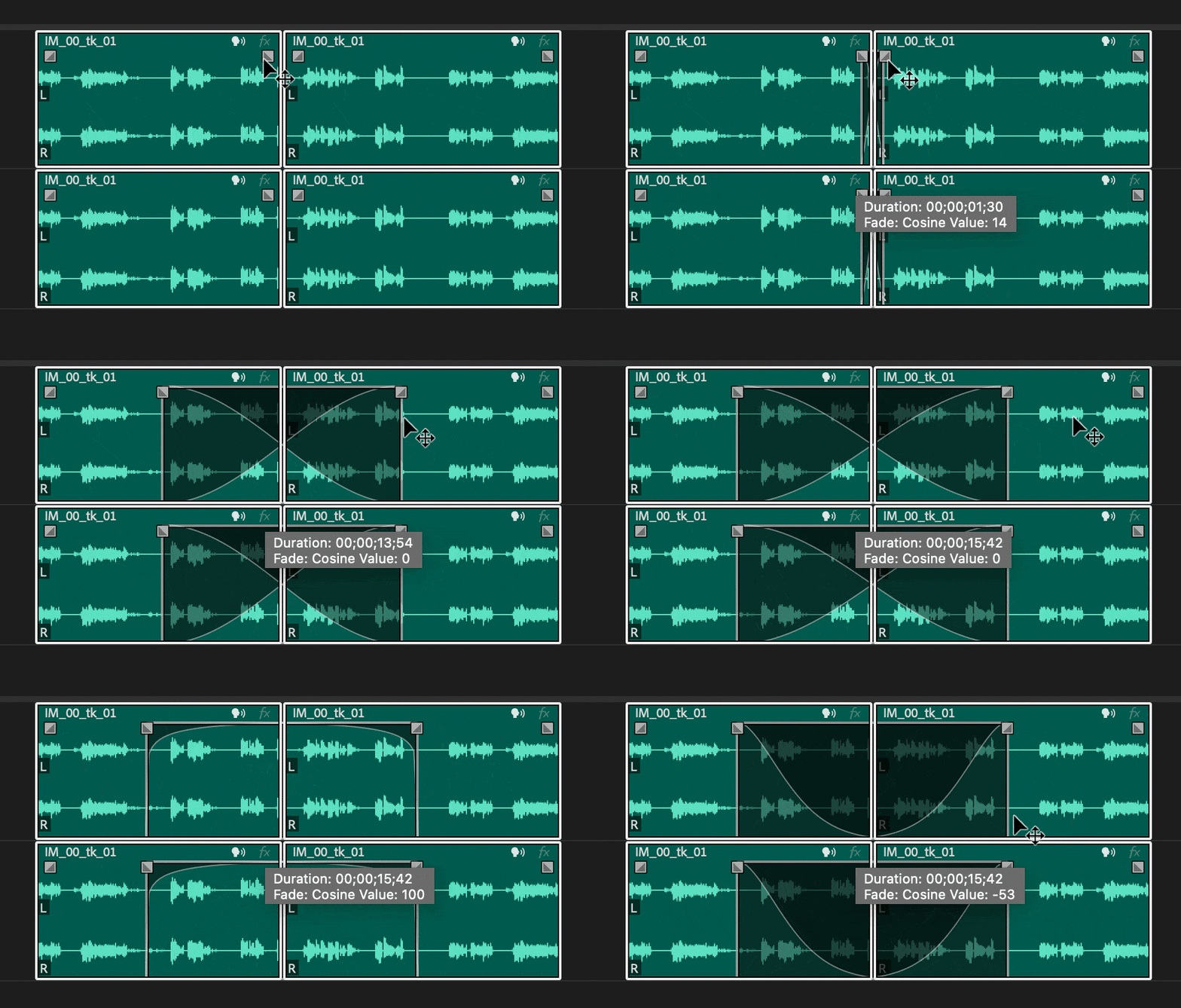
Multi transitions
Select a group of clips and add, change or delete transitions on all of them at once. That includes crossfades between clips that line up, and fades on clips that do or don't line up. It also works on linked and grouped clips, and a modifier key lets you change the transition on just one side of a linked clip.
Snappier Timeline playback
Timeline thumbnails are steadier, and you can now zoom with the scroll bars. Pick from three thumbnail modes: Video Head and Tail, Video Head, or Continuous.
Also in this update
- ARRIRAW HDE. Play back ARRIRAW High Density Encoding files, which are about 60 percent of the original size.
- Default fonts. Set the default font for text, subtitles and closed captions in the preferences, and wide CEA-708 captions now import correctly.
- NVIDIA Blackwell. Hardware acceleration for 10-bit 4:2:2 H.264 and HEVC media.
- Keyframing. More predictable keyframing in the Effect Controls panel.
- Generative Extend. Support for more frame rates.
- Mute and solo shortcuts. New keyboard commands to toggle track mute and solo.
- 16-bit PNG. Import 16-bit PNG files.
- Adobe Stock. Search Adobe Stock from the File menu.
Version 25.4 is part of Premiere Pro 2025. See everything new in Premiere Pro 2025, or read on to what's new in Premiere Pro 25.5.
FAQ
Can I fade many clips at once in Premiere Pro?
Yes, since 25.4. Select the clips and add the fade or transition once, and Premiere applies it to all of them.
Where do I set the default font for captions?
In the preferences. Premiere Pro 25.4 added new graphics preferences for the default text, subtitle and closed caption fonts.
Want any transition or effect in one keystroke? Get BetterFX for Premiere Pro.