by
What you need
Premiere Pro 2019 or later and SuperGlow, a glow plugin for Premiere Pro on Mac and Windows. It costs $34.99 one-time.
Step 1: Make your title
Pick the Type Tool, click on the Program Monitor and type your words. Bold, heavy fonts glow best because there is more bright area to give off light. White or a light color works better than a dark one.
Step 2: Add SuperGlow
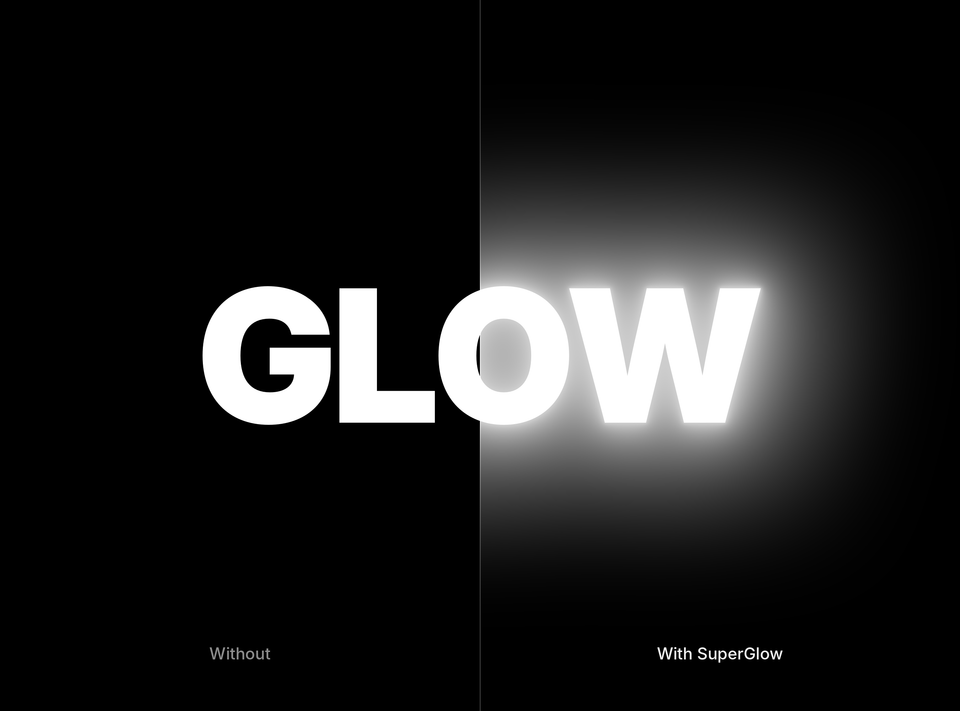
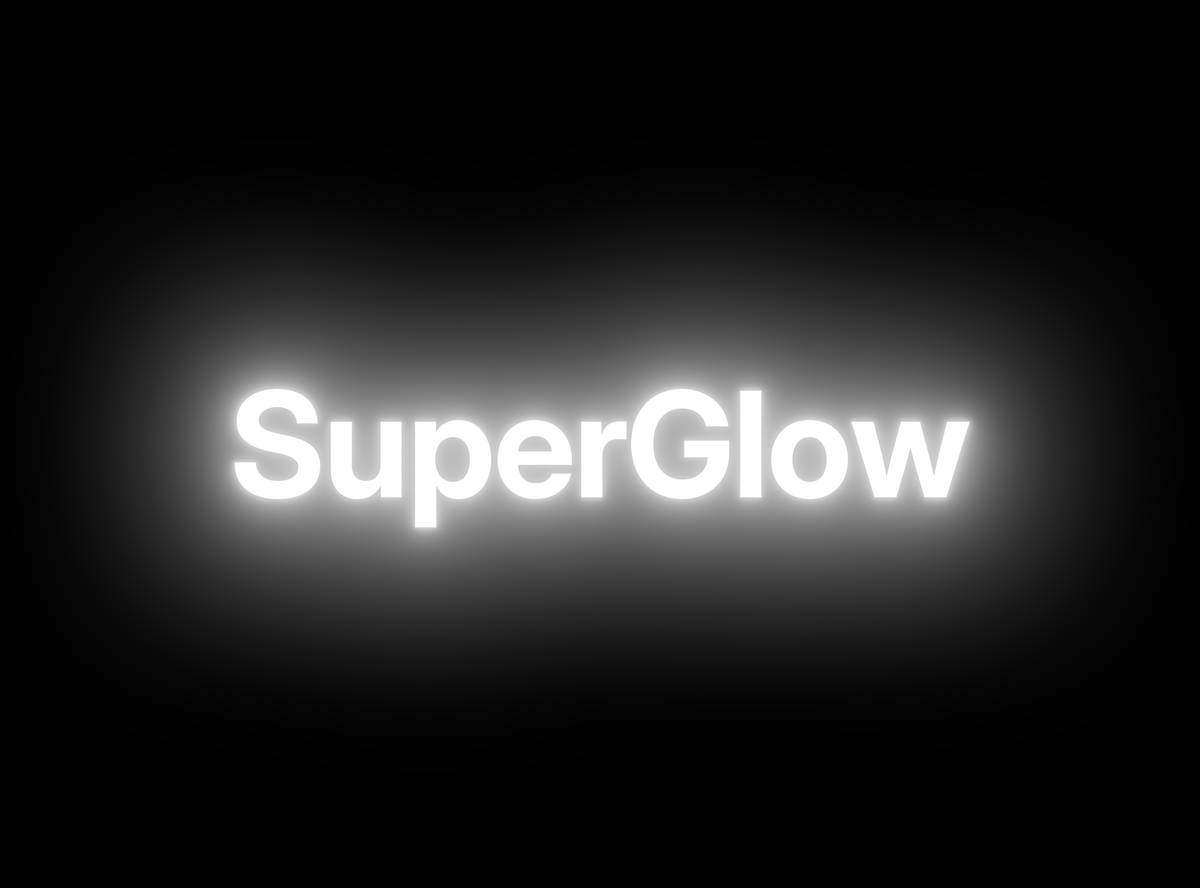
Type SuperGlow in the search box of the Effects panel and drag it onto the title clip. The default settings already give a soft glow around every letter.
Step 3: Set the size and strength
In Effect Controls, raise the radius for a wide, dreamy glow or lower it for a tight halo. Raise the intensity until the glow reads clearly on a phone screen, then pull it back a touch.
Step 4: Give it color
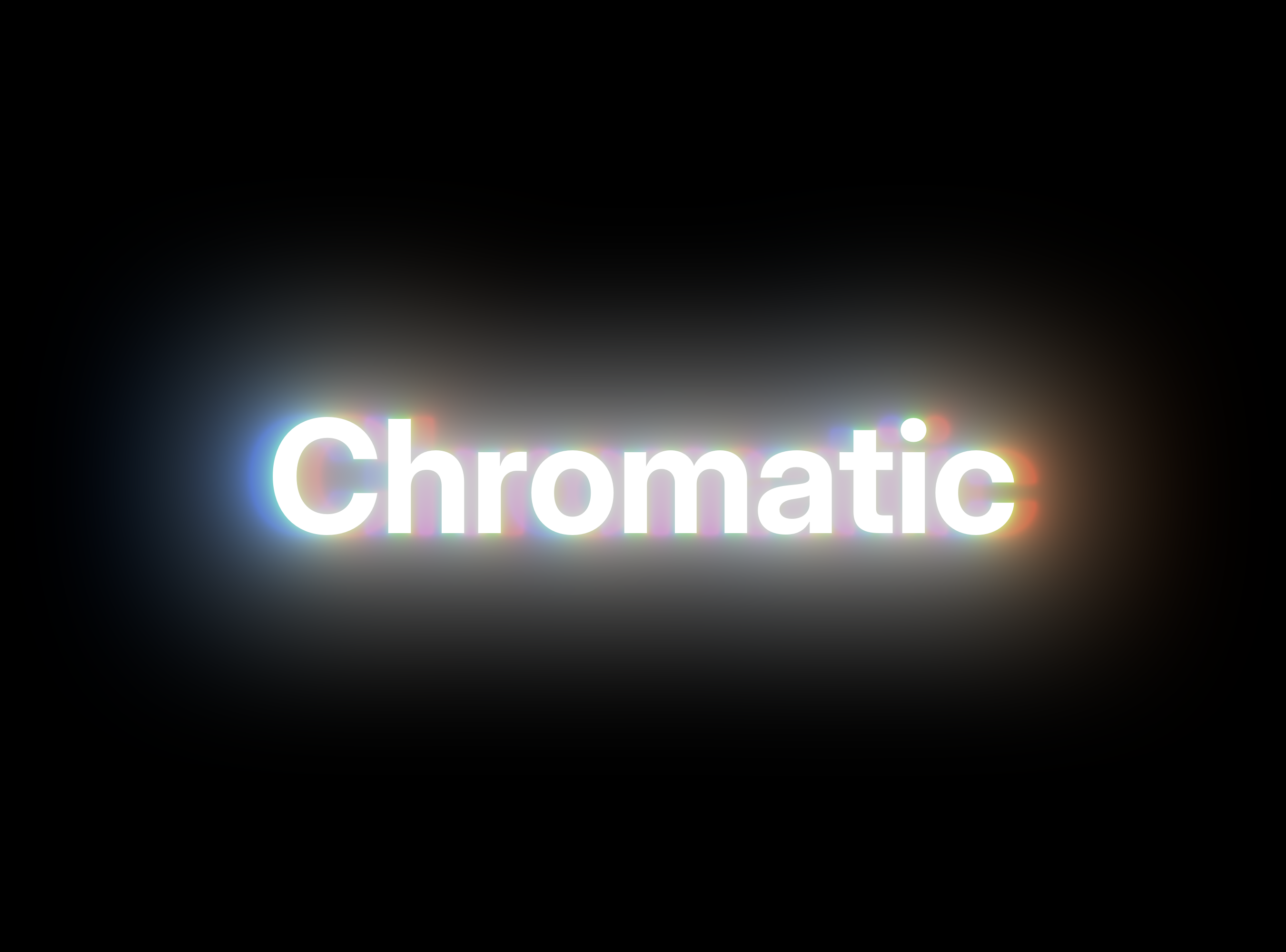
Set the inner tint to white and the outer tint to a color, like a warm orange or an icy blue. The letters stay crisp while the light around them takes on the color. For a lens-like fringe, give red, green and blue their own radius.
Step 5: Animate it
Click the stopwatch next to intensity, set a low value on the first frame and a higher one a second later. The title now powers up as it appears. Copy the effect and paste it onto your other titles for a matching look across the edit.
Tips for clean glowing text
- Keep the background dark. Glow shows best against black or deep color.
- Stop highlights clipping. Try another tone-mapping curve if the middle of the letters turns flat white.
- Add streaks for drama. Anamorphic streaks turn a title into a movie-trailer card.
FAQ
Can I make glowing text in Premiere Pro without a plugin?
You can stack a blurred copy of the title under the original, but it looks flat and takes longer to change. SuperGlow gives a real light falloff and keeps everything in one effect.
Does it work on logos and shapes too?
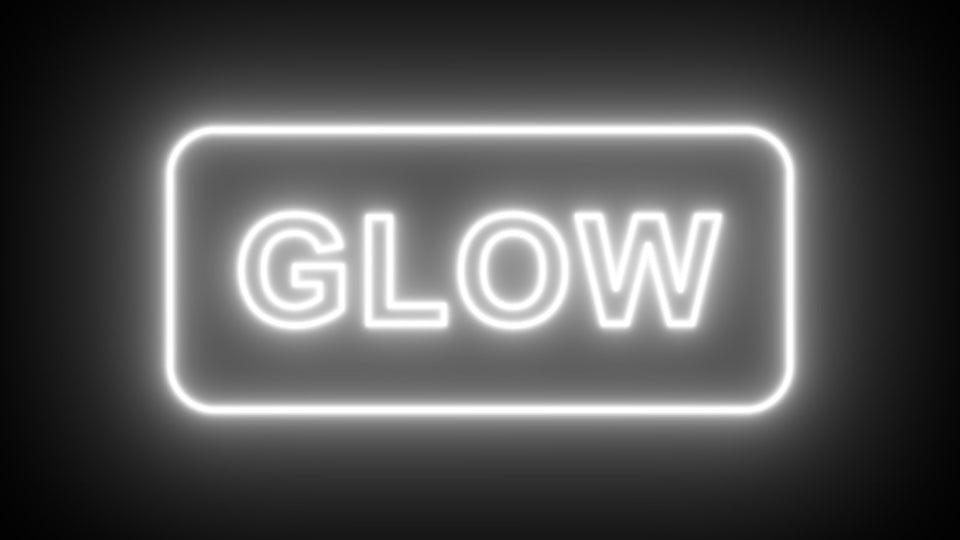
Yes. SuperGlow works on any clip: titles, graphics, logos and footage.
Make your next title glow. Get SuperGlow for Premiere Pro.