by
What SuperGlow does
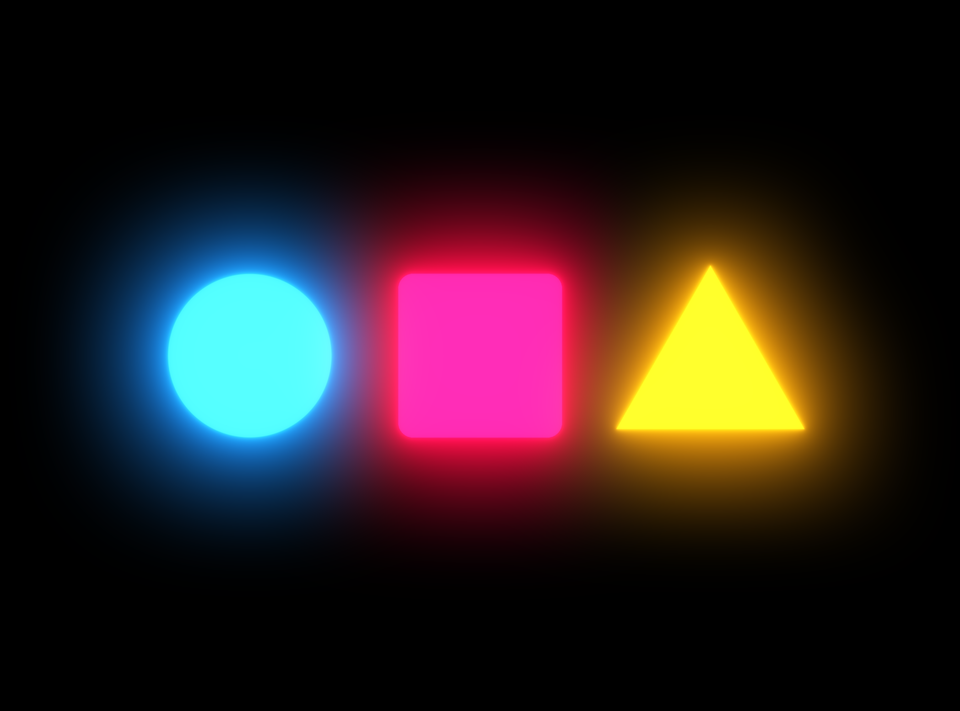
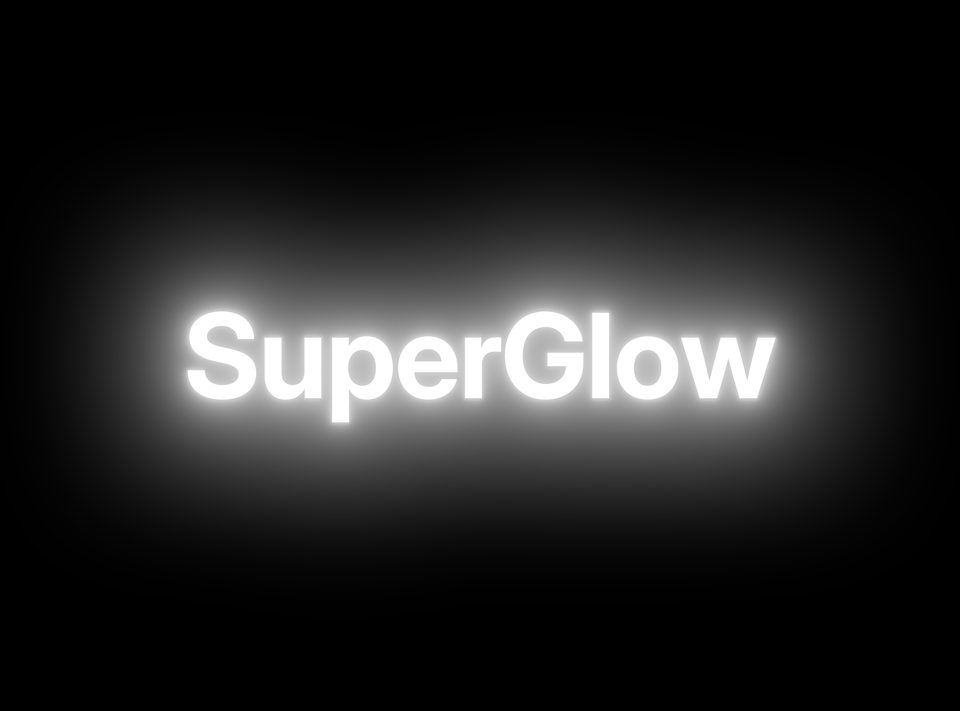
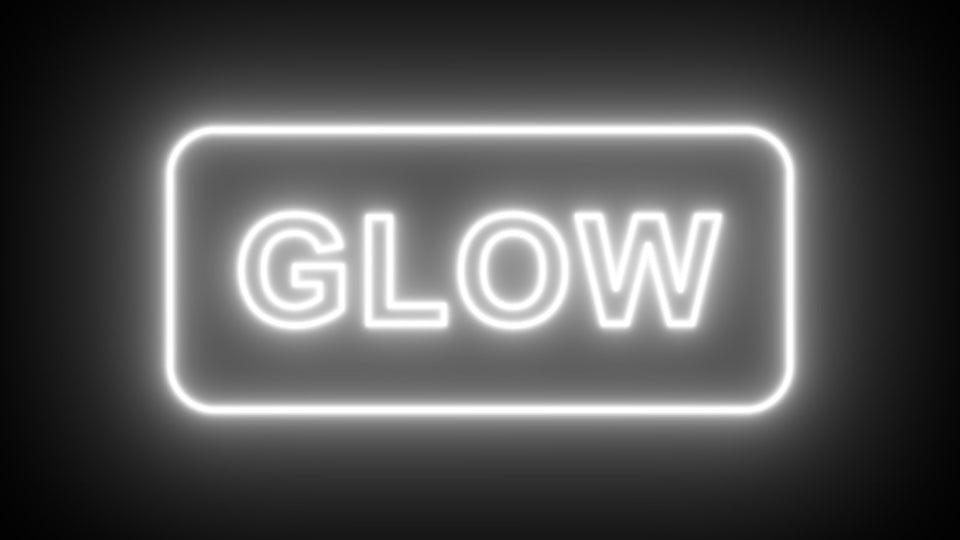
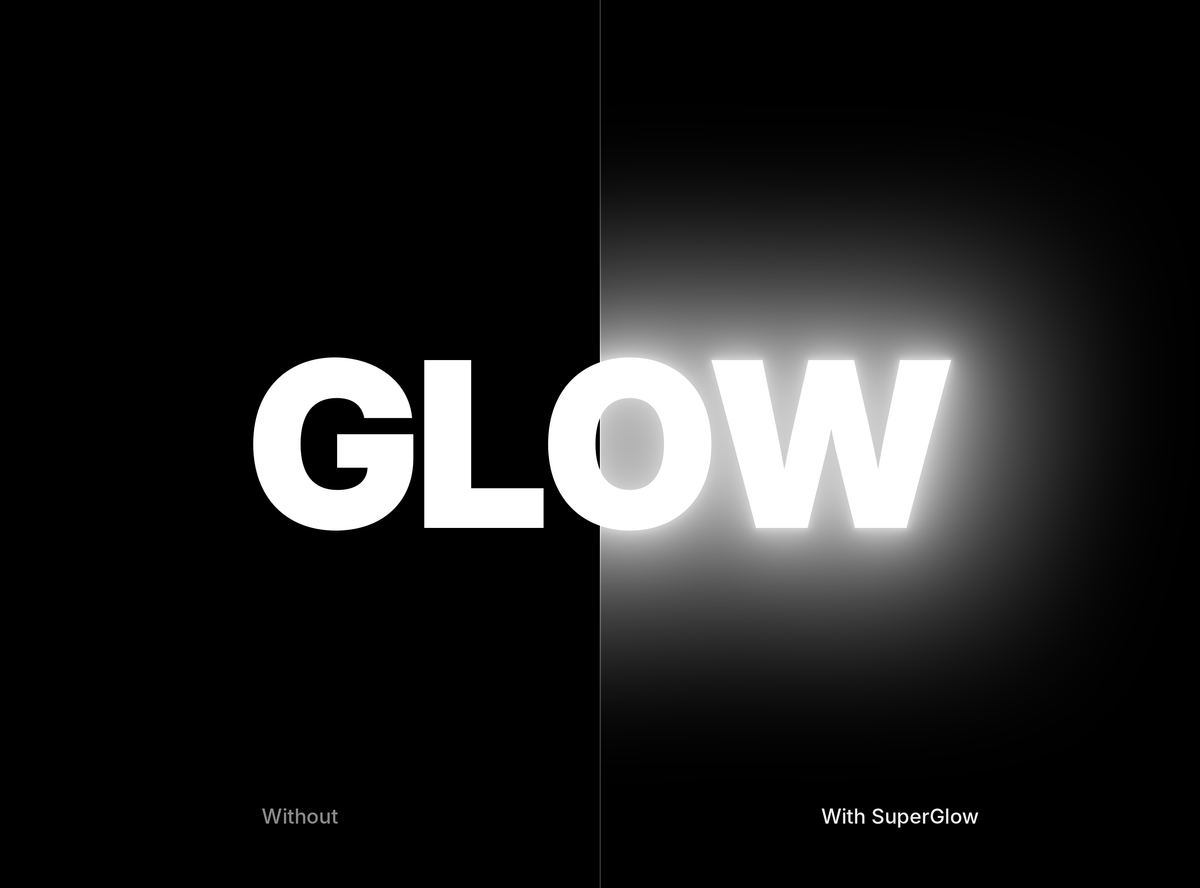
Drop SuperGlow on a clip and the bright parts of the frame start to give off light. The glow stays on the clip, plays back with your cut and moves when you trim, so there is nothing to render out and bring back.
Shape the light the way you want
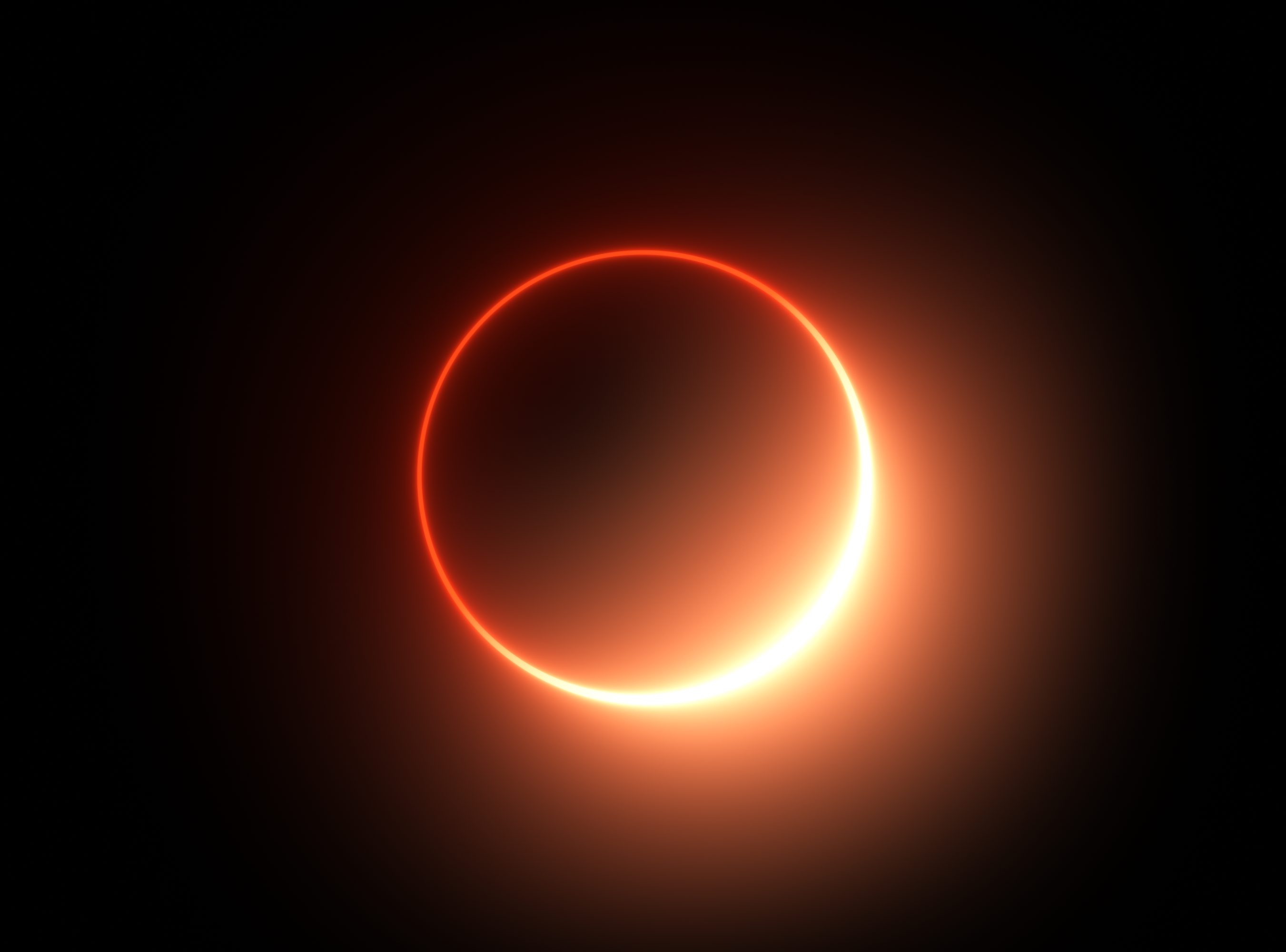
Pick a falloff for the look of the light. Gaussian gives a smooth, even bloom, Inverse Square fades like real light and Iris gives a bokeh-shaped glow. Set an inner and an outer tint, for example a white core with a warm orange edge.
Color fringes, streaks and lens dirt
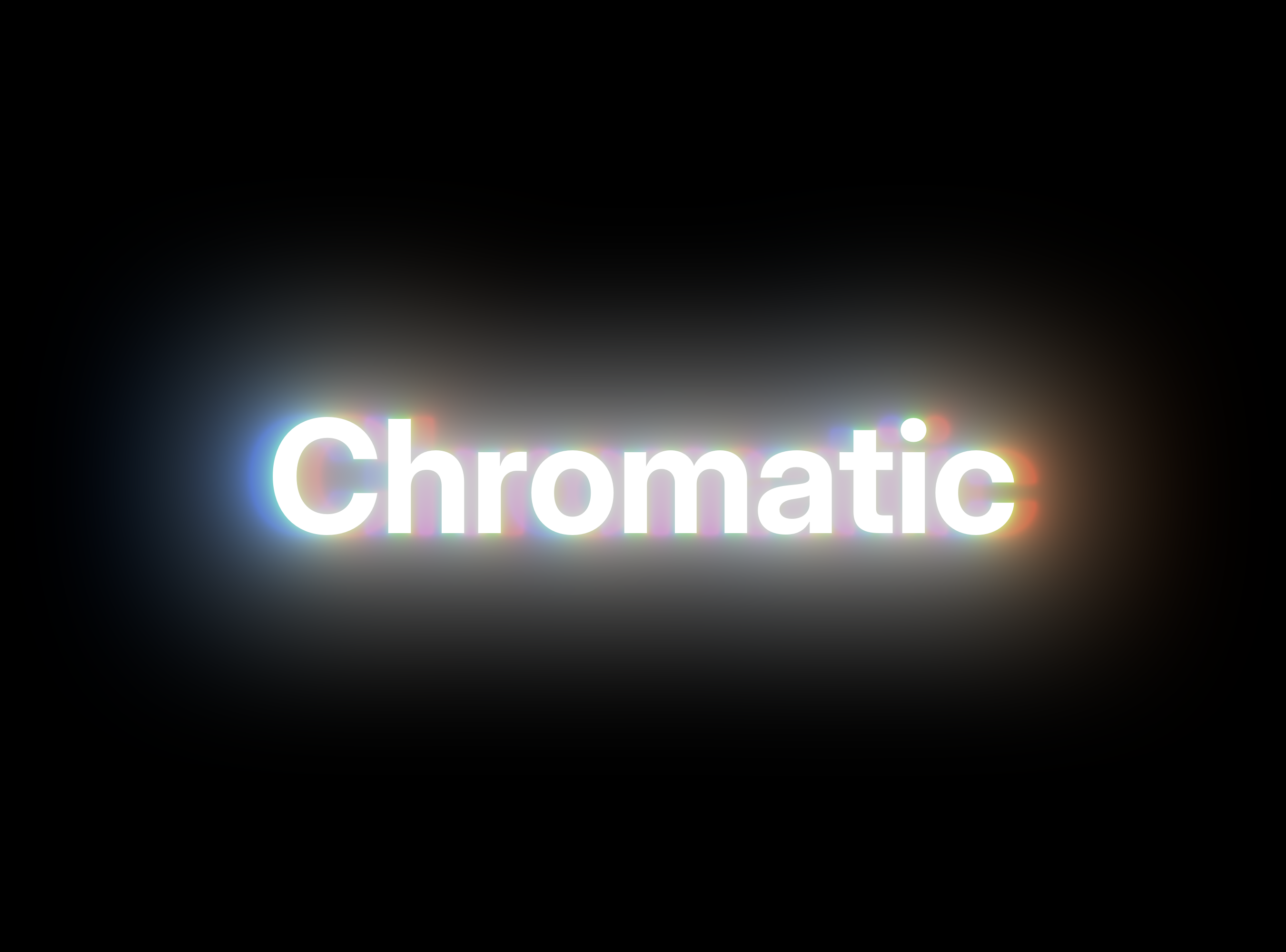
Give red, green and blue their own radius for a subtle chromatic fringe. Add anamorphic streaks for a cinema feel, or load your own lens dirt texture so the glow catches on the glass.

Glow only what matters
Use Color Range to pick one hue, like the pink of a neon sign, and the rest of the frame stays clean. For full control, a matte track limits the glow to any shape. Six tone-mapping curves keep bright highlights from clipping.
Built for real projects
- Works in Effect Controls. Keyframe it and copy it to other clips like any built-in effect.
- Fast. GPU rendering on Mac and multi-core rendering on Mac and Windows.
- Pay once. $34.99 one-time, for Mac and Windows.
FAQ
Which Premiere Pro versions does SuperGlow support?
Premiere Pro 2019 and later, on macOS 11 or newer and on Windows 10 and 11.
Does SuperGlow work in After Effects?
No. SuperGlow is made for Premiere Pro only.
Is it a subscription?
No. You pay once and keep it.
Ready to light up your edit? Get SuperGlow for Premiere Pro.