by
An effect and a panel, in one install
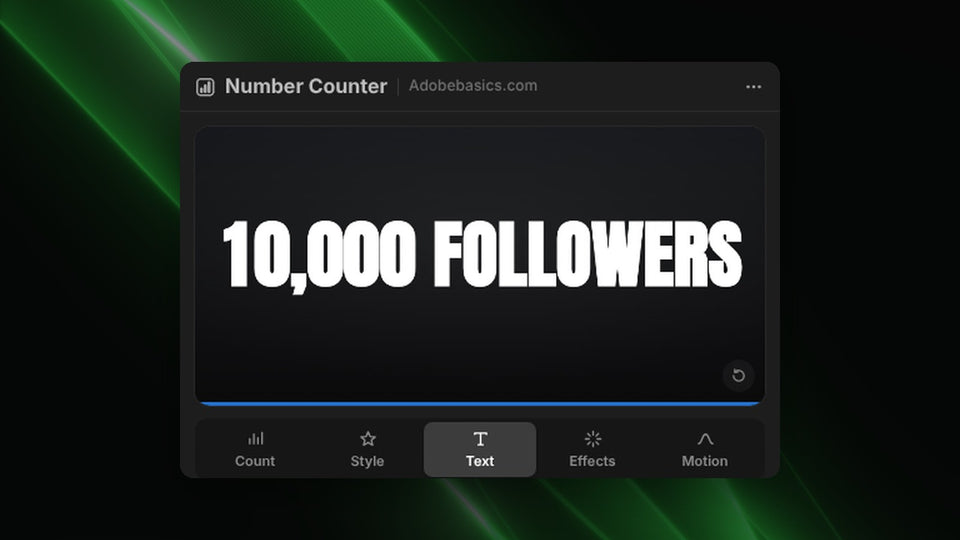
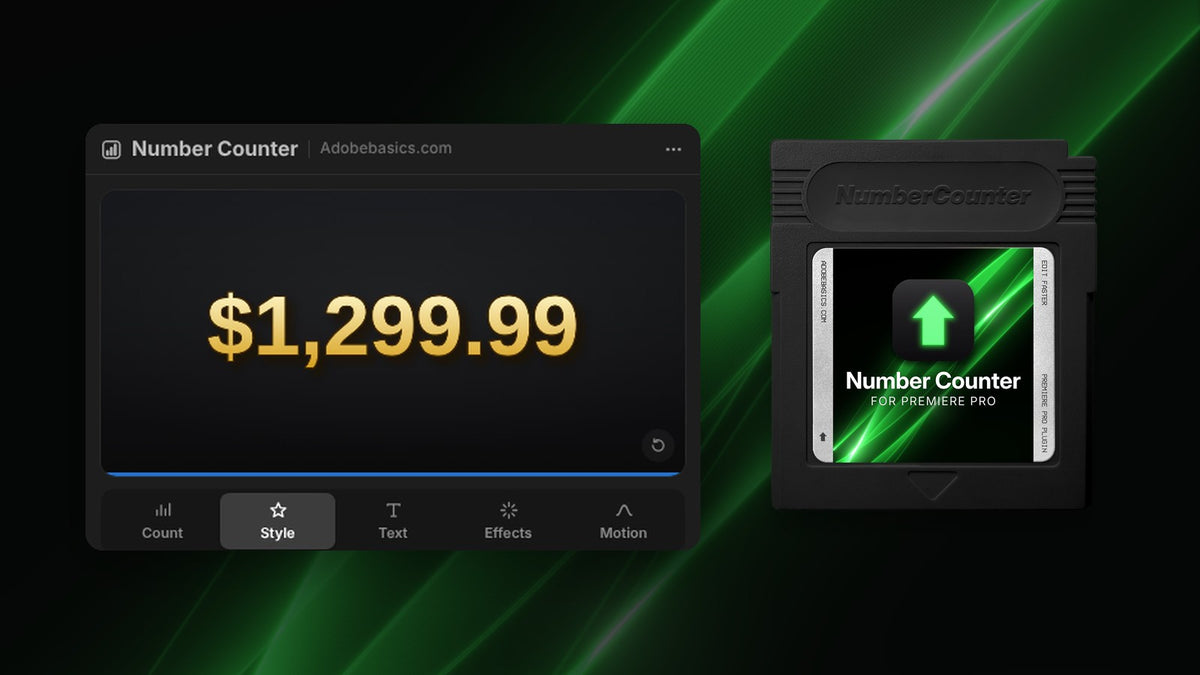
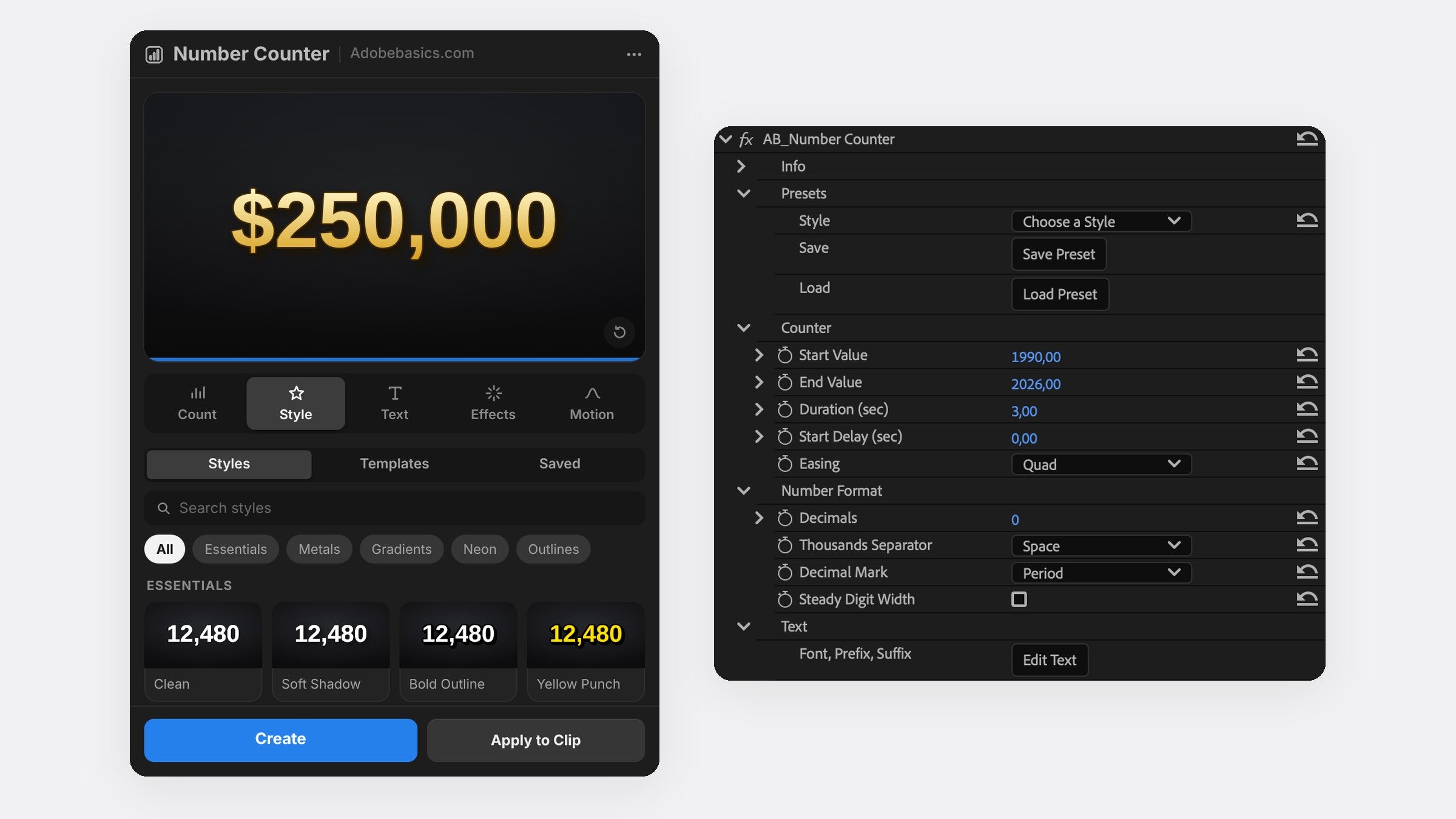
Number Counter adds two things to Premiere Pro. The Number Counter effect sits in your Effects panel and renders on your graphics card, like Premiere Pro's own effects. The panel window builds the counter for you with a live preview.
Press Create to put the counter on a new track, or Apply to Clip to draw it over your footage. Select a counter later and the panel loads it again, so you can change it at any time.
Type two numbers. It counts.
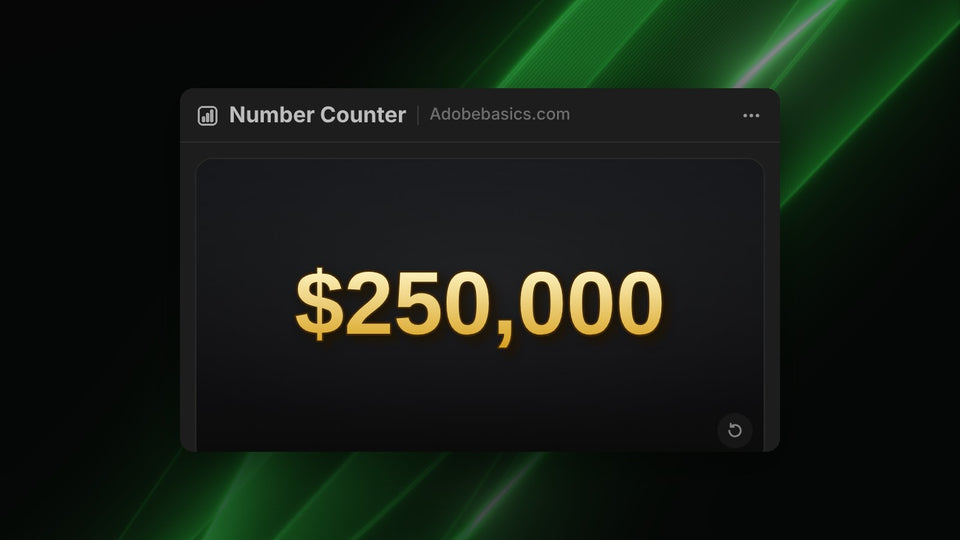
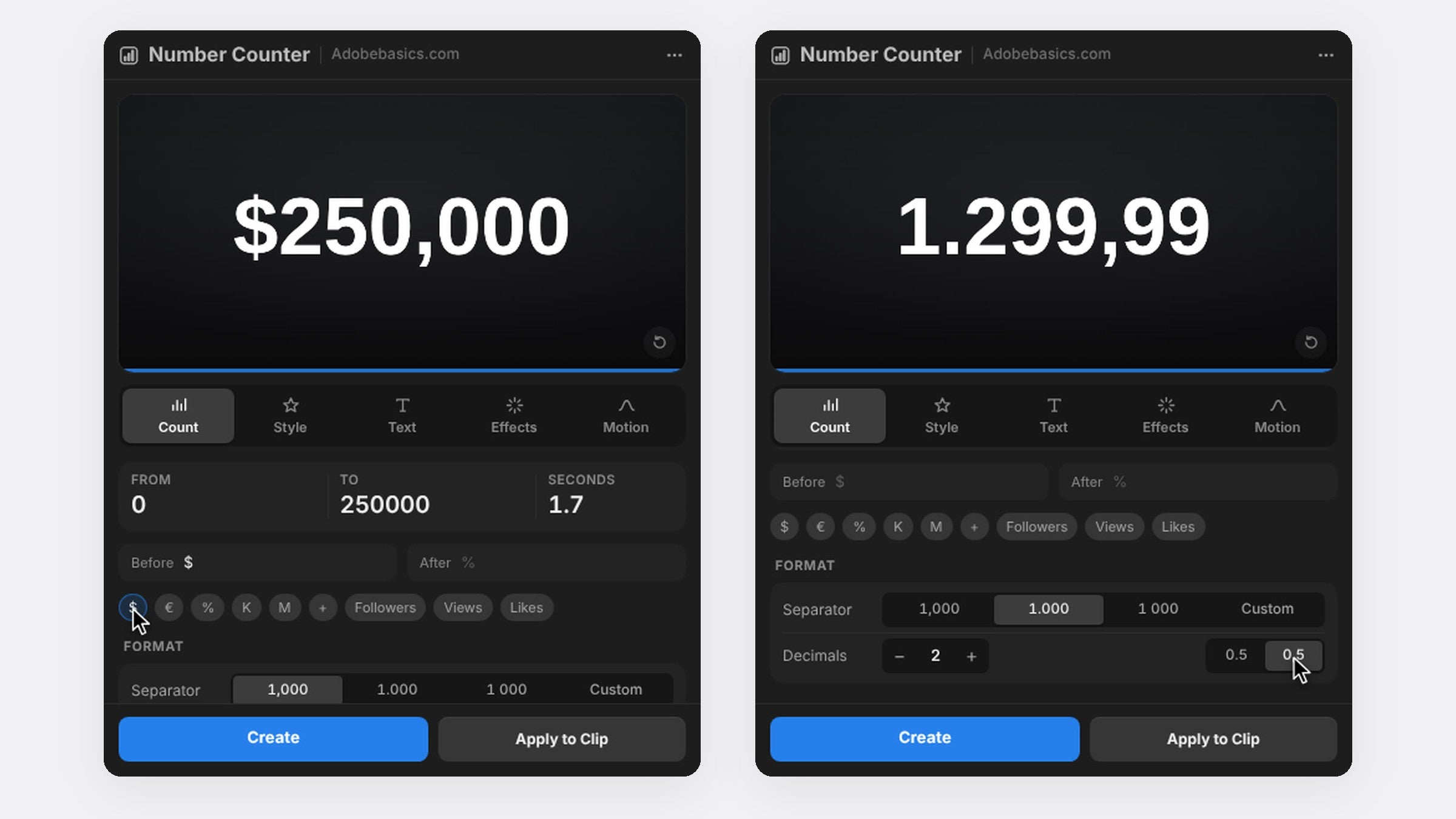
Type a From and a To value, like 0 and 250,000, and set how many seconds the count takes. It counts up or down. One click adds $, €, %, K, M, Followers, Views or Likes around the number.
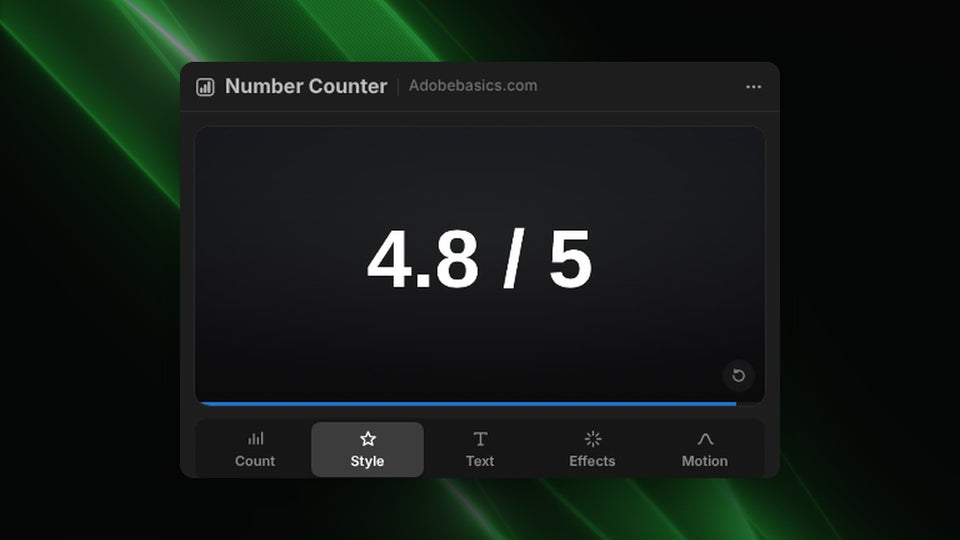
Show up to 10 decimals, with a comma, a period or a space between the thousands. Steady Digit Width gives every digit the same width, so the number never shifts while it counts.
Make it move the way you want
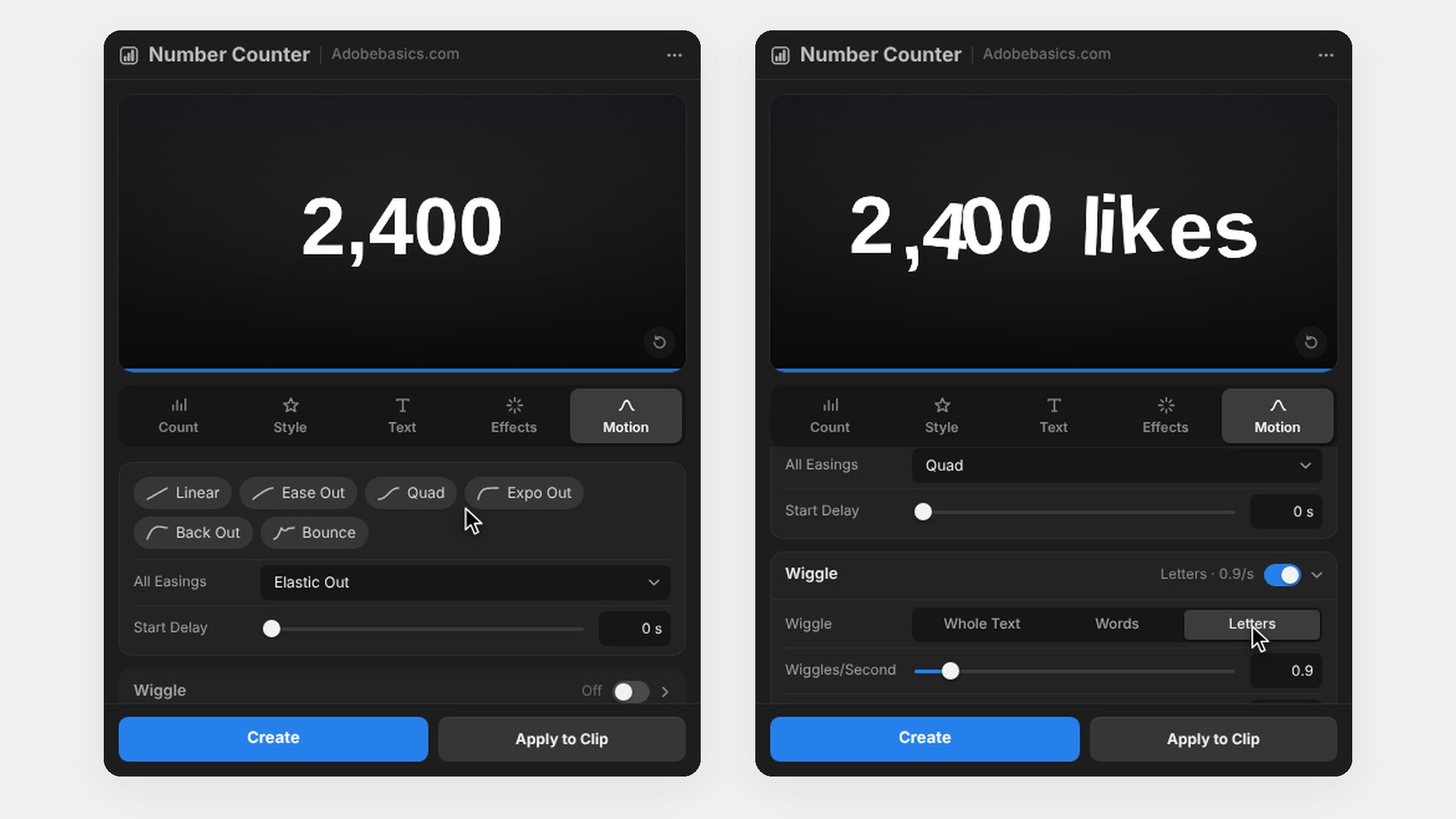
Pick one of 30 easing curves. Expo slows into the final number, while Back and Bounce overshoot and settle. Add a start delay, motion blur with an adjustable shutter angle, or a wiggle on the whole text, each word or each letter.
Your font, your look
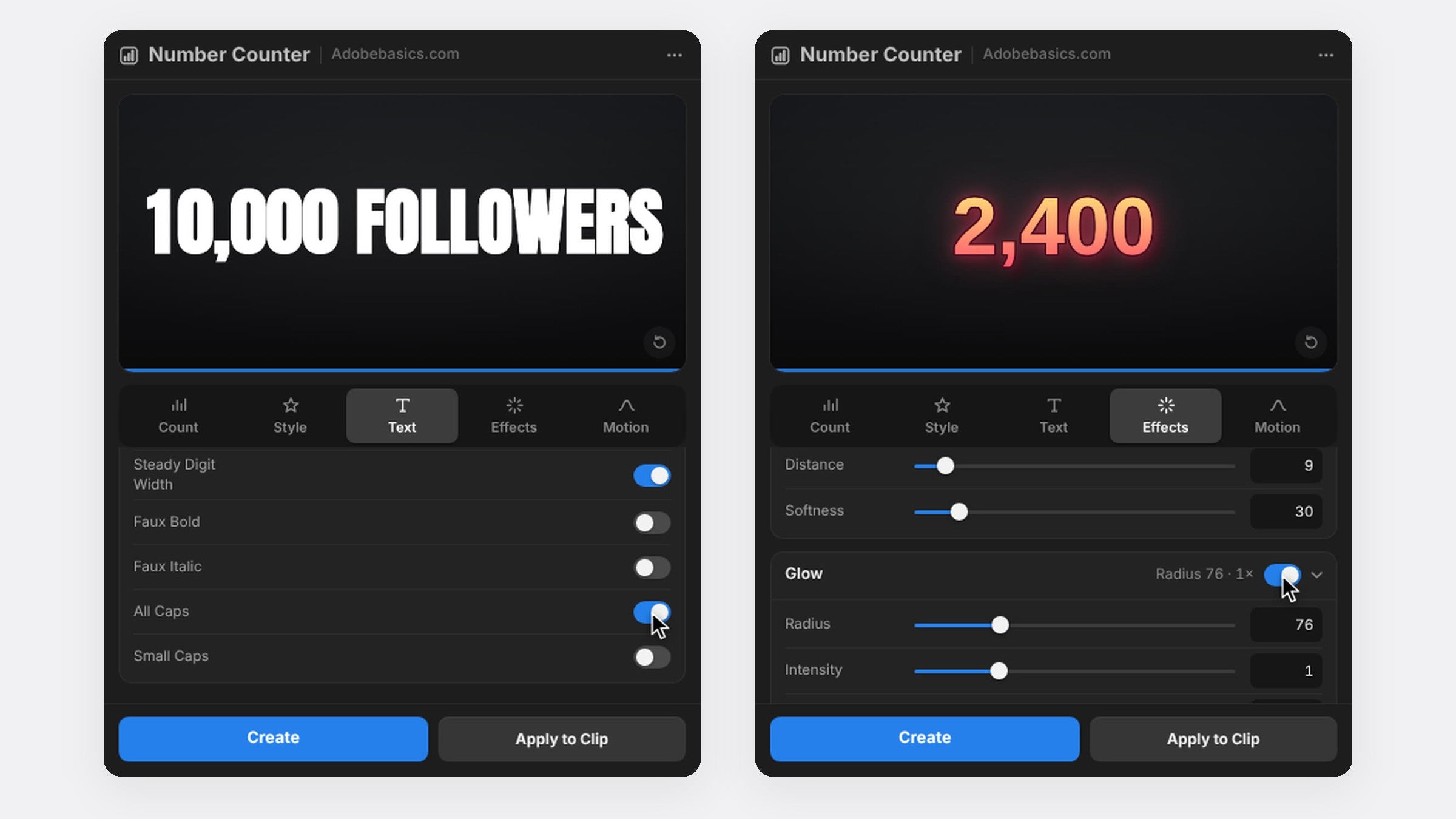
Use any font installed on your computer and put any text before or after the number, in any language. Stroke, shadow, glow and a two-color gradient are built in, each one a switch, so there are no extra effects to stack on the clip.
Standard and Pro
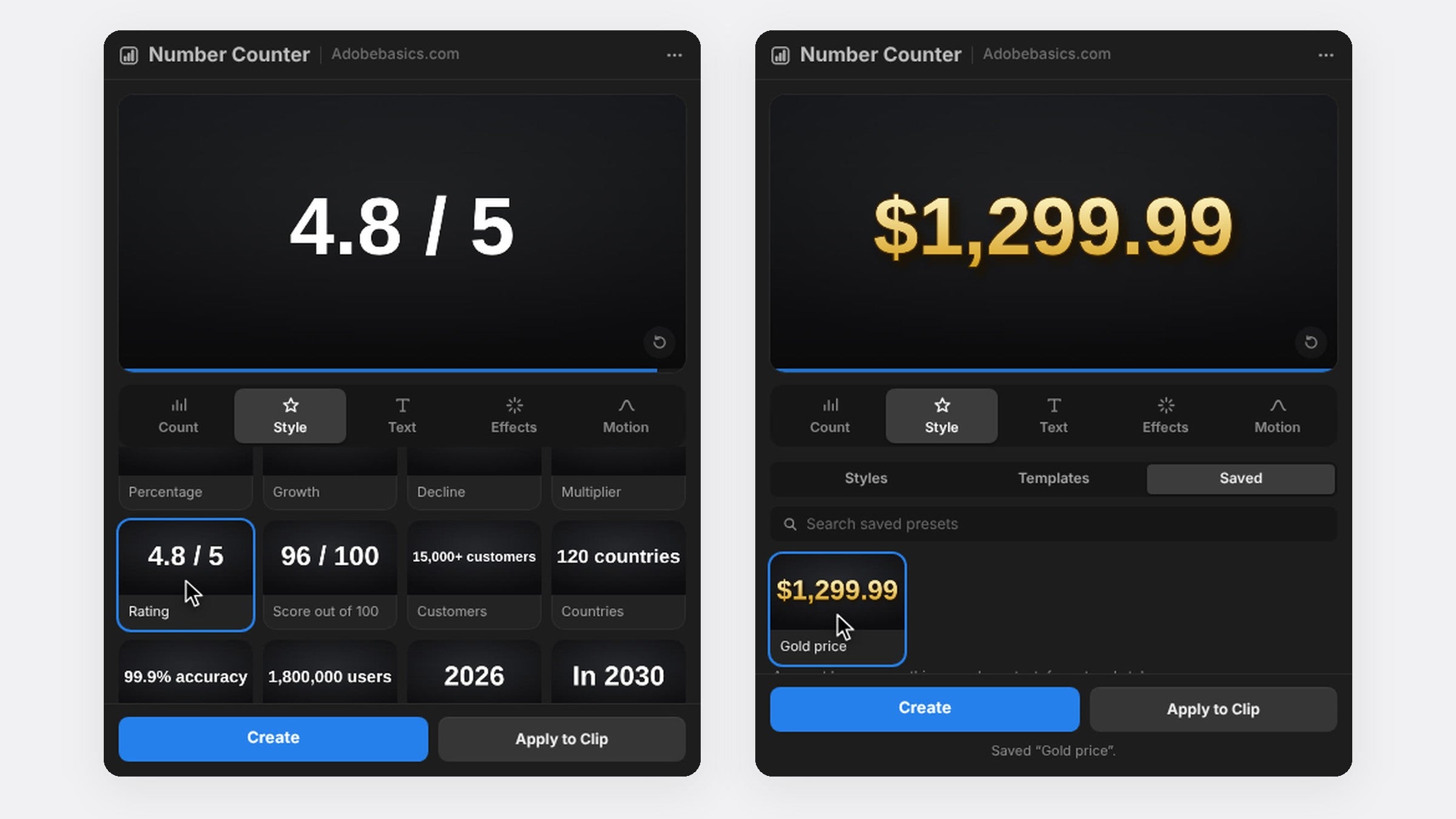
Both versions have the effect and the panel. Standard is $29.99 and has every setting. Pro is $34.99 and adds 58 styles, from gold and chrome to neon, 72 templates for followers, prices, stats and countdowns, and saved presets you can use in every project.
FAQ
Which Premiere Pro versions does Number Counter support?
Premiere Pro 2021 to 2027, on Windows 10 and 11 and on macOS 11 or later.
Do I need After Effects?
No. Number Counter is a native Premiere Pro effect, and you set everything inside Premiere Pro.
Is it a subscription?
No. You pay once and keep it, updates are free, and you can use it on two computers.
Ready to make your numbers move? Get Number Counter for Premiere Pro.