by
Generative Extend in 4K
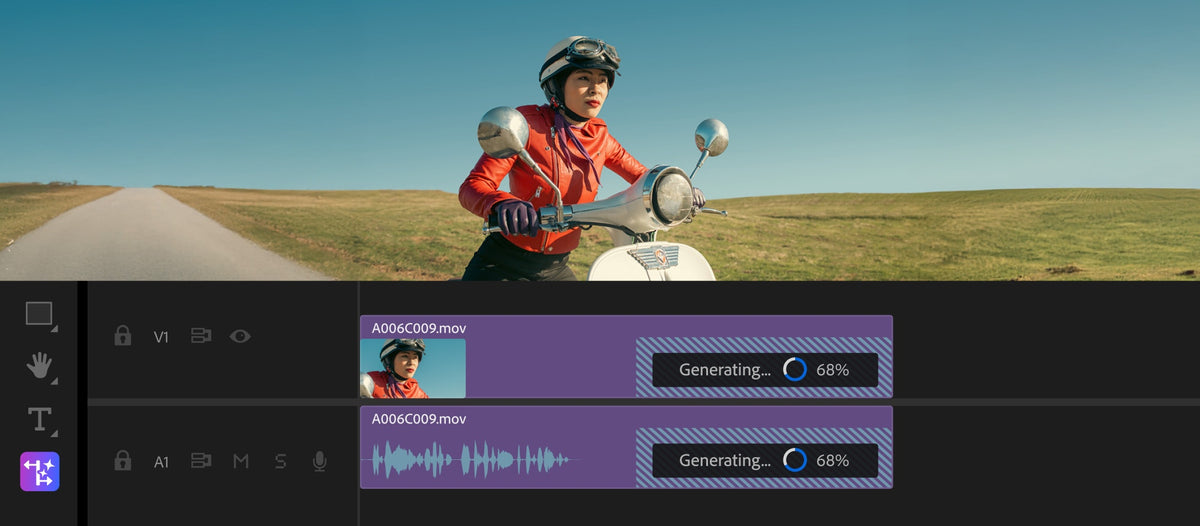
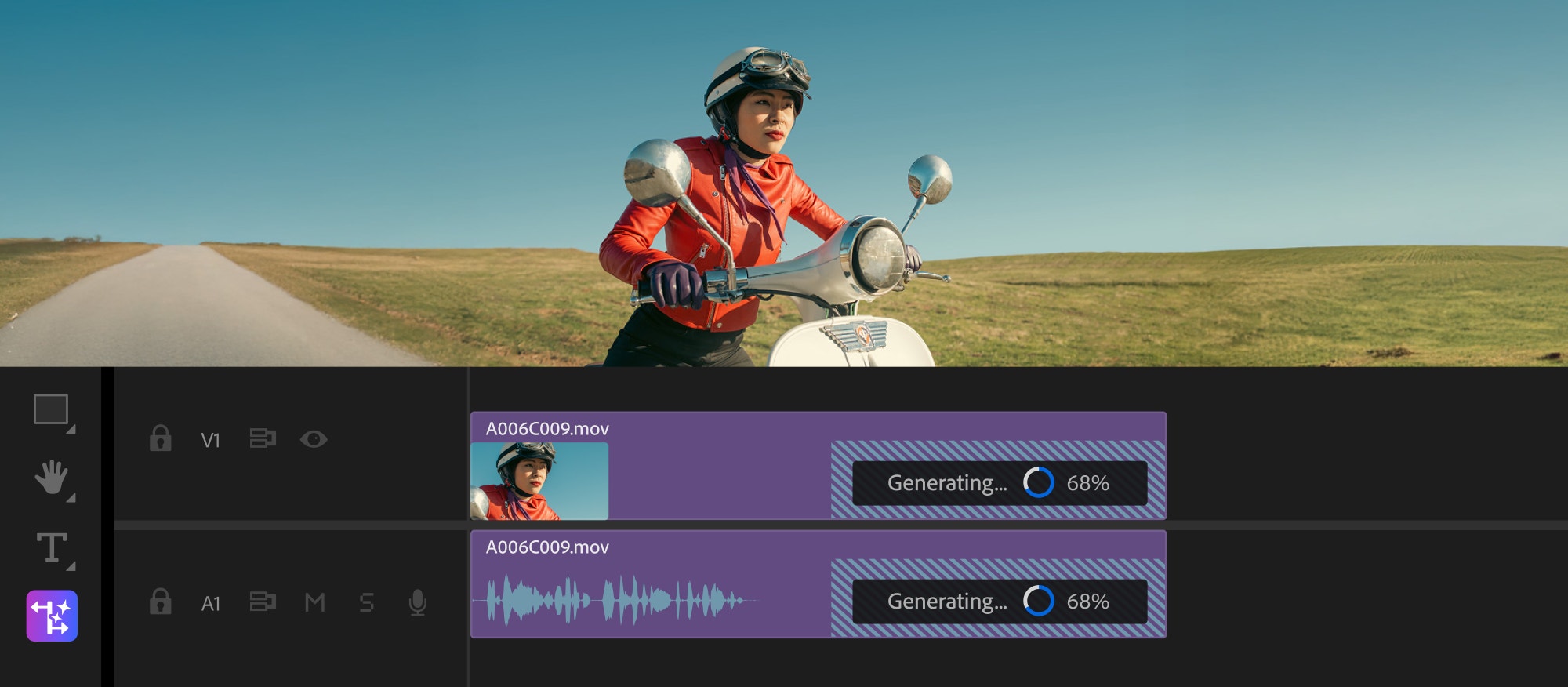
When a shot is just a little too short, drag its start or end with the Generative Extend tool. Premiere uses Adobe Firefly to add new frames, now in up to 4K, so you can cover a transition, hold on a reaction or add missing room tone. It runs in the background while you keep editing, and the new frames carry Content Credentials. Adobe offered it at no cost for a limited time, after which it uses generative credits.
Media Intelligence and the new Search panel
Premiere now recognizes what's in your clips, like objects, locations and camera angles. Type what you're looking for in plain words, and the new Search panel finds the matching moments, along with spoken words in transcripts and metadata like shoot date or camera type. You can hover to scrub results and edit straight into the Timeline. The analysis runs on your own computer, so you don't need an internet connection.
Color management for log and raw footage
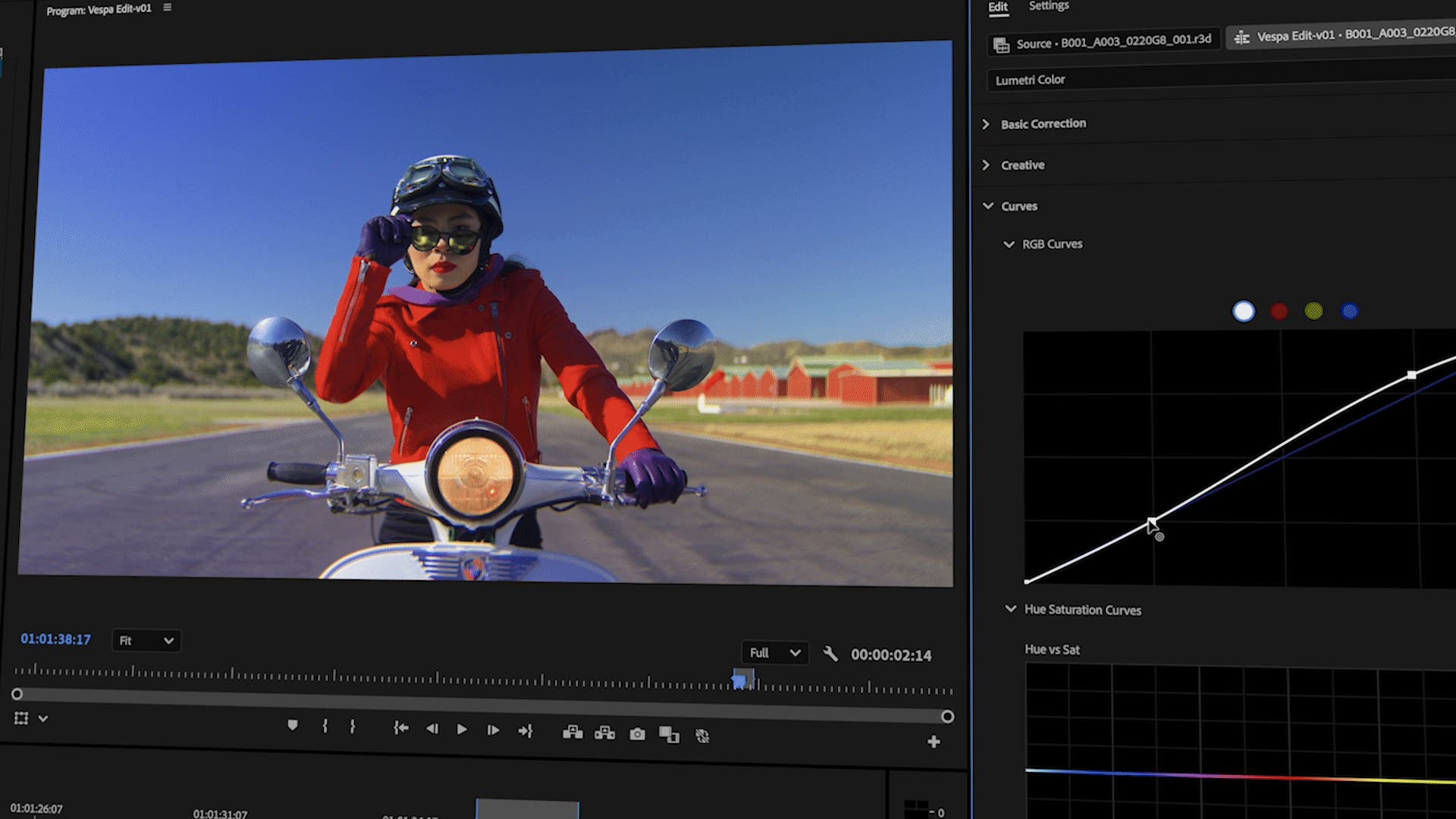
Premiere now turns log and raw camera files into SDR or HDR as soon as you import them, without LUTs, for most camera formats. For other clips, you can set the color space for a whole batch right from the bin. Choose from six presets in your sequence or Lumetri settings: Direct Rec.709 keeps the old behavior, and the Wide Gamut presets use ACEScct for more grading room.
Caption translation
Translate your captions into 27 languages without leaving Premiere, and show several caption tracks at the same time.
Also in this update
- Dynamic waveforms. Waveforms grow and shrink as you change a clip's volume. Turn them on or off in the View menu.
- MKV import. Rewritten support for MKV files with H.264 video and AAC audio.
- Content Credentials on export. Add Content Credentials to exported videos, also from Media Encoder.
- Canon Cinema RAW Light. Hardware acceleration on Apple silicon.
- Faster audio conform. Quicker audio conform and peak file generation when you import.
Version 25.2 is part of Premiere Pro 2025. See everything new in Premiere Pro 2025, or read on to what's new in Premiere Pro 25.3.
FAQ
Does Media Intelligence send my footage to the cloud?
No. Adobe says the media analysis happens on your own computer, works without an internet connection, and your content is never used to train AI models.
Will color management change how my old projects look?
No. The default preset, Direct Rec.709, works like earlier versions, so older projects open and look as expected.
Want to animate faster in Premiere Pro 25.2? Get EaseFlow for smooth easing.