

 by
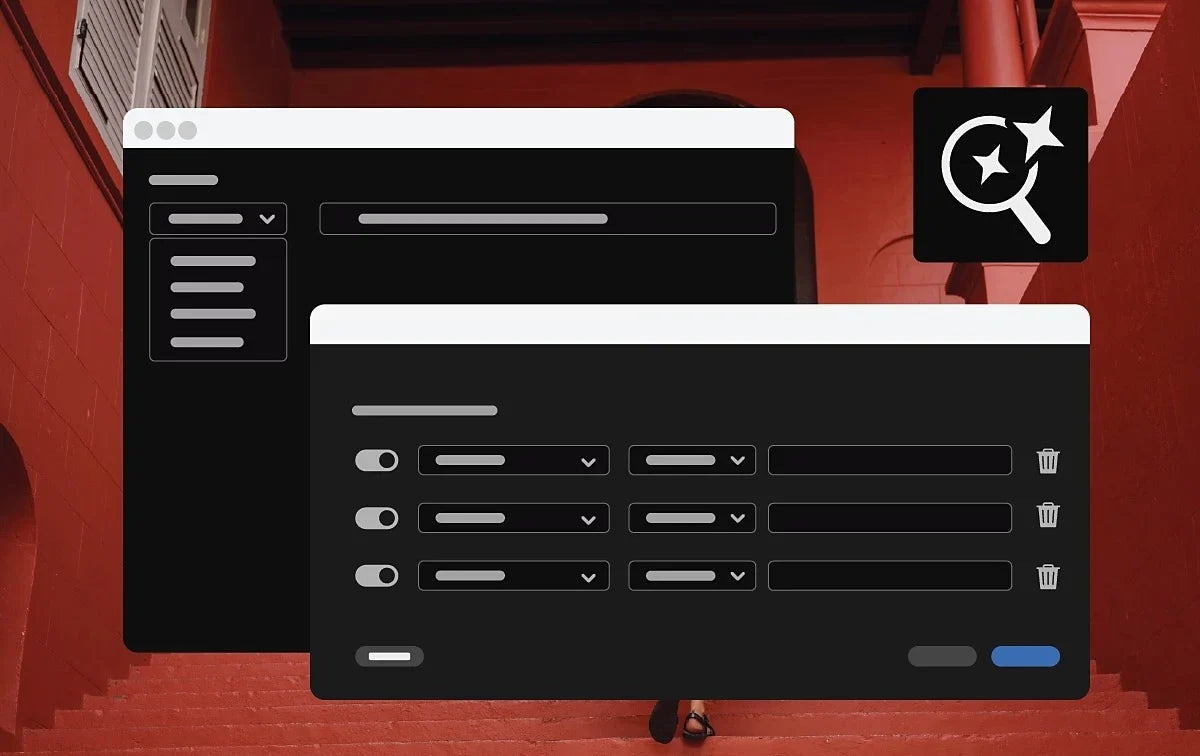

Advanced filters in the Search panel
The Search panel now lets you filter your results based on metadata. Narrow down what you see, and find that one shot in a project with hundreds of clips much faster. It works together with the Media Intelligence search that came in 25.2, where you describe what you're looking for in plain words.
Label colors in sequence tabs
You can now see and change the label color of a sequence right on its tab in the Timeline panel. Give your main edit, your social cutdowns and your selects their own colors, and you'll always know which sequence you're in.
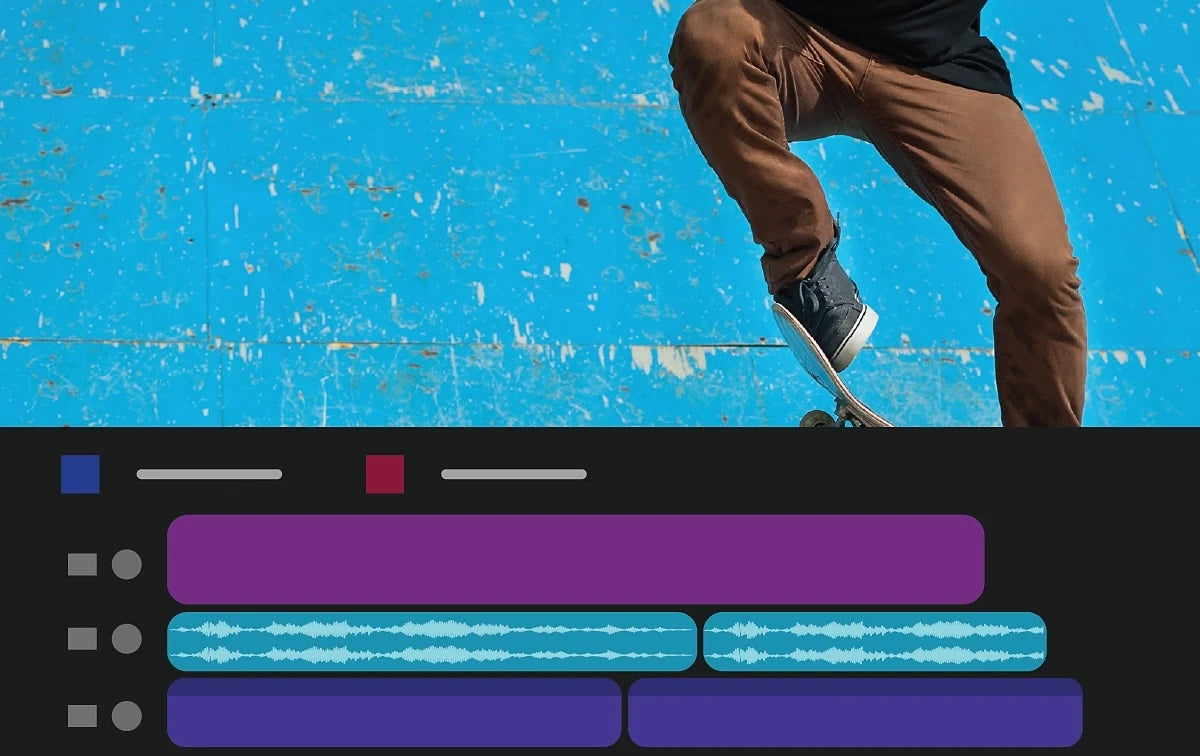
Better color handling for DNxHR, DNxHD and PNG
Premiere now reads the data range from DNxHR and DNxHD files in MXF, and from PNG files, and applies it automatically. Super-whites and sub-blacks are kept. PNG files with CICP color tags are supported, and there are more export options for color space and HDR metadata.
NVIDIA Blackwell support
On computers with NVIDIA Blackwell graphics cards, Premiere uses hardware acceleration for 10-bit 4:2:2 video, for much smoother playback of these files.
Also in this update
- Transcription. Auto-transcription of clips longer than one hour no longer fails.
- Export. 23.98 fps sequences no longer export as 23.00 fps.
- Generative Extend. Content Credentials now show for Generative Extend clips.
- RED. A LUT chosen in camera is now applied correctly to RED R3D media.
Version 25.3 is part of Premiere Pro 2025. See everything new in Premiere Pro 2025, or read on to what's new in Premiere Pro 25.4.
FAQ
When did Premiere Pro 25.3 come out?
Adobe released Premiere Pro 25.3 in June 2025 and recommended it for all users.
Where do I change a sequence's label color?
Right on the sequence tab in the Timeline panel, where you can both see and change it.
Copying and pasting a lot in Premiere Pro 25.3? Get QuickPaste for smart paste.






