

 by
by 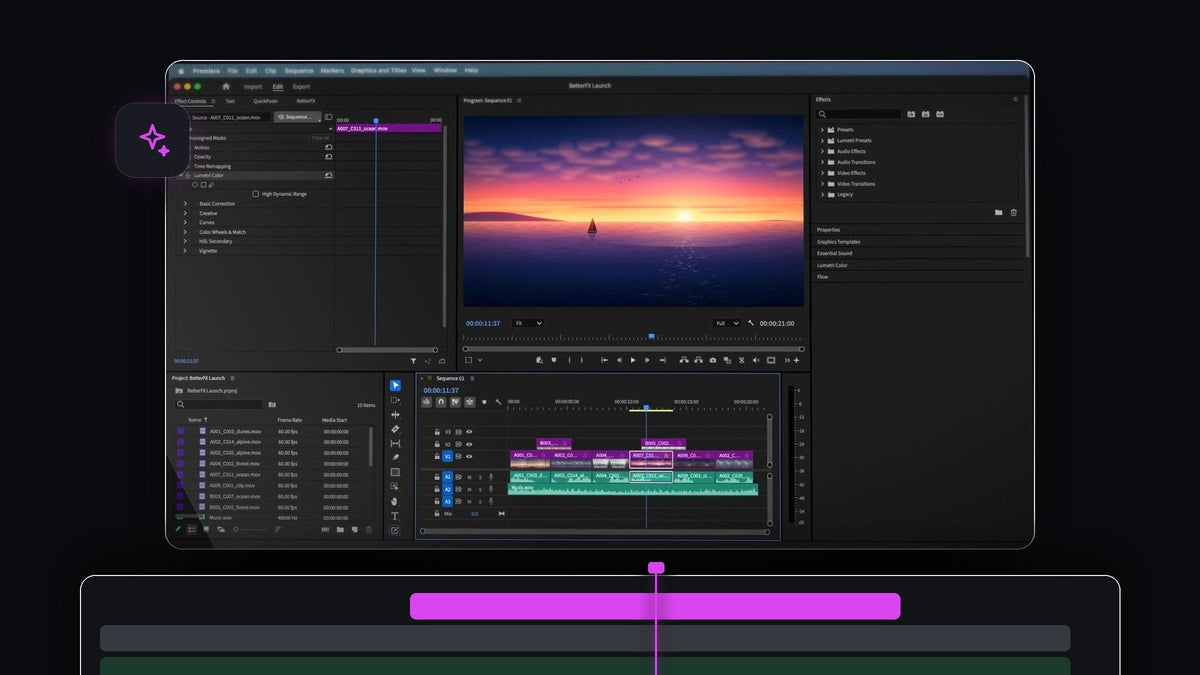
The answer for long-form editors
For documentary and long-form work, the best effect search plugin for Premiere Pro 2022 is BetterFX. One search bar finds video effects, audio effects, your presets and third-party plugins, and one press of Enter applies the result.
BetterFX runs in Premiere Pro 2022 (version 22) on Mac and Windows. It is $29.99 one-time, with lifetime access and free updates.
A feature documentary is built from hours of interviews, archive and B-roll. Over weeks of editing you clean the same voices, crop the same archive and grade the same scenes again and again. That is exactly the kind of repetition BetterFX was made to remove.
Watch the intro
One search for picture and sound
Long-form editors switch between image and audio all day. In BetterFX there is no switching: every effect lives behind the same shortcut.
- Unified search. Video effects, audio effects, your custom presets and third-party effects from plugins like Sapphire and Boris FX appear in one list, grouped so you can tell them apart.
- Usage-based ranking. BetterFX learns which effects you use most and surfaces them first. On a project that runs for months, that pays off every day.
- Recent effects. With an empty search, your last five effects sit at the top, newest first, ready for the next interview clip.
- Intelligent search. Abbreviations and half-remembered names work. dnoise is enough for DeNoise.
- One shortcut. Option + Space on a Mac or Alt + Space on Windows opens the search over your timeline.
- Custom presets. Save your interview grade or archive treatment as a preset, keyframes included, and apply it like any built-in effect.
The result is a calmer edit. Instead of hunting through Audio Effects for one fix and Video Effects for the next, you type what you need and keep your attention on the story. BetterFX fits the way long-form editors already think: by name, not by folder.
Step 1: Install BetterFX
Download BetterFX right after checkout, or from the link in your email. The installer sets up the BetterFX app and the Premiere Pro plugin together, then you open Premiere Pro 2022 and your project as usual. There is no manual setup and no other plugin to buy.
Step 2: Clean up interview audio
Select the interview clips that carry room noise, press your BetterFX shortcut and type dnoise. DeNoise shows up under Audio Effects. Press Enter to apply it.

Then dial in the amount in Effect Controls. Our guide on how to remove background noise in Premiere Pro covers the settings.
Step 3: Build the look of the film
Archive and interview footage often gets a cinematic letterbox. Select the clip, open BetterFX, type cro and press Enter to add Crop.

Keep stacking the same way: lmc for Lumetri Color, a few letters for Lens Flare. Each one lands in Effect Controls in order, ready to tune. For the exact letterbox values, see how to do a 21:9 aspect ratio in Premiere Pro.

Step 4: Let the ranking learn your project
Just keep editing. After a few days, the effects your film relies on rise to the top, so you need fewer and fewer letters to find them.
When you hand the cut over, Premiere Pro 2022 includes Simplify Sequence, which creates a clean copy of your sequence for sharing, archiving or exporting as EDL, XML or AAF.
New to the plugin? The full BetterFX guide explains every option, and the best effect search plugin for Premiere Pro overview covers it for any version.
FAQ
Does BetterFX work with Premiere Pro 2022?
Yes. BetterFX works with Premiere Pro 2022 (version 22) on Mac and Windows, and supports every version from 2021 to 2026.
Can BetterFX find audio effects like DeNoise?
Yes. Audio effects are in the same search as video effects. Type dnoise and DeNoise appears under Audio Effects.
Does BetterFX search third-party plugins like Sapphire?
Yes. Third-party effects from plugins like Sapphire and Boris FX show up next to the built-in effects, with an optional tag.
Will BetterFX keep up with a large project?
Yes. BetterFX is built and optimized to run fast, even on large, effect-heavy projects like a feature documentary.
Are updates included?
Yes. Your one-time purchase includes lifetime access and all future updates, installed automatically.
Give your long edit fewer clicks and more story. Get BetterFX for Premiere Pro 2022.





