

 by
by 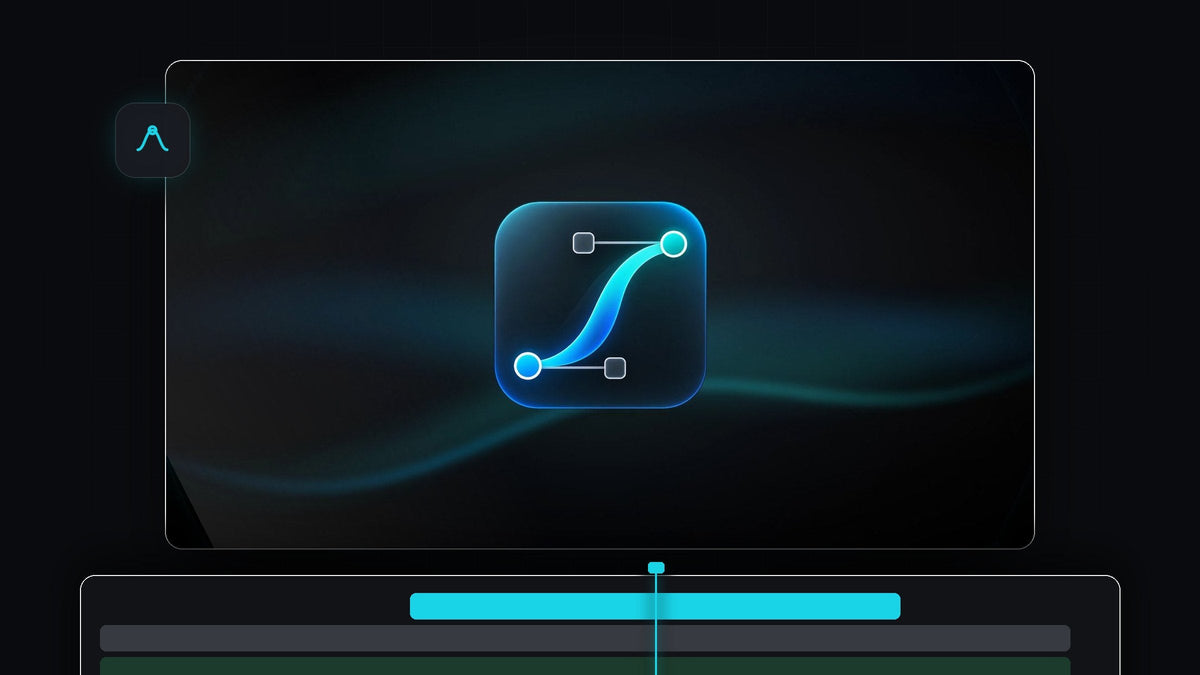
A complete easing kit, docked in Premiere
Want the Motion Tools Pro feel inside Premiere Pro? EaseFlow gives you a real curve editor, four libraries of easing presets and one-click Apply, right in a Premiere Pro panel.
It works with Premiere Pro 2021 to 2026 on Mac and Windows. Standard is $24.99 and Pro is $34.99, both one-time with free updates for life.
Watch the intro
Draw the exact curve you have in mind
Motion designers think in curves, so EaseFlow puts a real graph editor at the top of the panel. Drag a handle and the preview updates live. Hold Shift to snap, hold Alt to mirror, and pull a handle past the edge of the box for overshoot.

Prefer numbers? Type four values, paste a cubic-bezier() or drop in a cubic-bezier.com link. A faint second curve shows the easing that is already on your keyframes, so you always know what you are changing.
A curve you design here works the same on a title, a logo or an effect parameter, so one shape can drive a whole animation system across your edit.
A panel built like a pro tool
Everything sits in one compact panel: the graph, the value field, Auto and Apply, the preset libraries and the property chips. Dock it next to Effect Controls and it feels like part of Premiere.

EaseFlow finds the keyframes under your playhead, eases them and gets out of your way. One press of Cmd+Z (Ctrl+Z on Windows) takes the easing back off.
Keep your curves organized
A good kit is only as good as its library. EaseFlow keeps yours tidy:
- Save with one click. Shape a curve, press + and it becomes a preset.
- Star your favorites. The curves you reach for most stay at hand.
- Import and export. Move whole libraries as a .json file between computers or teammates.
- Four built-in libraries. Default has 25 classics. Pro adds Essentials (10), Apple (12 bouncy springs) and Creator Pro (25, speed ramps included), 72 curves in all.
Step 1: Install and dock EaseFlow
Your license key and download links arrive by email right after checkout. Run the guided installer and it sets up the EaseFlow app and the Premiere Pro plugin for you. Open the panel and dock it beside Effect Controls.
Step 2: Shape and save your house curve
Pick a starting preset, such as Cubic In Out, then drag the handles until the move feels right. Press +, name it and star it. Now it is one click away in every project, ready for titles like the ones in our kinetic typography tutorial.
Step 3: Ease every property in one pass
Put the playhead on your keyframes and press Apply. EaseFlow eases Position, Scale, Rotation, Anchor Point, Opacity and effect parameters, on video and audio, on every selected clip at once. Click a property chip to leave that property out.

Curved motion paths stay curved, because Position follows the path Premiere draws between your keyframes. That matters for data moves too, like the bars in our graph animation tutorial.
Built to be trusted on real projects
Your keyframes are the anchors. EaseFlow never moves or changes them. It adds only the keyframes a curve needs, about 20 for a two-second Easy Ease instead of one on every frame, and checks your keyframes before every change. Apply a new curve later and it swaps only its own keyframes.
Turn on Auto Mode and every new pair of keyframes is eased the moment the second one lands. Our EaseFlow guide covers every option.
Standard or Pro?
Standard has every core tool: the graph editor, Auto Mode, one-step undo, shortcuts, favorites and the Default library of 25 curves. Pro adds the Essentials, Apple and Creator Pro libraries, bouncy curves you shape with two handles, and every pack added in the future.
Both are one-time purchases on the EaseFlow page, with a commercial license for client work and support within 24 hours.
FAQ
What is the best Motion Tools Pro alternative for Premiere Pro?
EaseFlow. It brings a real graph editor, a curve library you can save, star and share, and one-click easing on every property, all inside Premiere Pro.
Can I type exact bezier values?
Yes. Type four numbers, paste a cubic-bezier() or a cubic-bezier.com link, or paste a spring(damping, frequency).
Can I ease effect parameters, not just Motion?
Yes. EaseFlow eases any numeric property Premiere Pro animates, including effect parameters and audio levels.
Is EaseFlow a subscription?
No. Standard ($24.99) and Pro ($34.99) are one-time purchases with lifetime updates and a commercial license.
Shape, save and apply your curves without leaving Premiere. Get EaseFlow for Premiere Pro.



