by
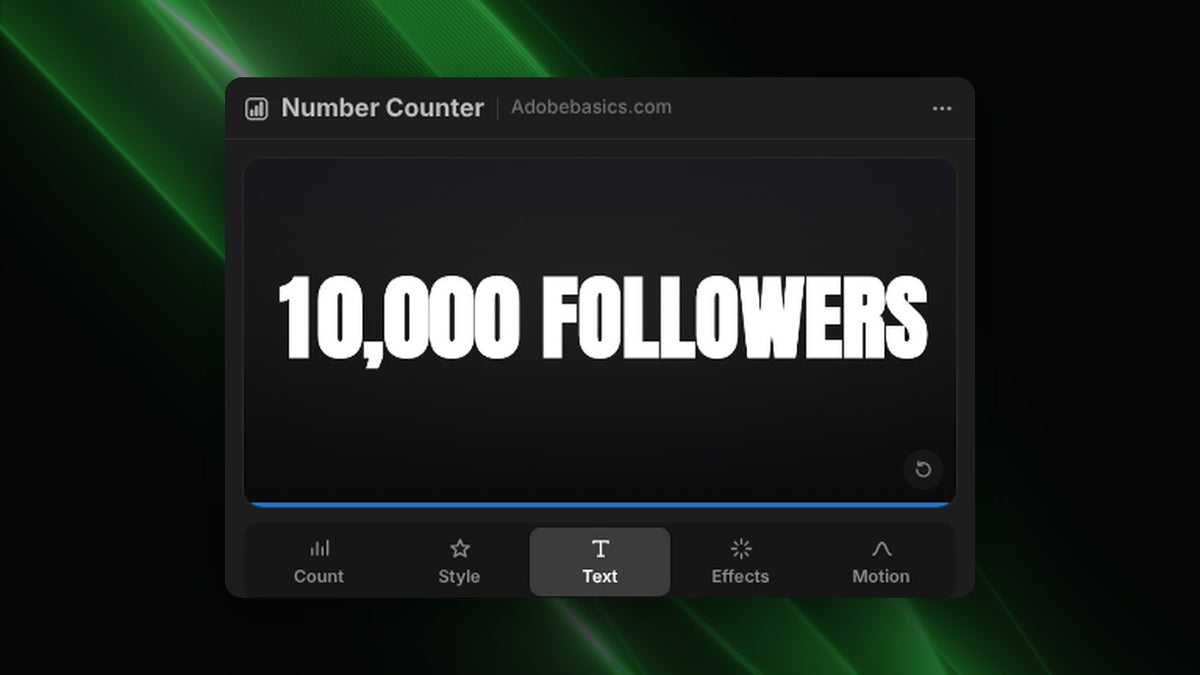
Step 1: Type the milestone
Open Window › Extensions › Number Counter. In the Count tab, type where the count starts and ends, like 9,000 to 10,000 for a milestone, or 0 to 10,000 for the full climb.
Step 2: Add the word after the number
Click Followers, Views or Likes, or type your own text in the After field, like "subscribers". Click K or M for short counts like 10K.
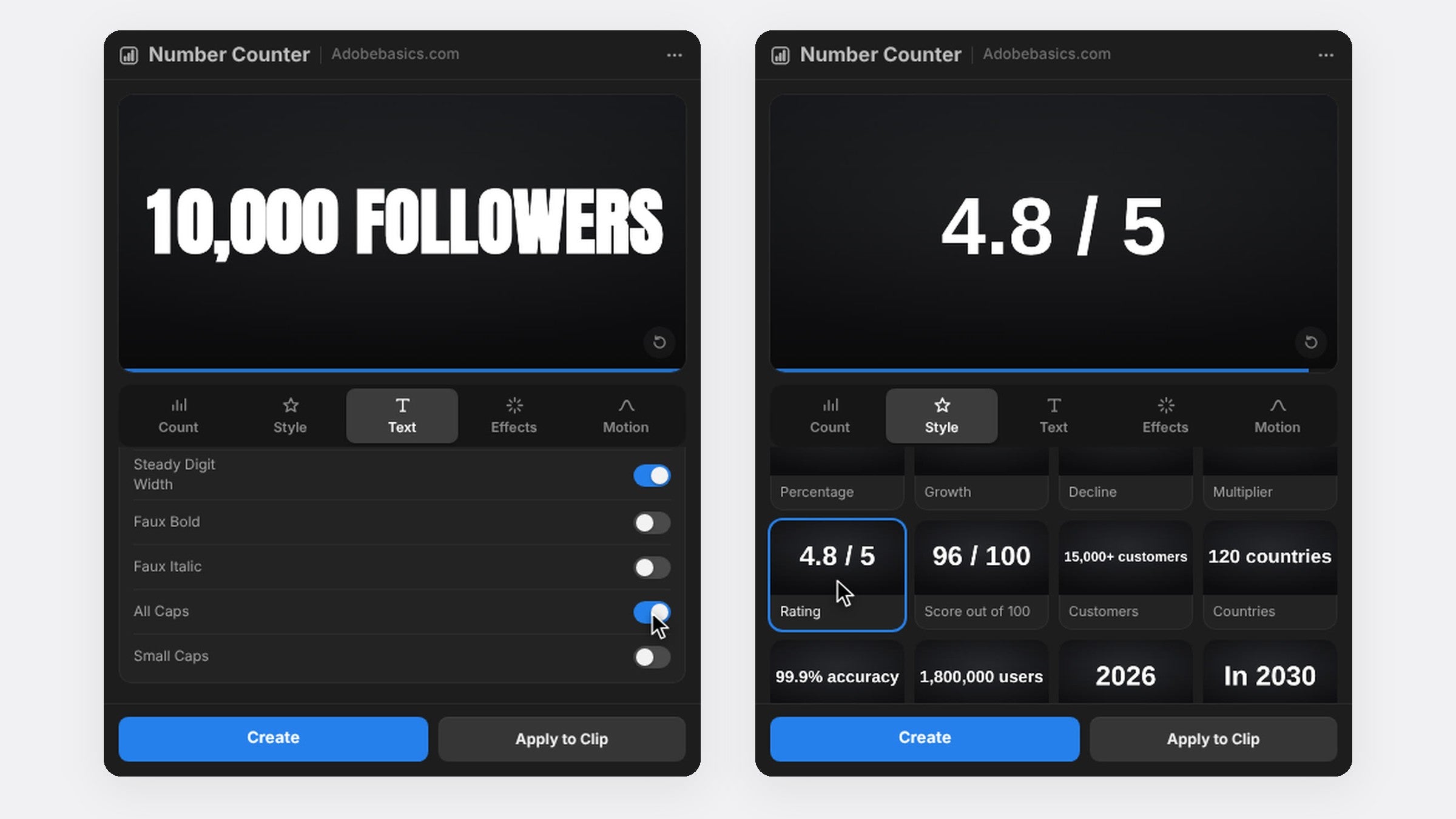
Step 3: Match your channel's font
In the Text tab, pick any font installed on your computer, set the size and turn on All Caps for a bold headline look. Faux bold and tracking help the number read at a glance on a phone.
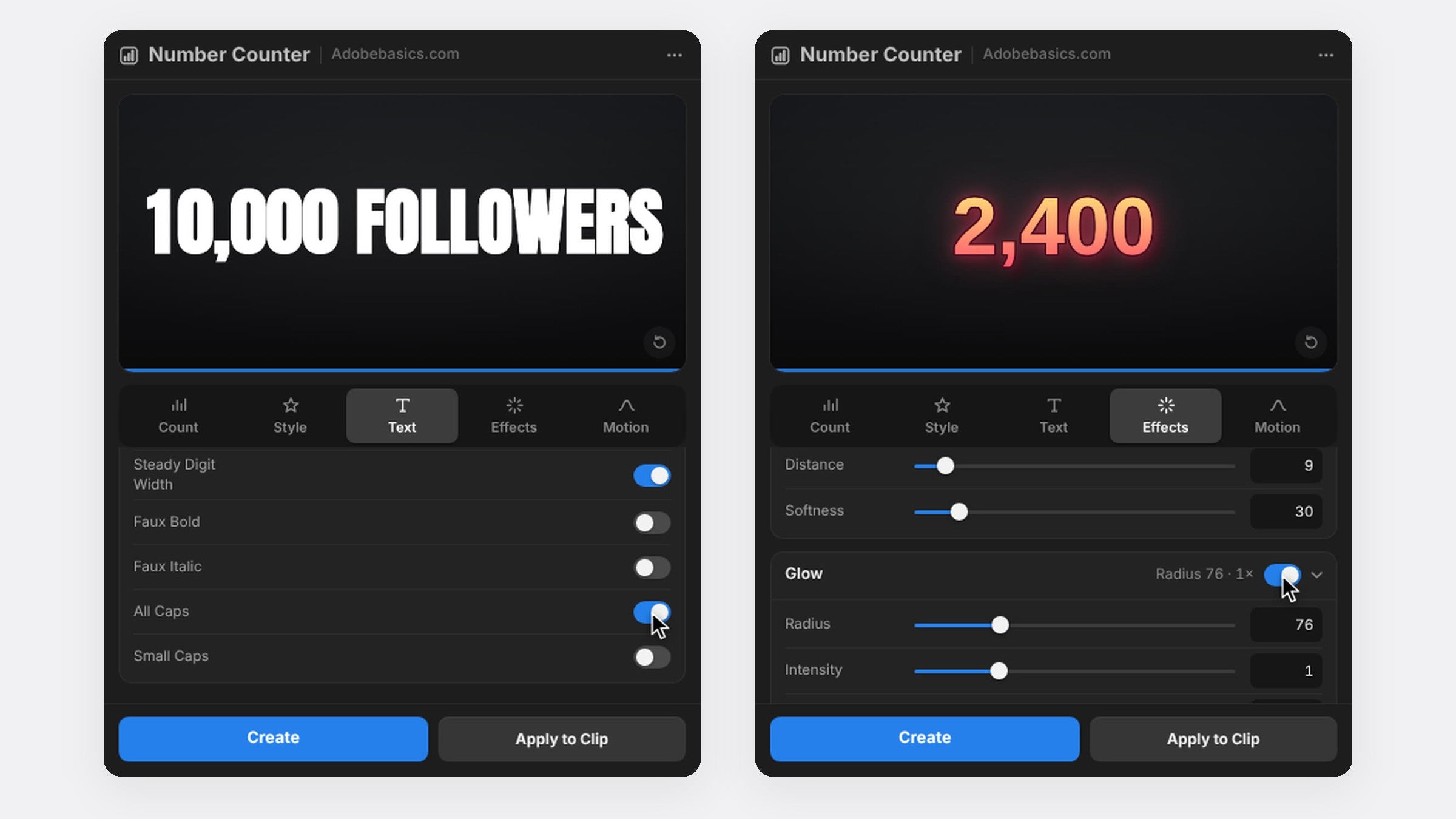
Step 4: Make it pop
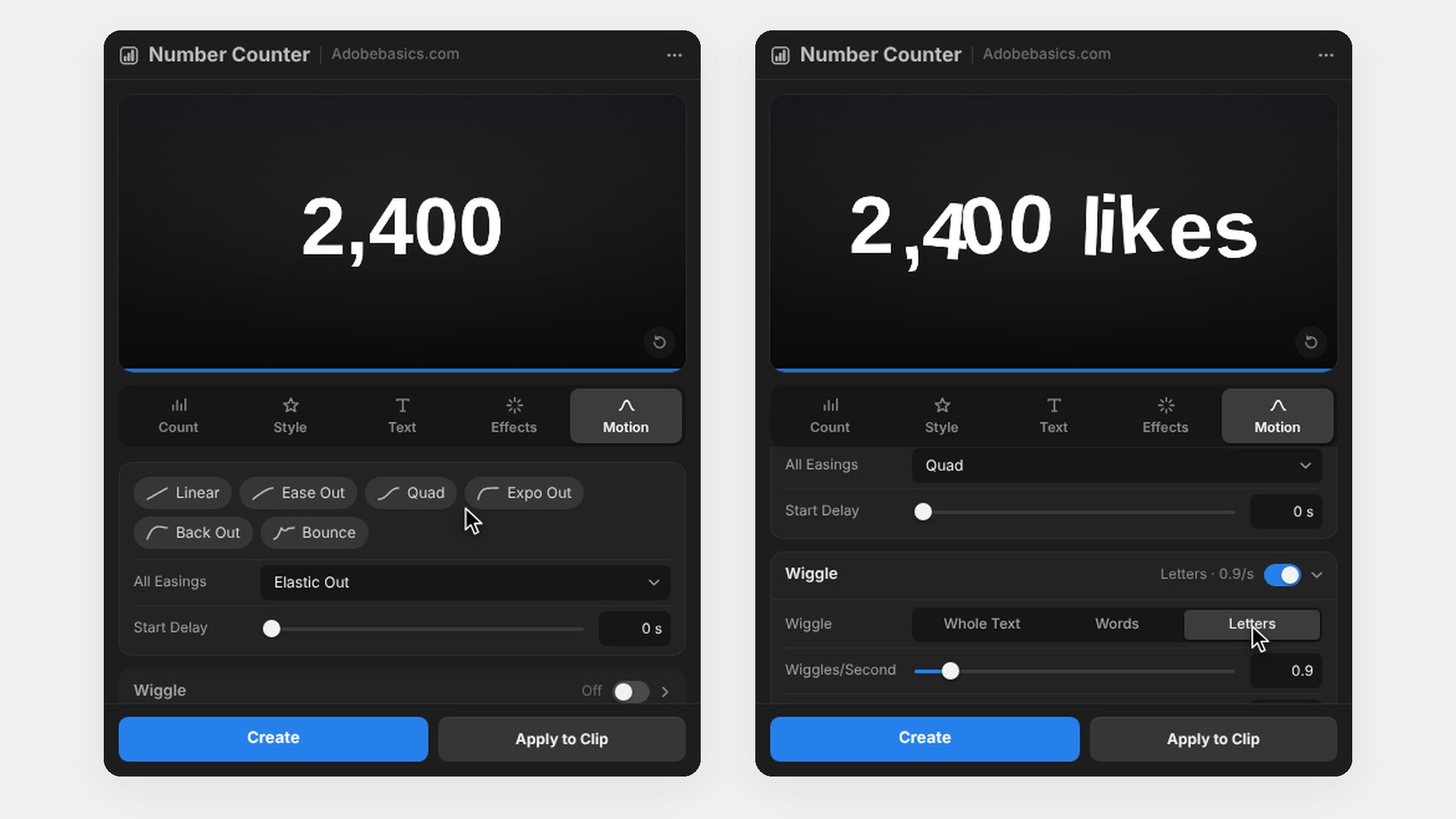
Switch on a stroke and a soft shadow so the count stands out over busy footage. For a playful feel, set Wiggle to Letters in the Motion tab, so each letter drifts on its own.
Step 5: Put it over your clip
Select your clip and press Apply to Clip to draw the count right over the footage. With Pro, the Social templates set the numbers, the text and the format for you in one click.
FAQ
How do I make a YouTube subscriber count animation?
Count from your old number to your new one, add "subscribers" after it and ease the end with Expo Out.
Can I use it for Instagram and TikTok followers too?
Yes. Click Followers or Likes to add the word, and use a vertical sequence for Reels and TikTok.
Ready to celebrate your next milestone? Get Number Counter for Premiere Pro.