

 by
by 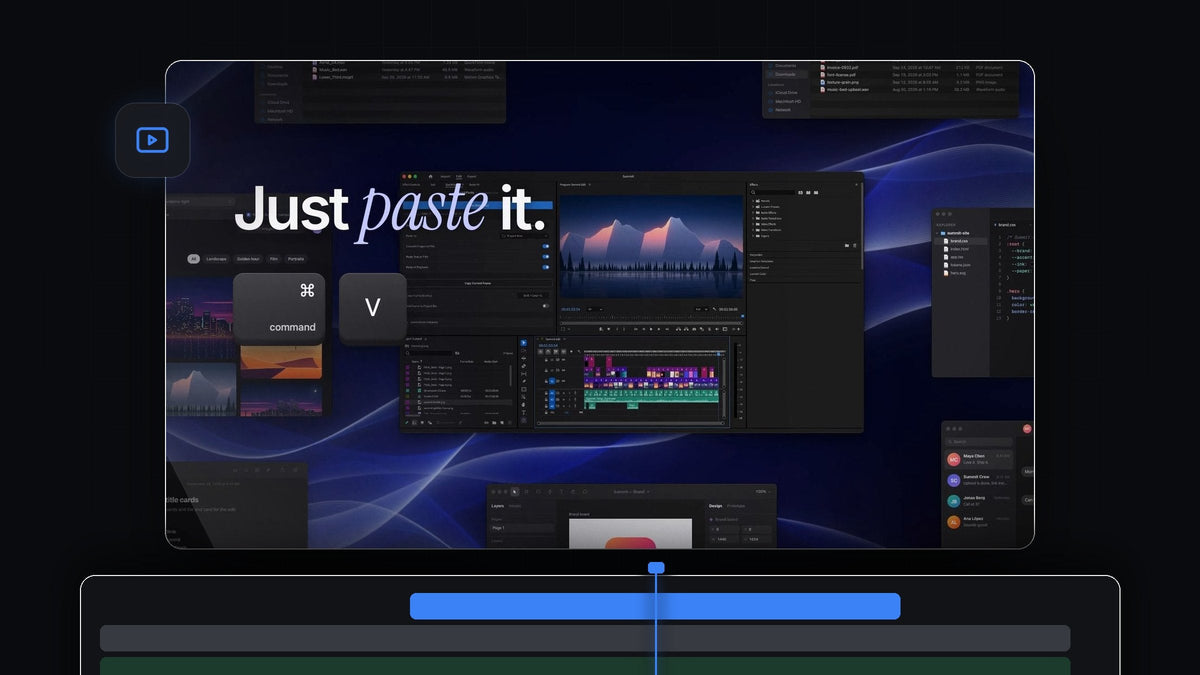
The short answer
Looking for a Watchtower alternative for Premiere Pro? QuickPaste gets new images, screenshots and files into your project without the Import dialog: copy them, press Cmd + V (Ctrl + V on Windows), and they land in the bin you choose.
It works on Mac and Windows, with Premiere Pro 2021 to 2026, and it uses the paste shortcut your hands already know.
Watch the intro
A project that fills itself, one paste at a time
Busy edits never stop receiving media. A screenshot for a tutorial, a photo from the client, a new music cue, a fresh export from the motion designer. The usual routine is the same every time: open Import, find the folder, find the file, confirm, then sort it into a bin.
QuickPaste shortens that routine to two keys. You copy the file or image where you found it, paste in Premiere Pro, and it is already sorted into the bin you set up. Media keeps flowing in while your project stays organized.
Step 1: Install and dock the panel
Download QuickPaste right after checkout, or from the link in your email, and run the guided installer for Mac or Windows. It sets up the QuickPaste app and the Premiere Pro plugin for you.
In Premiere Pro you will find the QuickPaste panel next to your other panels. You only need it for setup. Pasting works from anywhere in Premiere Pro, with the panel open or closed.

Step 2: Choose where pasted media lands
Open the Paste To menu in the panel. Pasted files can go into their own bin, into a bin you pick, or into the project root. Pick a bin like Incoming or Screenshots and every paste from now on is filed there automatically.
If you start every edit from the same structure, combine this with a well-organized, shareable project so new media always has an obvious home.
Step 3: Paste a whole folder's worth at once
Select the new files in Finder or File Explorer, press Cmd + C, switch to Premiere Pro and press Cmd + V. Six files take the same two keys as one.
Images are converted to clean PNGs on the way in, whatever format they started in. Photoshop, Illustrator, After Effects and MOGRT files, video and audio come in untouched, as the real file.

Step 4: Decide if pastes hit the timeline too
Sometimes you only want media in the bin. Sometimes you are building the cut and want it on the timeline right away. The Paste at Playhead switch decides.
Turn it on and every paste is also placed on your timeline at the playhead, with several files laid end to end in order. Turn it off and everything waits quietly in your bin. It is great for building a photo slideshow from a folder of pictures.

Built to stay out of your way
- Nothing new to learn. Cmd + V on a Mac, Ctrl + V on Windows. No extra button, no extra window.
- Organized by default. Every paste goes to the bin you chose, so incoming media never piles up in the wrong place.
- Images from anywhere. Screenshots, photos and pictures from a web page. Copy an image online and paste, and QuickPaste saves it for you.
- Your shortcuts. Record your own paste shortcut, and reset it to the default in one click.
- Always up to date. $24.99 one-time, with lifetime access and free updates that install automatically.
Want every setting explained? Our complete QuickPaste guide covers them all, and our guide to pasting everything into Premiere Pro walks through every kind of file.
FAQ
What is the best Watchtower alternative for Premiere Pro?
QuickPaste. Copy new files, images or screenshots and paste them into Premiere Pro with your normal shortcut. They land in the bin you choose, with no Import dialog.
Can pasted files go into a specific bin?
Yes. In the QuickPaste panel, set Paste To to its own bin, any bin you pick, or the project root.
Do I have to keep the QuickPaste panel open?
No. Once it is set up, you can paste from anywhere in Premiere Pro without clicking into the panel first.
Can I paste many files in one go?
Yes. Copy a whole selection of files and paste once. With Paste at Playhead on, they are also laid end to end on your timeline.
Which Premiere Pro versions are supported?
Premiere Pro 2021 to 2026, on macOS and Windows.
Stop importing, start pasting. Get QuickPaste for Premiere Pro.



