

Premiere Pro Tutorials

Step-by-step Premiere Pro tutorials with screenshots, from text effects to transitions and audio.

Distorted glitch effect with color fringing and pixel blocks over a basketball hoop and a smeared figure

How to Make a Glitch Effect in Premiere Pro

Misty forest still frame shown in the Premiere Pro Program Monitor

How to Take a Screenshot in Premiere Pro

Northern lights over mountains from the EaseFlow launch film, an eased shot for Premiere Pro 2025

Best Easing Plugin for Premiere Pro 2025
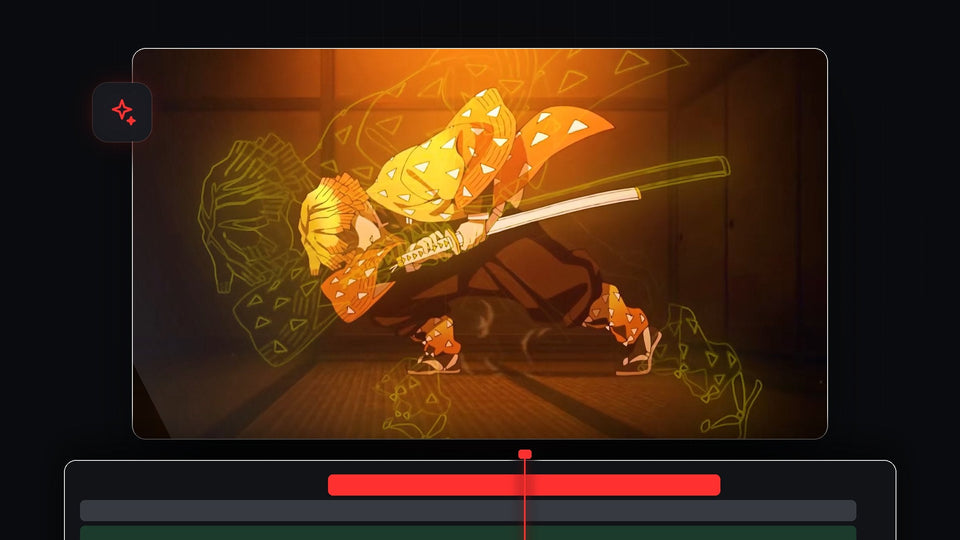
Anime swordsman with a glowing yellow outline pulsing around him, made in Premiere Pro

How to Make a Glowing Outline Effect in Premiere Pro

Lowpass Cutoff keyframes drawn on a green audio clip in the Premiere Pro timeline

How to Make an Underwater Sound Effect in Premiere Pro
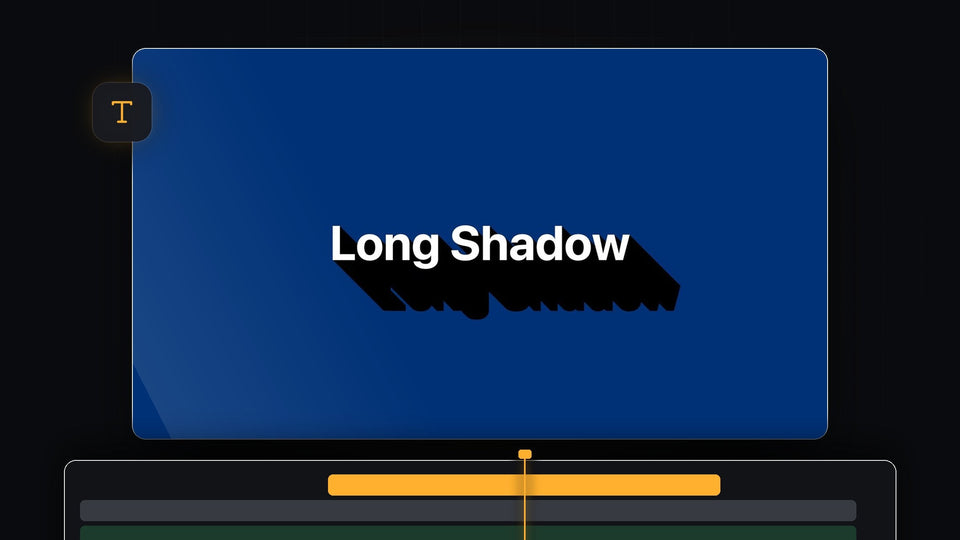
White text with a long black shadow on a blue background in Premiere Pro

How to Add a Long Shadow in Premiere Pro

Six copied files, PSD, AI, AEP, MOV, WAV and MOGRT, on the clipboard above an empty Premiere Pro timeline, ready to paste with Cmd V

Best PasteX Alternative for Premiere Pro: QuickPaste
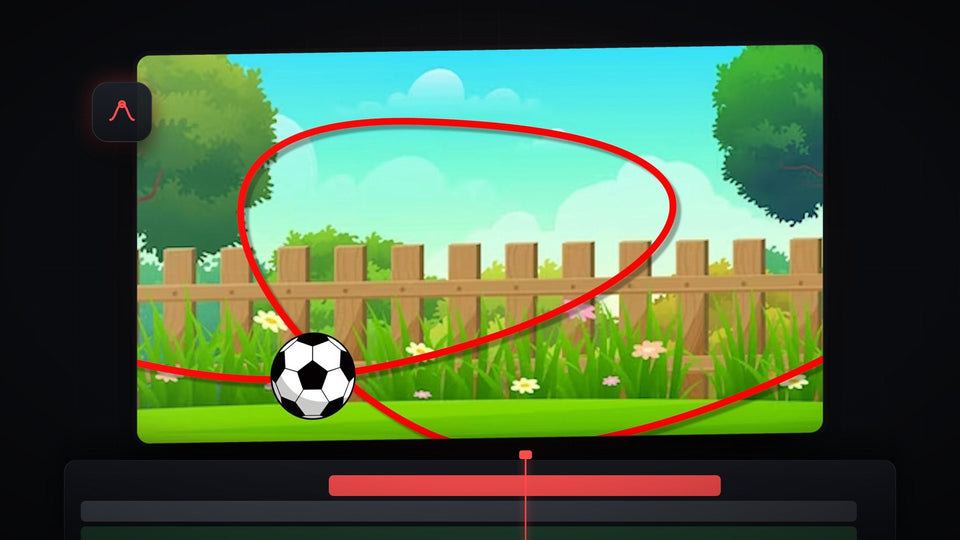
Football flying along a red curved path over a cartoon garden, an object animated along a path in Premiere Pro

How to Move an Object Along a Path in Premiere Pro

Close-up of a gold watch with a bright sparkle glint across its green dial

How to Make a Sparkle Shine Effect in Premiere Pro

Woman sitting on a sunny beach with warm red halation glow around the highlights in the sand

How to Add Film Halation in Premiere Pro

Warp Stabilizer applied with a BetterFX shortcut in Premiere Pro 2024, shown in Effect Controls and the Program Monitor

Best Effect Search Plugin for Premiere Pro 2024

Drone shot of a sandy beach with turquoise waves, a clip prepared for a speed ramp in Premiere Pro

How to Make a Speed Ramp in Premiere Pro
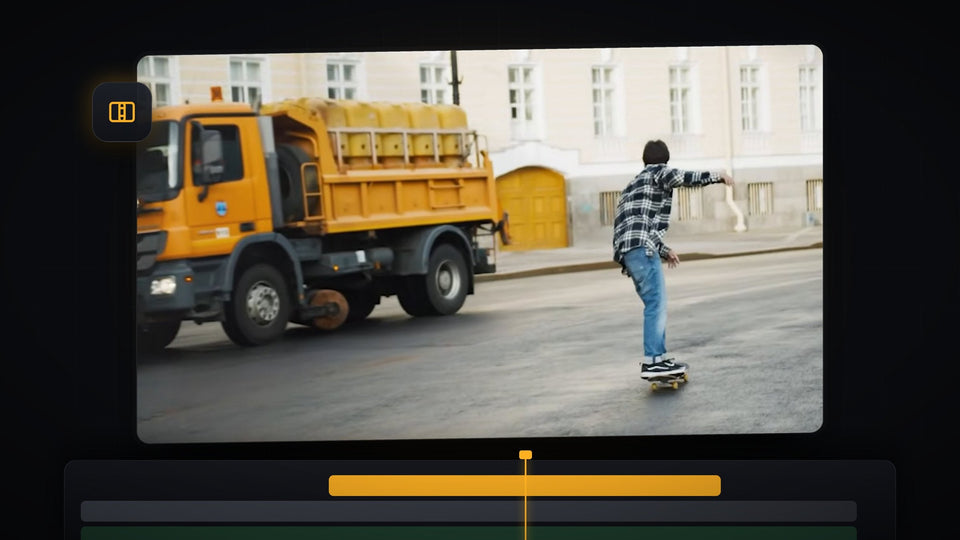
Shake transition in Premiere Pro showing an orange truck and a skateboarder in the Program Monitor mid-transition

How to Add a Shake Transition in Premiere Pro

Cyan hologram text with scan lines and a soft glow in the Premiere Pro Program Monitor

How to Make MrBeast Hologram Text in Premiere Pro

Washed-out bright frame of a photoshoot clip showing the camera flash effect in Premiere Pro

How to Make a MrBeast Camera Flash in Premiere Pro
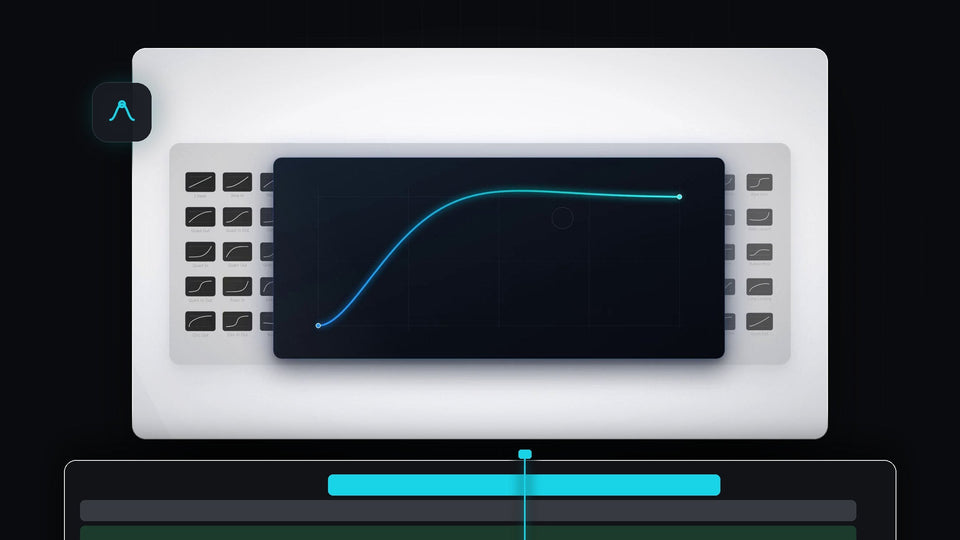
A glowing EaseFlow easing curve on a dark card in front of a grid of easing presets

Best EaseCopy Alternative for Premiere Pro: EaseFlow

Portrait with a fine halftone dot pattern and a blue duotone tint in the Premiere Pro Program Monitor

How to Make a Halftone Pattern Effect in Premiere Pro

Shiny gold text effect with a yellow and orange gradient on a blue background

How to Make Gold Text in Premiere Pro

Group of people with blurred faces in a video edited in Premiere Pro

How to Blur a Face in Premiere Pro (Tracks Automatically)
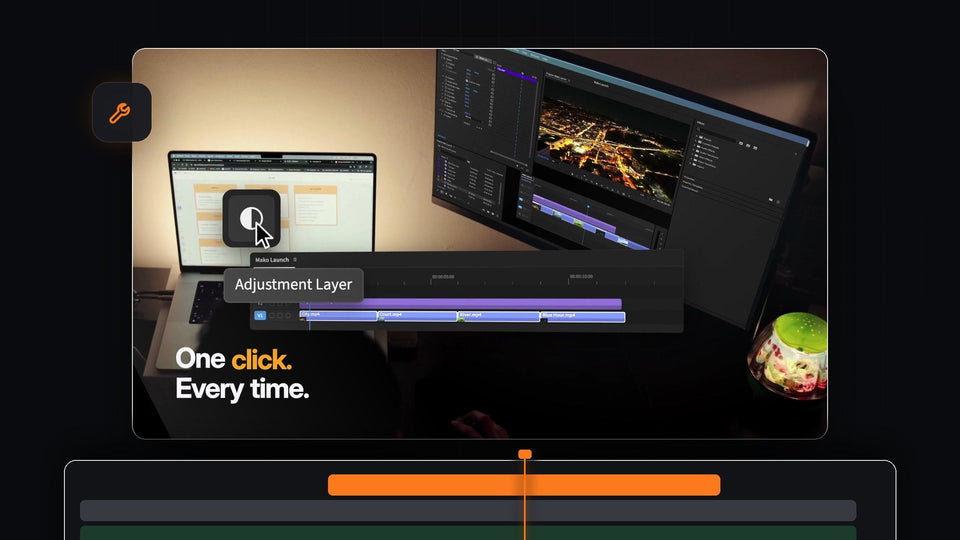
One click on the Mako Adjustment Layer button in Premiere Pro instead of four menu steps

Premiere Pro Adjustment Layer Shortcut: Add One in One Click

Premiere Pro Export tab with H.264 settings and a preview of a forest stream ready to export

How to Export a Video in Premiere Pro

A smaller overlay video of a van and hot air balloons placed over a palm tree sunset beach in the Premiere Pro Program Monitor

How to Overlay Video in Video in Premiere Pro
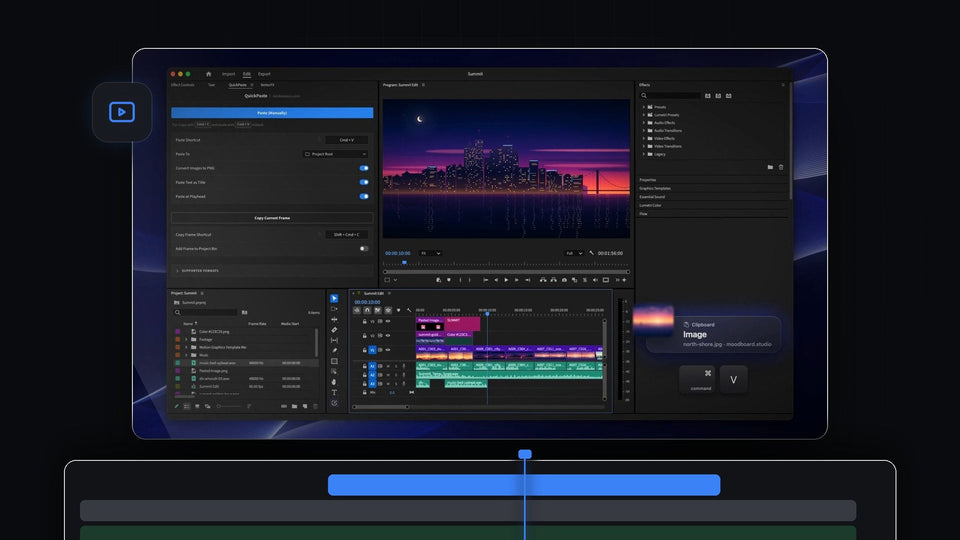
A copied image on the clipboard being pasted into Premiere Pro with Cmd plus V, the QuickPaste panel docked and a city skyline in the Program Monitor

Best imgPaster Alternative for Premiere Pro: QuickPaste

Mountain coastline with a retro VHS effect and soft black borders in Premiere Pro

How to Make an Old VHS Tape Effect in Premiere Pro

A man's face warped by the Twirl effect in Premiere Pro

How to Make a Distorted Face Effect in Premiere Pro