Premiere Pro Tutorials

Step-by-step Premiere Pro tutorials with screenshots, from text effects to transitions and audio.
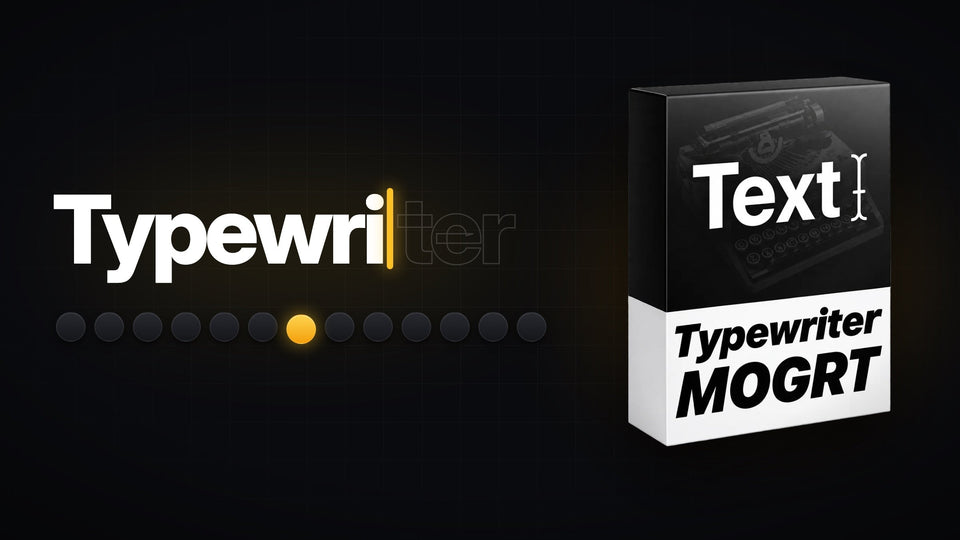
Typewriter text effect revealing a word letter by letter next to the Typewriter template for Premiere Pro

How to Make a Typewriter Text Effect in Premiere Pro
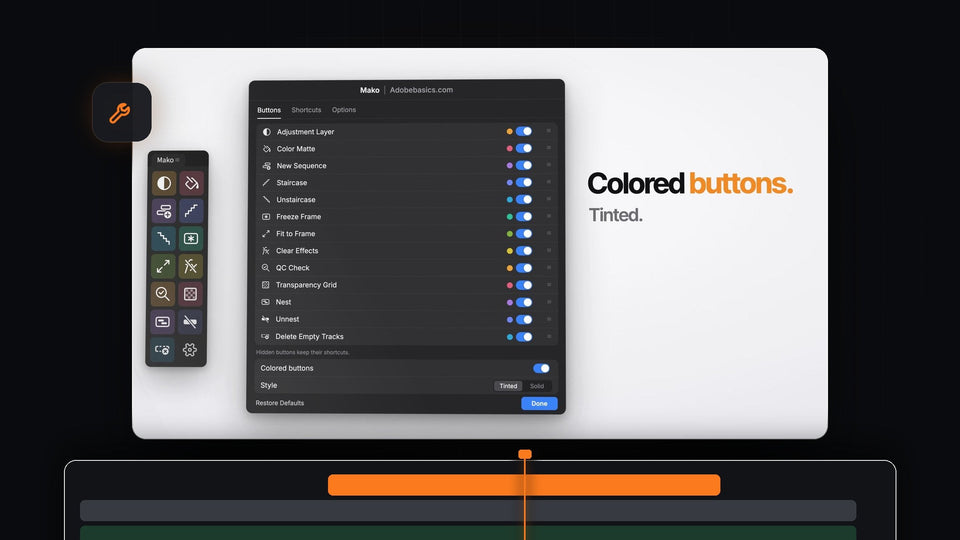
Mako Settings in Premiere Pro with tinted colored buttons and the Buttons tab listing all 13 one-click tools

Best Shortcutter Alternative for Premiere Pro: Mako

A dark cave opening onto a beach, used to show the echo voice effect in Premiere Pro

How to Make an Echo Effect in Premiere Pro

Drift car sliding on a track in a clip being sped up in Premiere Pro

How to Speed Up Clips Perfectly in Premiere Pro

Premiere Pro workspace with a yellow gradient shape in the Program Monitor and Effect Controls open, used to create a preset

How to Make a Preset in Premiere Pro

Mako panel beside a Premiere Pro 2022 timeline with the playhead parked on a longboard shot, ready for a one-click freeze frame

Best Free Panel for Premiere Pro 2022

Mountain landscape smeared by horizontal motion blur in the middle of a whip pan transition

How to Add a Whip Pan Transition in Premiere Pro
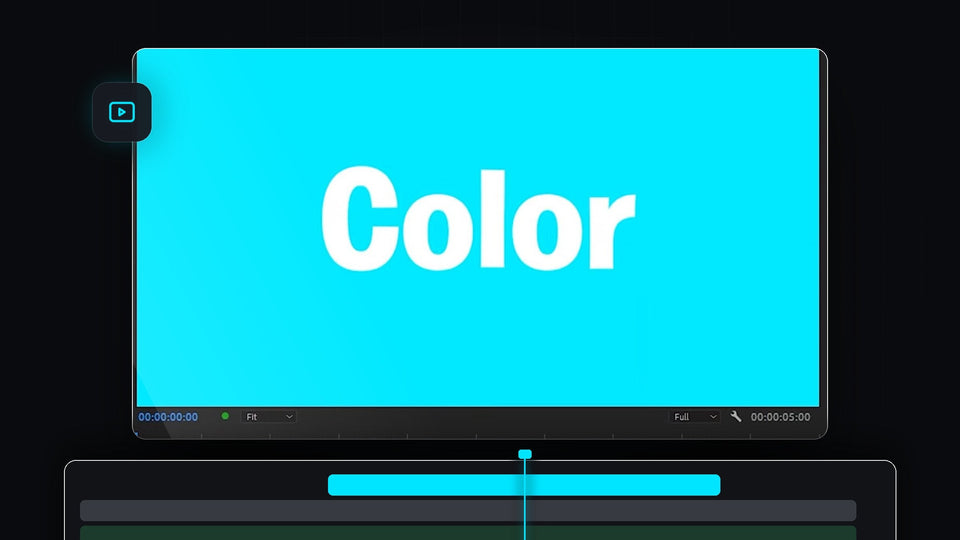
Bright cyan solid background with white text in the Premiere Pro program monitor

How to Make a Solid Background in Premiere Pro

Premiere Pro Program Monitor with a pen mask drawn around a yellow flower, ready to blur

How to Blur Objects in Premiere Pro

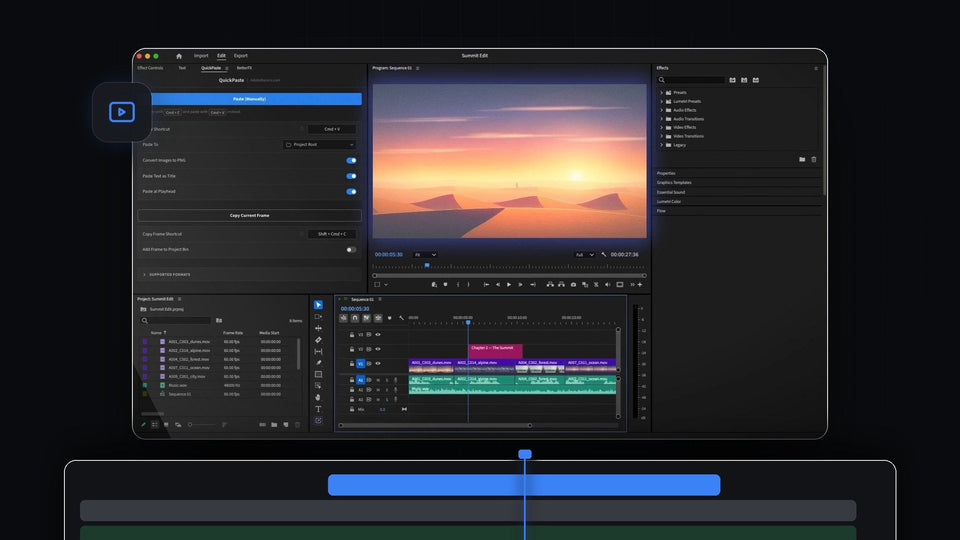
Premiere Pro with the QuickPaste panel open and a pasted desert sunset image in the Program Monitor

Best AutoEdit Image Paster Alternative for Premiere Pro: QuickPaste

Two sheep standing on a green meadow, a still image animated in VOX style in Premiere Pro

How to Animate Images Like VOX in Premiere Pro

Close-up of a man in a dark room framed tightly for a zoom cut effect in Premiere Pro

How to Make a Zoom Cut in Premiere Pro

A water droplet frozen mid-air above rippling water, a freeze frame in Premiere Pro

How to Freeze Frame in Premiere Pro
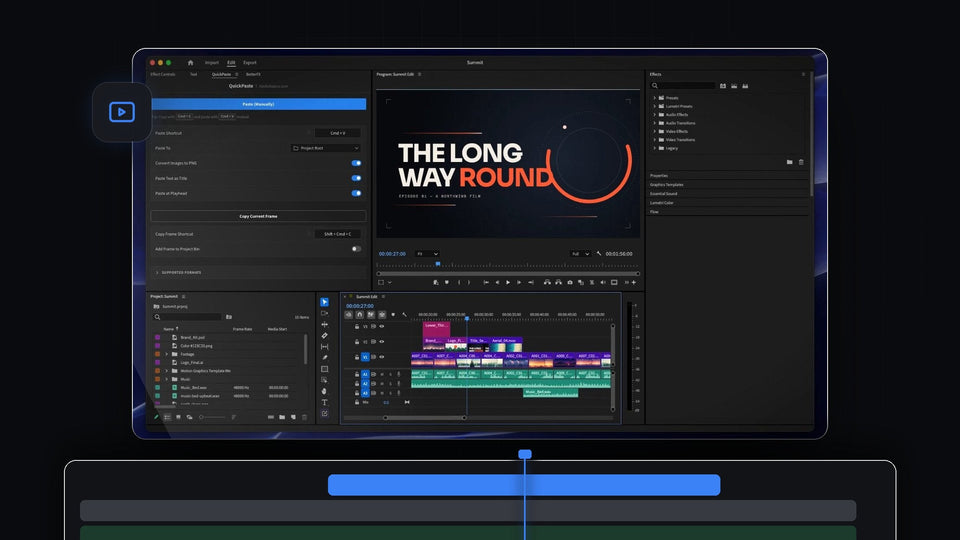
Premiere Pro with the QuickPaste panel open next to a title card and a timeline of pasted files

QuickPaste: Paste Images, Colors and Files Into Premiere Pro

A person with the top of their head floating above and a bright pink shape in its place, made in Premiere Pro

How to Make a Cut Off Head Animation in Premiere Pro

Premiere Pro timeline with a long music clip on Audio 1 and the Remix Tool cursor at its end

How to Make Any Song Any Length in Premiere Pro

Orange sports car on a bright blue background revealed by the paper effect in Premiere Pro

How to Make the Ali Abdaal Paper Effect in Premiere Pro

A white police van with flashing blue and red lights at night used for the shake object effect in Premiere Pro

How to Shake an Object in Premiere Pro
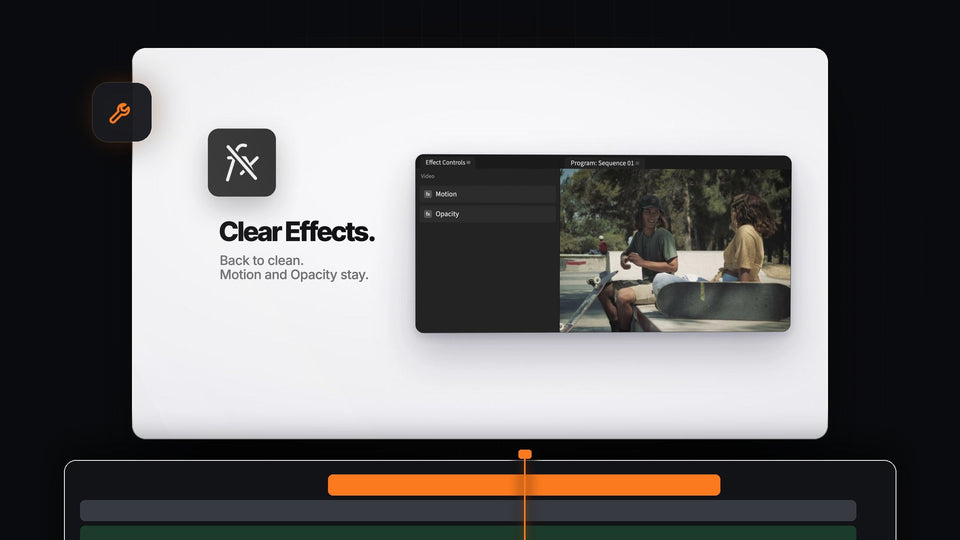
Mako Clear Effects in Premiere Pro: Effect Controls back to only Motion and Opacity next to a clean skate park shot

Best EZEdit Pro Tools Alternative for Premiere Pro: Mako

Before and after split screen of a woman applying makeup, made in Premiere Pro

How to Make a Before vs After Effect in Premiere Pro

Dune buggy on a beach with a VHS REW label and tape glitch lines, a VHS rewind effect made in Premiere Pro

How to Make a VHS Rewind Effect in Premiere Pro

Man lying in bed in a dark, blue-toned cinematic shot used in the Premiere Pro distant audio tutorial

How to Make Audio Sound Distant in Premiere Pro

EaseFlow, BetterFX, QuickPaste and Mako plugin cartridges for Premiere Pro

The Best Premiere Pro Plugins in 2026 (Free and Paid)

Premiere Pro logo icon with a soft bar of blue light sweeping across it in the Program Monitor

How to Make an Icon Shine Effect in Premiere Pro

Video clip with recovered audio waveform below it in the Premiere Pro timeline

How to Find Lost Audio From a Video in Premiere Pro